
7 Free Name Badge Templates & Tools for Events
Create artwork using Terra Tag’s production specifications for accurate sizing, margins and professional printing.





First, a Quick Design Sanity-Check
A great template is the start, but a few small design choices make the difference between looking homemade and looking professional. Based on thousands of real-world events, here are two things to check before you add your names to our free name badge templates:
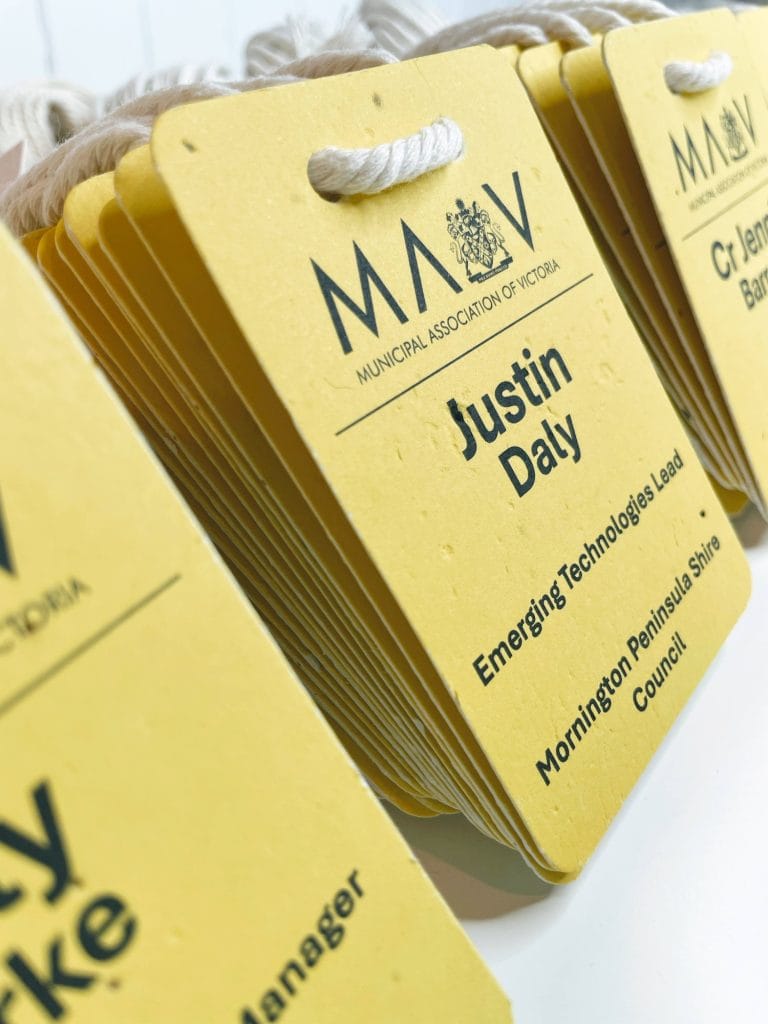
Hierarchy is Everything:
- Make the First Name the hero bold and large (min 36 pt). The attendee’s company or title should be smaller. This simple trick makes networking connections instant and effortless for your guests.
Readability Over ‘Creativity’:
- The number one goal is for a name to be seen from 3 metres away. Stick to one clean, sans-serif font (like Arial, Helvetica, or Calibri). It ensures your badges are functional, not just decorative.
These small tweaks make a huge impact when using templates for name tags. We’ve compiled all our best practices into a focused, practical guide below.
Recognition First Badge Design System
Build better conference badges with the complete design frameworkTM
Badge content is just one part of good badge design. The Recognition First Badge Design SystemTM brings together hierarchy, typography, badge sizes, layouts, accessibility, print production, and workflow into one practical framework for designing conference name badges that work.
Explore the Design SystemFurther Reading for Better Badge Design
Helpful Resources for Sharp, Professional Badge Design
If you’d like to take your name badge design a step further, these trusted guides will help you keep things readable, polished, and print perfect.
• Accessibility Colour Contrast Checker
Ensure text is readable and guest names stand out clearly.
https://www.w3.org/WAI/WCAG21/Techniques/general/G18.html
• Australian Government Digital Style Guide – Typography & Readability
Practical, Australia specific guidance on choosing clear, accessible fonts.
https://www.digitalservice.gov.au/guide/digital-service-standard/understand-user-needs/style-typography/
• Microsoft Guide – Printing Documents Correctly
A simple, reliable walkthrough for avoiding print misalignment or blurry text.
https://support.microsoft.com/en-us/office/print-documents-in-word-2f107737-5605-4a35-9f7b-2b8d6aa3d8ba
• Canva Print Guide – Preparing Files for Print
Useful if your team uses Canva to design badges before exporting for print.
https://www.canva.com/help/print-design-guidelines/
Recognition First Badge Design System™
See the design system put into practice
The Recognition First Badge Design System™ explains the principles behind readable conference badges. Our free Canva badge templates apply those principles using proven layouts, making it easy to customise a professional badge for your event.
Explore the free badge templatesNow, Let’s Print Them Perfectly
You’re one step away from holding a finished badge. But before you hit “Print,” let’s make sure your badges look as good on paper as they do on screen. Here are two essentials for a professional finish:
The Right Paper is Non-Negotiable:
- For a sturdy, premium feel that won’t curl before the event is over, you must use 200–300 gsm cardstock. Standard office paper (80 gsm) will look & feel flimsy, undermining the professional look you’ve just designed.
Run a Single-Page Test:
- Always, always print one page first. This five-second check helps you spot fuzzy logos, colour issues, or alignment errors before you waste ink and paper on hundreds of flawed badges.
Want to Skip the Drama?
Look no further than our seed paper or recycled event name badges. We create stunning custom name badges printed, assembled with lanyards, ordered by your guest list – just open the box & go!