
Recognition First Badge Design SystemTM
Conference name tag design
Design conference name tags people can read from 3 metres. Built from more than 130,000 badges produced for real events.
Trusted by global organisations to connect their people
130k+
Badges
Produced





Updated 5 October 2026
Conference name tag design has one job: help people recognise each other and start a conversation.
The Recognition First Badge Design SystemTM is Terra Tag’s free method for designing conference badges. It comes from producing more than 130,000 name badges for corporate, government, university and research events. Every rule serves one goal: a first name a stranger can read in seconds.
The system in six steps
- 01Choose your badge size: A7 or 3×4 inch for most events, A6 or 4×6 inch for more content.
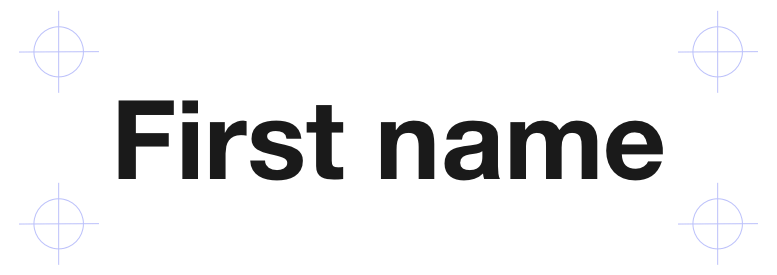
- 02Make the first name the biggest thing on the badge: 38pt, and 32pt at the smallest. The exception is a very long name, which you reduce until it fits.
- 03Use a clear sans serif font. Set the first name in Bold or Extra Bold.
- 04Keep job title and organisation smaller, at 12–14pt.
- 05Keep logos and branding clear of the name.
- 06Print one badge and read it from 3 metres before you print the rest.
Conference name tag design at a glance
| Element | Rule |
|---|---|
| First name | 38pt, 32pt at the smallest. Bold or Extra Bold. Up to 48pt on A6 or 4×6 inch. |
| Last name | About 10pt smaller than the first name, in Medium or Semi Bold. A 38pt first name takes a 28pt last name. |
| Job title and organisation | 12–14pt, in Regular or Medium. Two lines, three at most. |
| Font | Sans serif: DM Sans, Inter, Roboto, Open Sans or Lato. |
| QR code | At least 2 × 2cm, with 6mm of clear space on every side. |
| Sponsor logos | One at most on the front of an A7 badge, smaller than the host logo. |
| Badge size | A7 (74 × 105mm) or 3×4 inch for most conferences and events. |
| Larger badge | A6 (105 × 148mm) or 4×6 inch for more content on the front. |
| Reading distance | 3 metres. Test one printed badge before you print the rest. |
Based on more than 130,000 badges produced and 170+ designs analysed.
Why conference name tag design fails
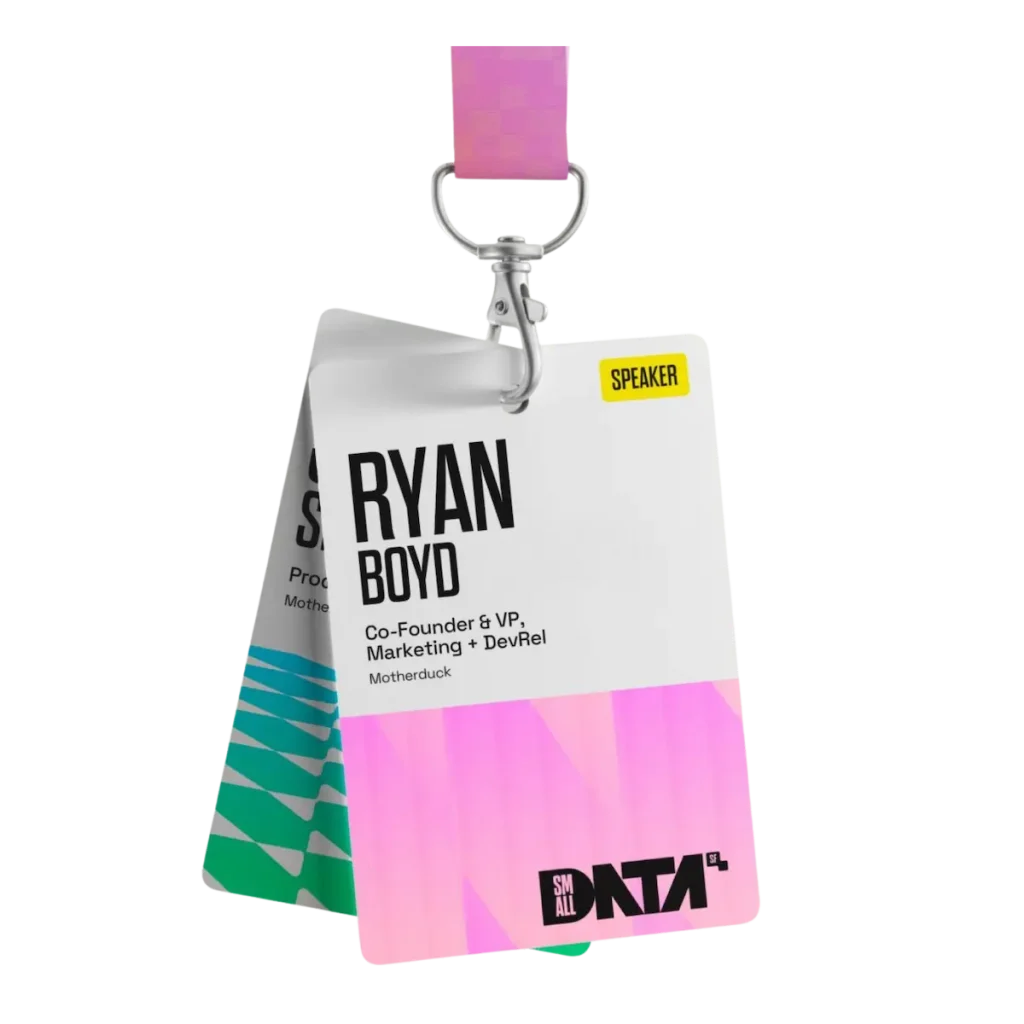
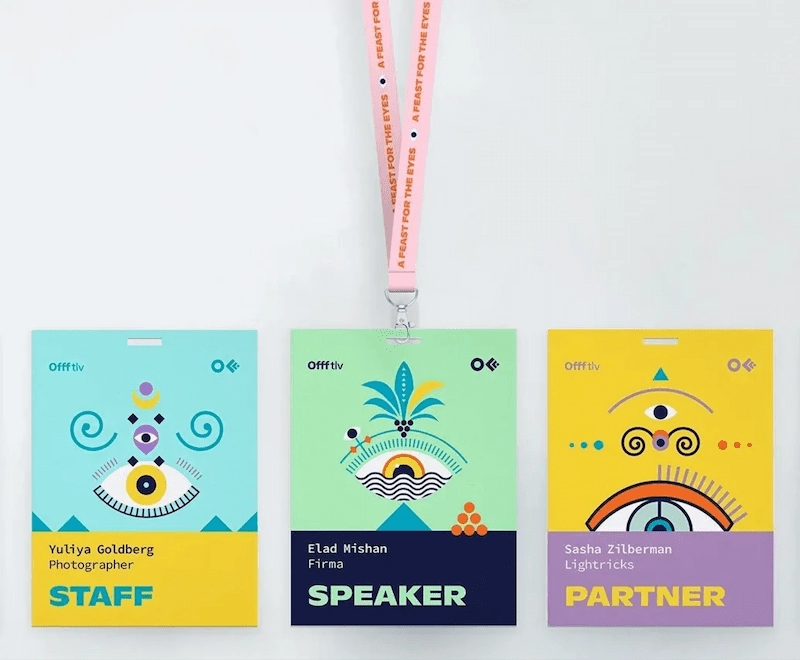
If people have to step closer to read a first name, the badge has failed. Most conference badges fail for one of three reasons.
- 01Designed for the screen, not the room. A layout can look polished on screen and still fail on a lanyard. Badges are read in seconds, on the move, from a distance.
- 02Too much competing for space. Sponsors, branding and extra details all push for room. Without clear rules, the name loses.
- 03No clear order. When everything has the same weight, nothing stands out. People can’t tell what to read first.
The test is simple: can a stranger read the first name in under five seconds, from 3 metres away? 3 metres is a normal conversation distance. A name that reads from there also works for people with weaker eyesight.
How to design conference badges: the four-layer hierarchy
What should a conference badge include? Four kinds of content: a name, some context, the event’s identity and sometimes something practical. Good conference badge design gives each one a place and a size, so the name always leads.
The system is built from analysis of 170+ professional badge designs and the production of more than 130,000 badges.
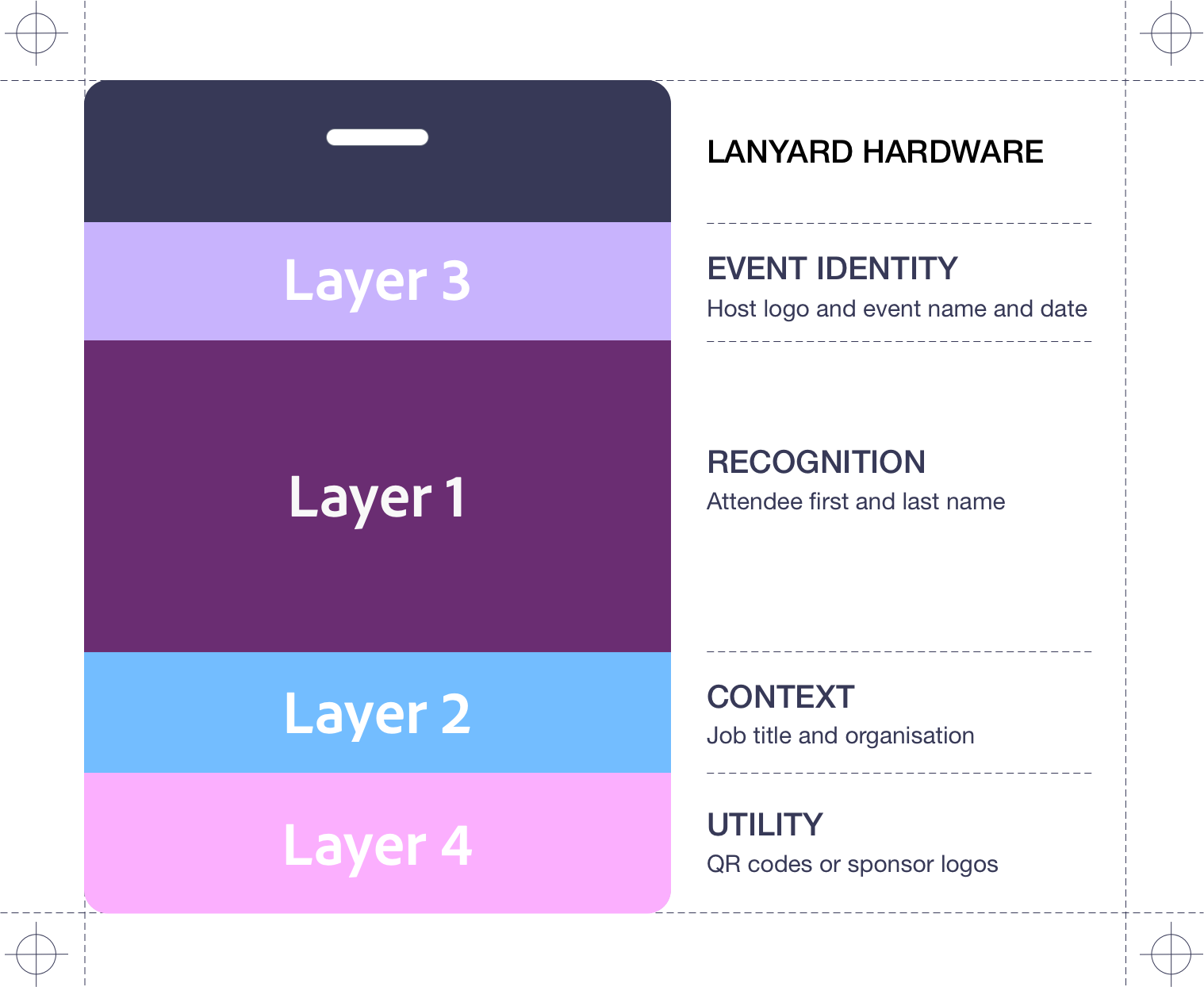
Layers can move. Their sizes don’t.
Event identity can sit at the top, the side or the bottom of the badge. QR codes and sponsor logos can move to the back. Wherever a layer sits, it keeps its size, and the first name stays the biggest, boldest thing on the badge.
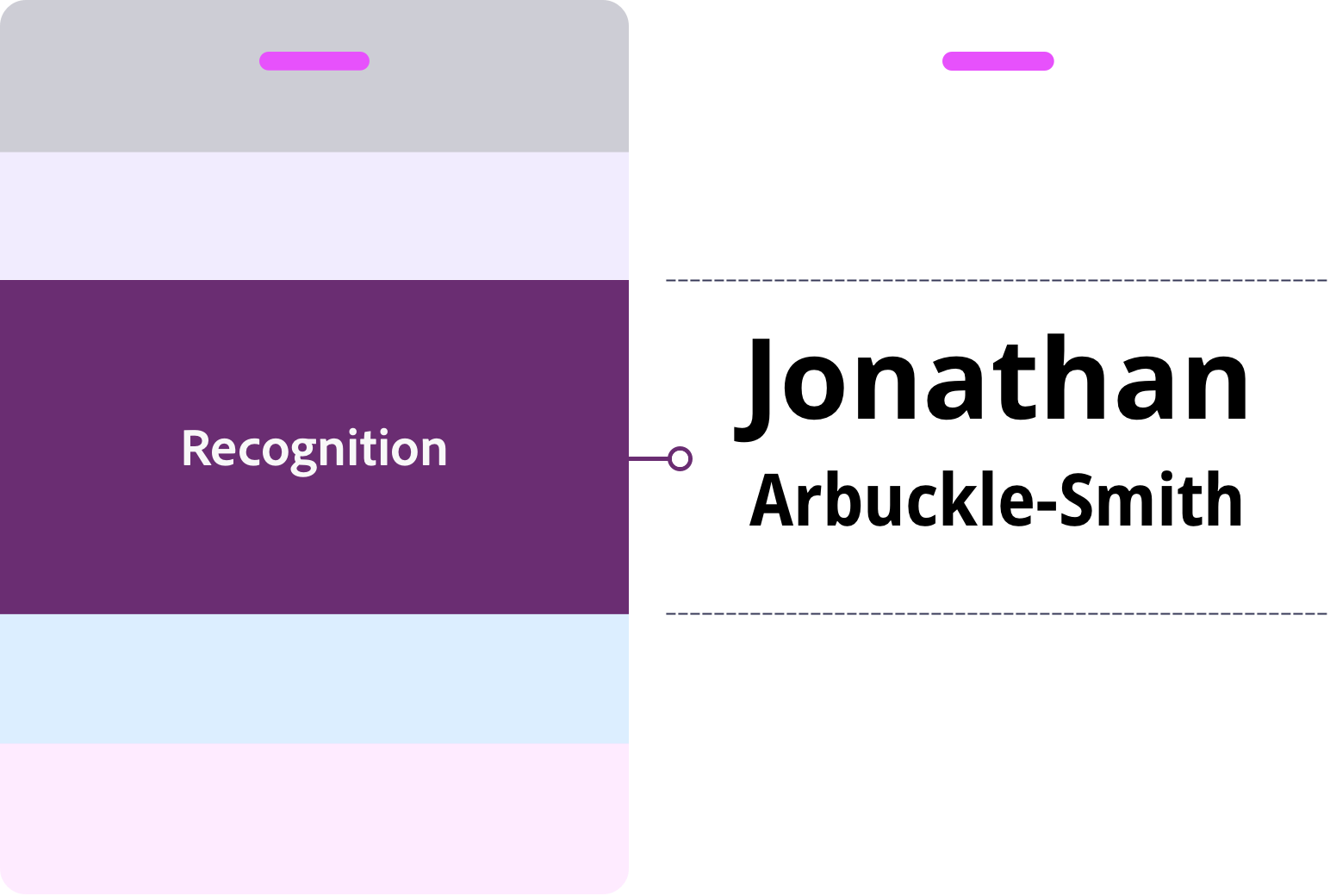
Dominant
Layer 1: Recognition (first and last name)
People look for a name before anything else. If it can’t be read instantly, the conversation slows.
What goes here
- First name
- Last name
What to do
- 01First name: Bold or Extra Bold.
- 02Last name: Medium or Semi Bold, about 10pt smaller than the first name. For example, a 38pt first name takes a 28pt last name.
- 03First name: aim for 38pt, and 32pt at the smallest. The exception is a very long name. Reduce it until it fits, or if it’s hyphenated, break it onto two lines at the hyphen. On A6 or 4×6 you can go up to 48pt. If most names won’t fit, cut secondary content or move to a larger badge.
- 04Keep clear space around the name. Nothing crowds it.
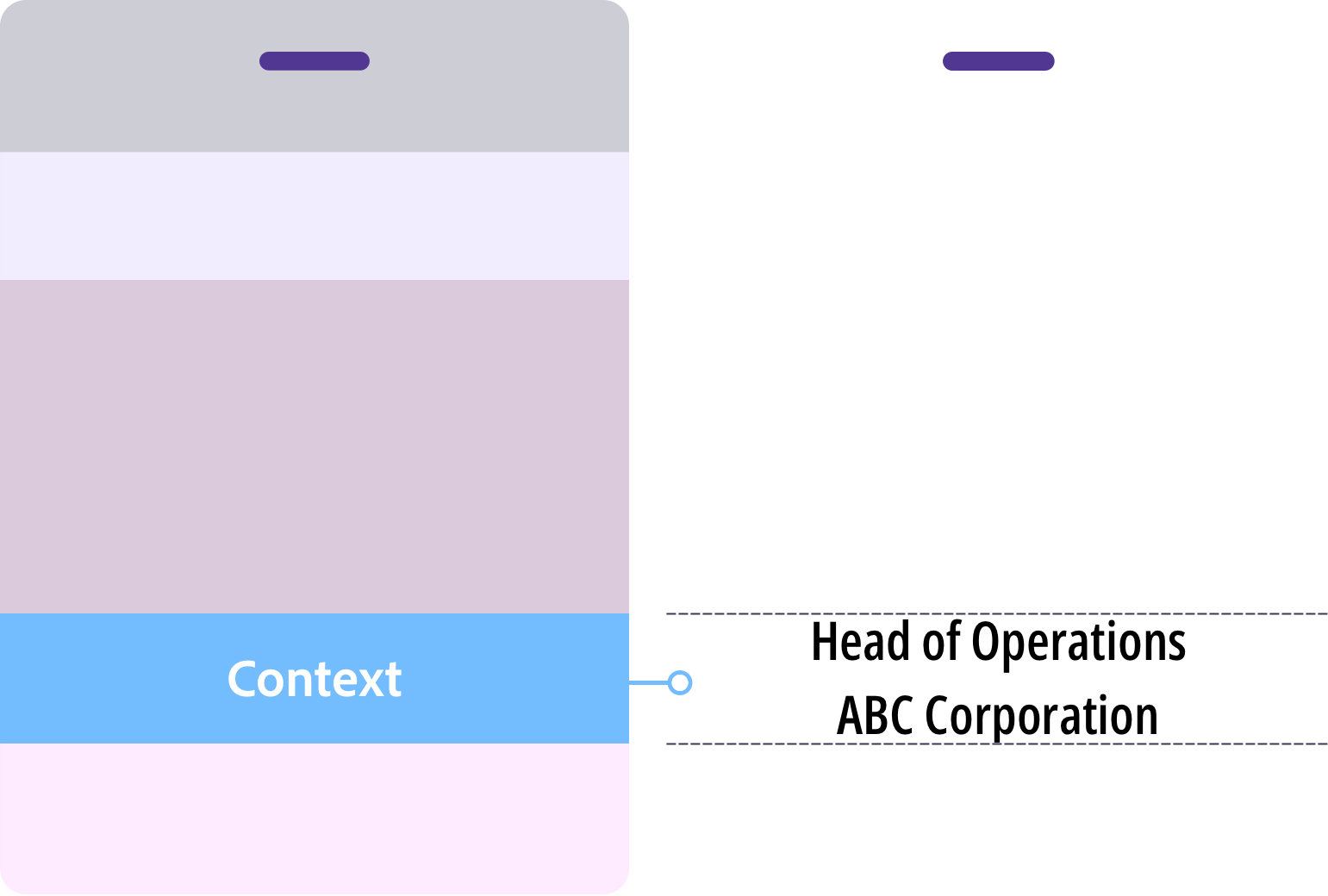
Supporting
Layer 2: Context (job title and organisation)
Context answers the next question: who is this person, and who are they with? It’s the layer most often overloaded.
What goes here
- Job title
- Organisation
- Pronouns (optional)
What to do
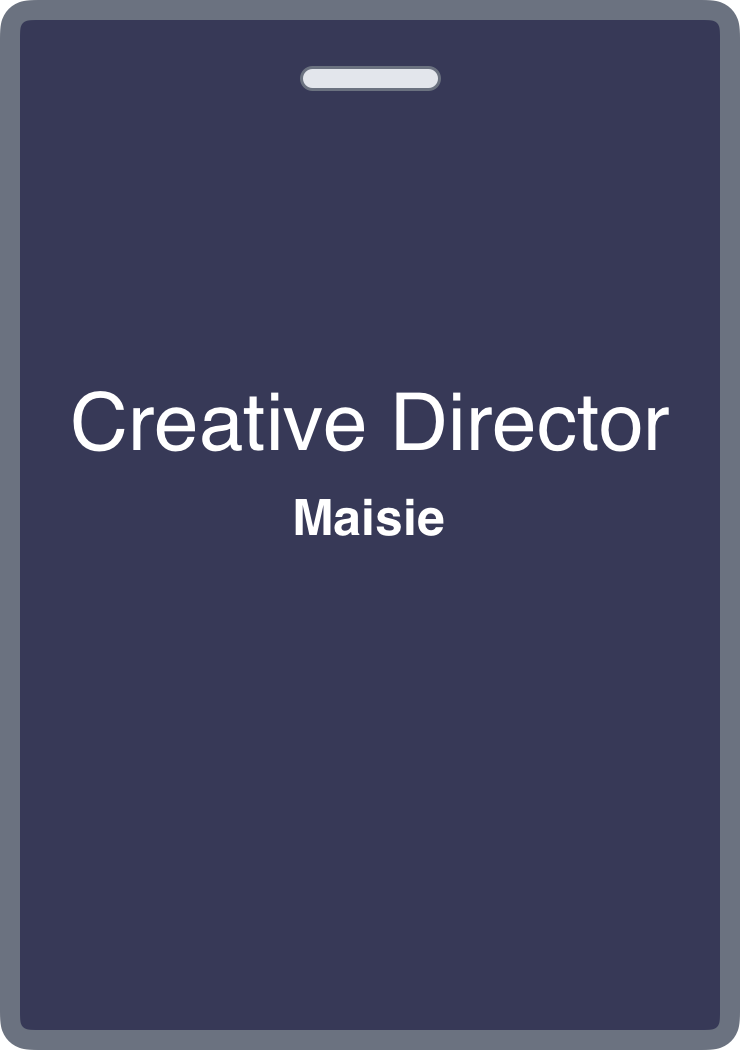
- 01Use 12–14pt at Regular or Medium weight, lighter than the name.
- 02Put job title first, then organisation. Reverse it only when the organisation matters more.
- 03Aim for two lines: job title on one, organisation on the other. If it runs past three, edit it down or move to a larger badge.
- 04Leave out department names, social handles and membership tiers. A badge isn’t a profile.
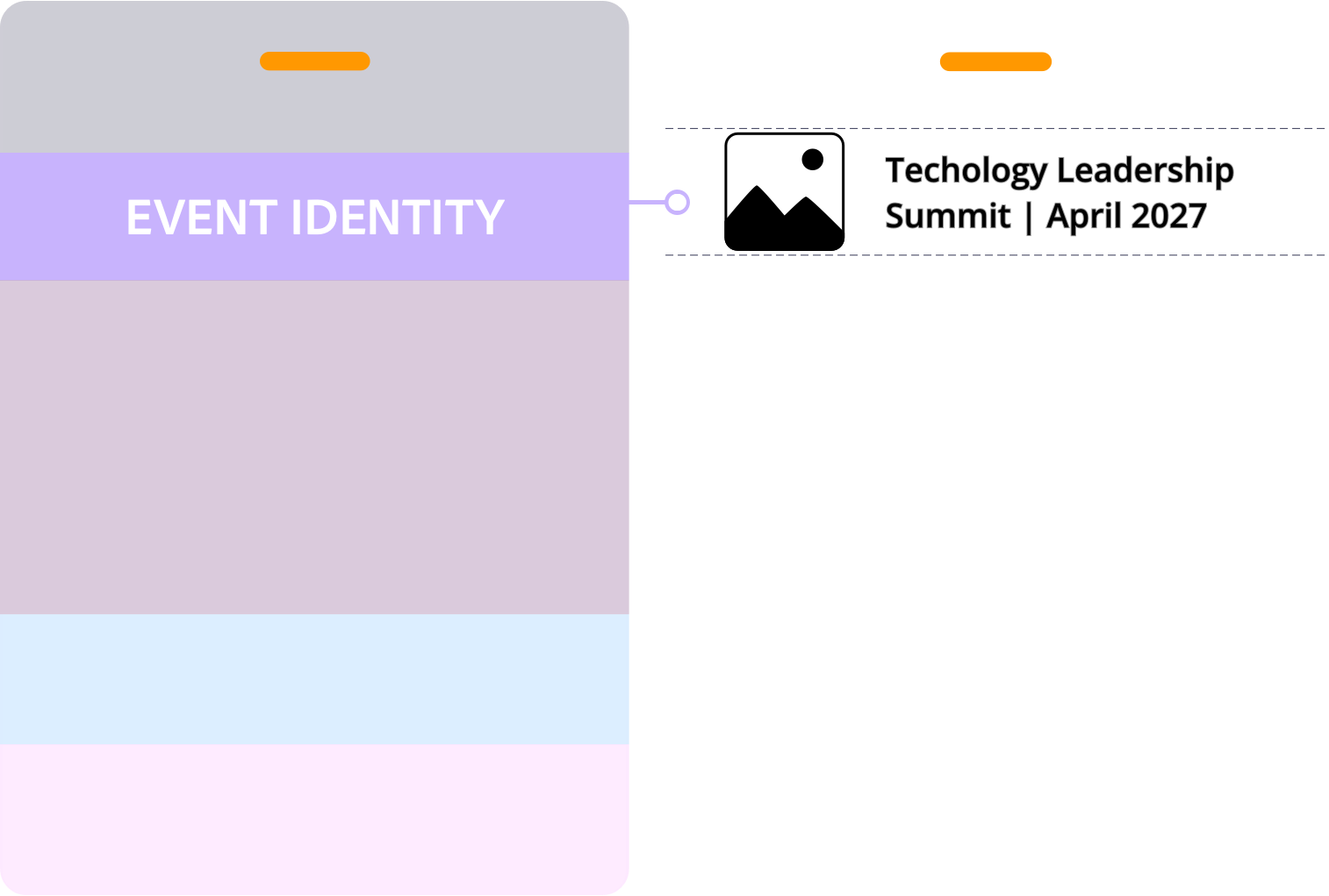
Framing
Layer 3: Event identity (event name, date, logos and branding)
Event identity tells people where they are. Branding can be bold, but it frames the badge. It never leads it.
What goes here
- Event name
- Date
- Host logo
- Tagline or theme
- Brand colours and graphics
What to do
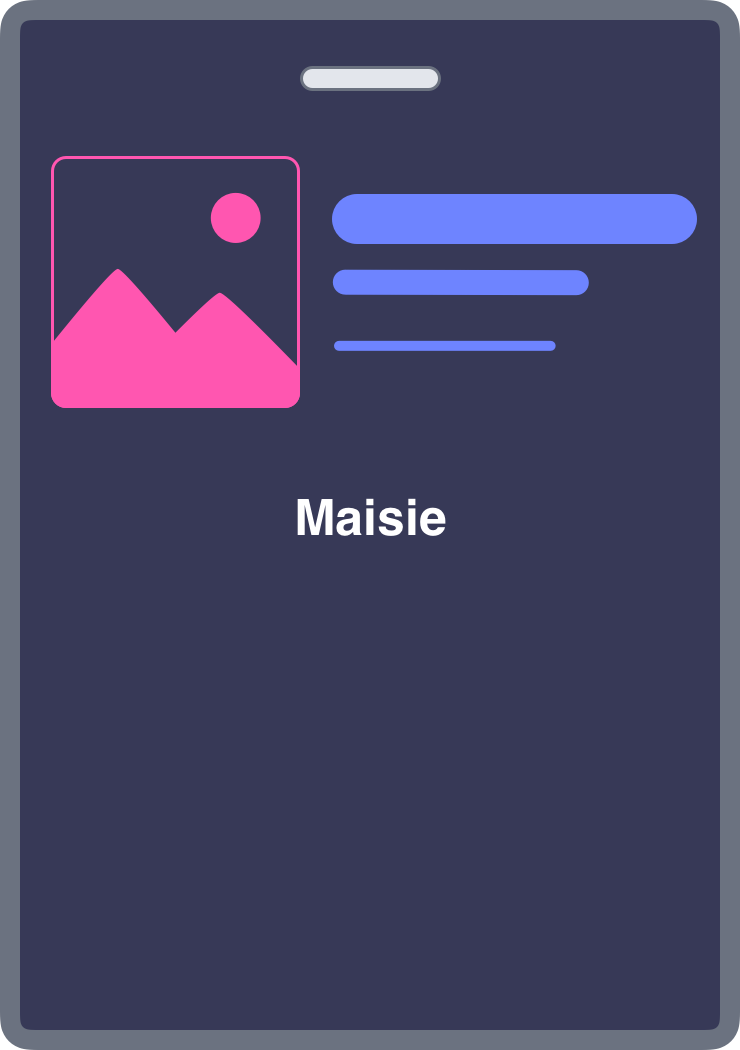
- 01Keep event identity in its own zone, clear of the name.
- 02If your eye goes to the logo before the name, make the logo smaller.
- 03Check the name against its background. If it’s hard to read at a glance, change the colours until it isn’t.
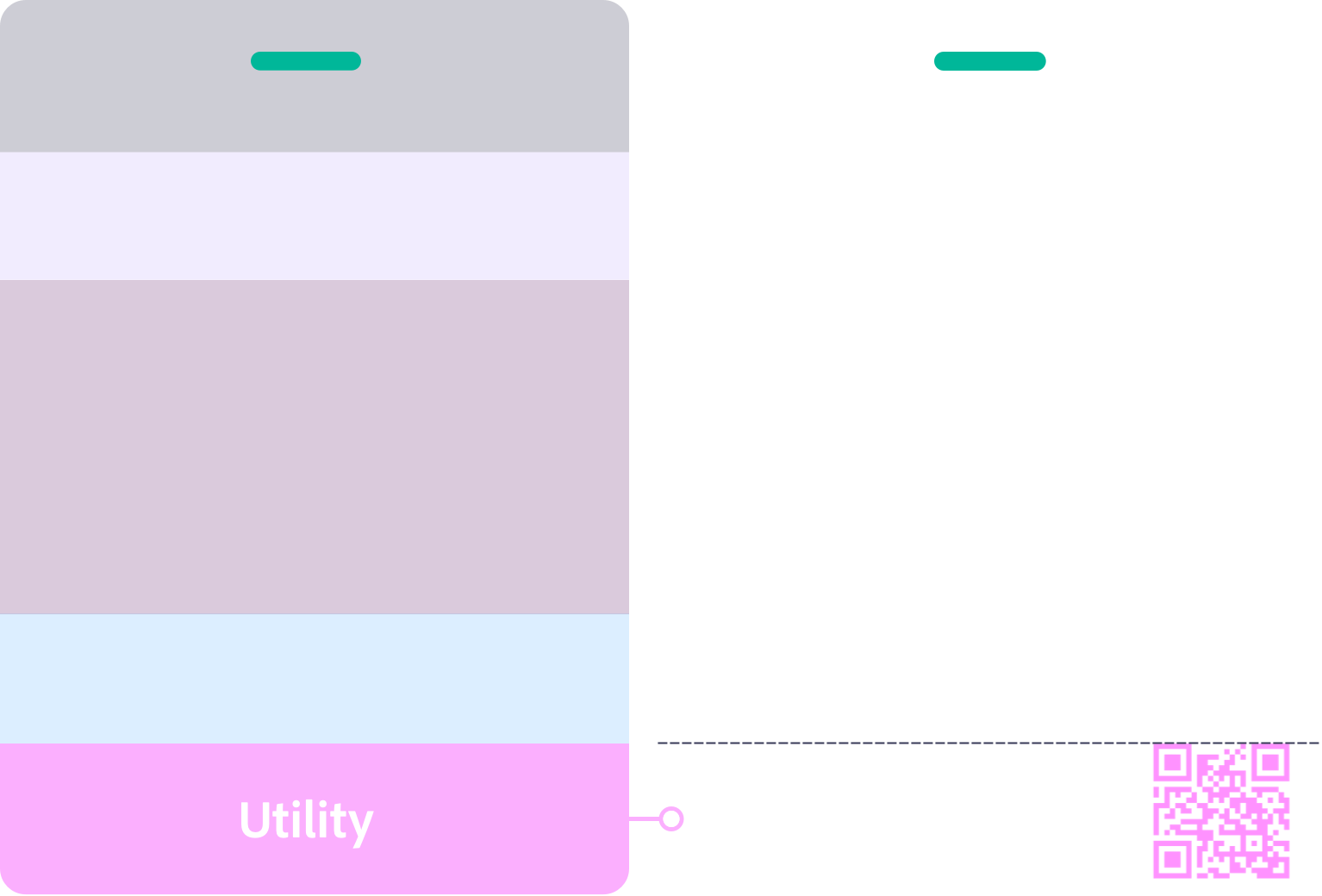
Utility
Layer 4: Utility (QR codes, sponsor logos and WiFi)
Utility adds something practical. Not every badge needs it, and it always stays quiet.
What goes here
- QR codes
- Sponsor logos
- WiFi details
What to do
- 01QR codes: at least 2×2cm, with 6mm of clear space on every side. Link to something attendees will actually use.
- 02One sponsor logo at most on A7. For more, move to A6 or use the back.
- 03Sponsor logos stay smaller than the host logo.
- 04Know where the lanyard or clip attaches before you start, and keep that area clear.
Conference name tag sizes
Start with the smaller size. Move up when the content needs room, never by shrinking the name.
| Size | Measures | Best for |
|---|---|---|
| A7 | 74 × 105mm | Most conferences, networking events and workshops |
| 3×4 inch | 76 × 102mm | The North American equivalent of A7 |
| A6 | 105 × 148mm | Agendas, maps, more logos or more front content |
| 4×6 inch | 102 × 152mm | The North American equivalent of A6 |
In Asia-Pacific and Europe, A7 is the most common choice. In North America, 3×4 inch is standard.
Move to a bigger badge when
- ✦Most first names would drop below 32pt to fit
- ✦The first name can’t be read from 3 metres
- ✦Job title and organisation run past three lines
- ✦You need more than one sponsor logo on the front
- ✦Something other than the name catches the eye first
Six type rules for conference name tags
A conference name tag is read in seconds, often on the move. These six rules keep the name readable from across the room.
Rule 01
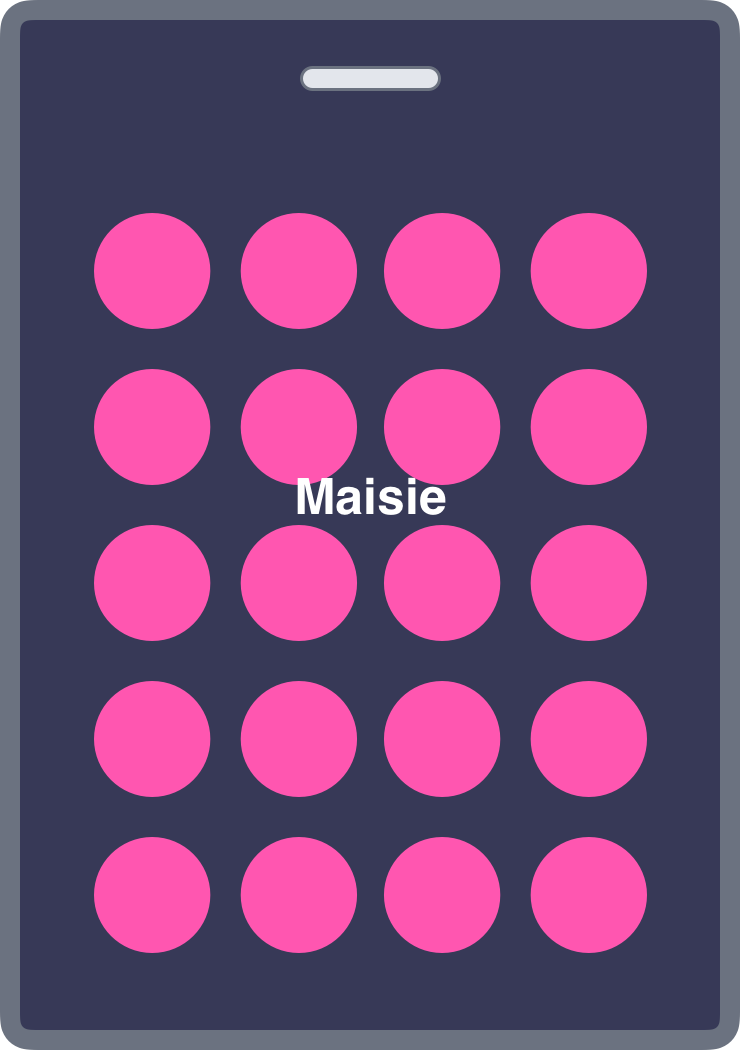
Keep the area behind the first name clear.
Patterns, photos and graphics behind the name slow people down.

Rule 02
Use strong contrast.
Dark text on a light background reads best, and black on white is the benchmark. Check contrast before you print.

Rule 03
Use a sans serif font.
Try DM Sans, Inter, Roboto, Open Sans or Lato. Serif fonts are harder to read at a distance.

Rule 04
Use title case for names.
“Sarah” reads faster than “SARAH”, because capitals hide the shape of the word. All caps can work for short names, set large and bold with slightly wider spacing.

Rule 05
Use a strong weight.
First name: Bold or Extra Bold. Job title and organisation: Regular or Medium. Thin fonts fade at a distance.

Rule 06
Keep names upright.
Italics are harder to read at a distance.
What goes on the back of a conference badge
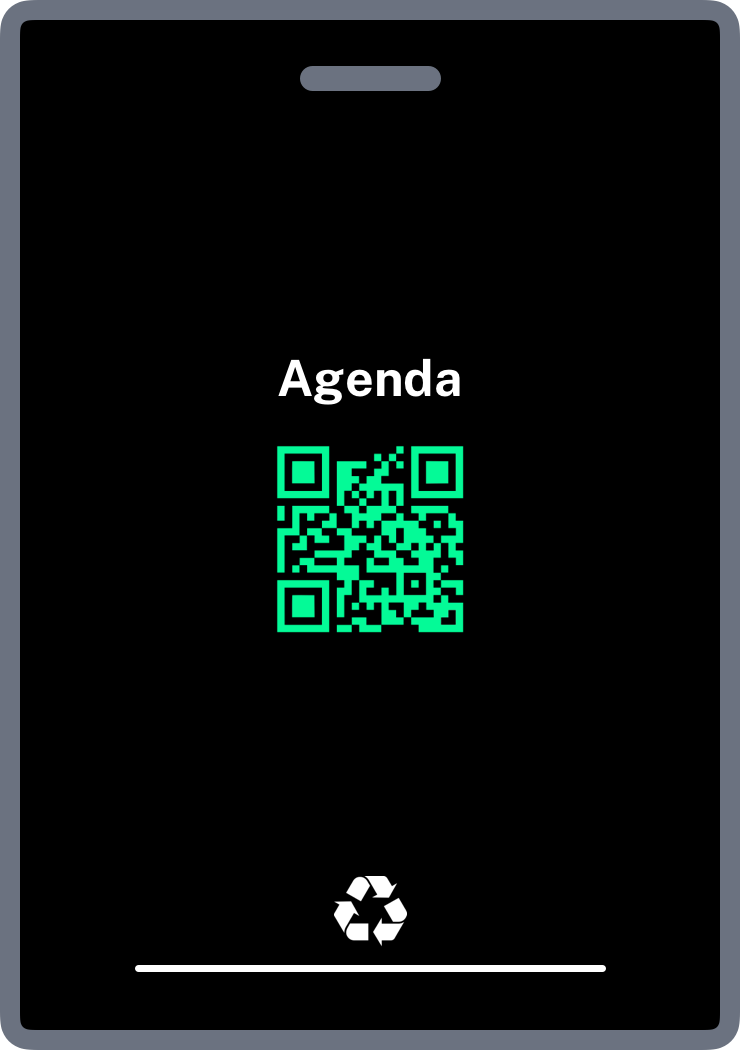
The front tells people who you are. The back helps you get through the event. Lanyard badges often flip, so repeat the first name on the back. Anything that isn’t needed to recognise someone belongs on the back.
What goes on the back
- ✦The first name again, so a flipped badge still works
- ✦QR codes
- ✦Agenda or programme
- ✦Venue map
- ✦WiFi details
- ✦Event instructions
- ✦Sponsor logos
- ✦Recycling or disposal information
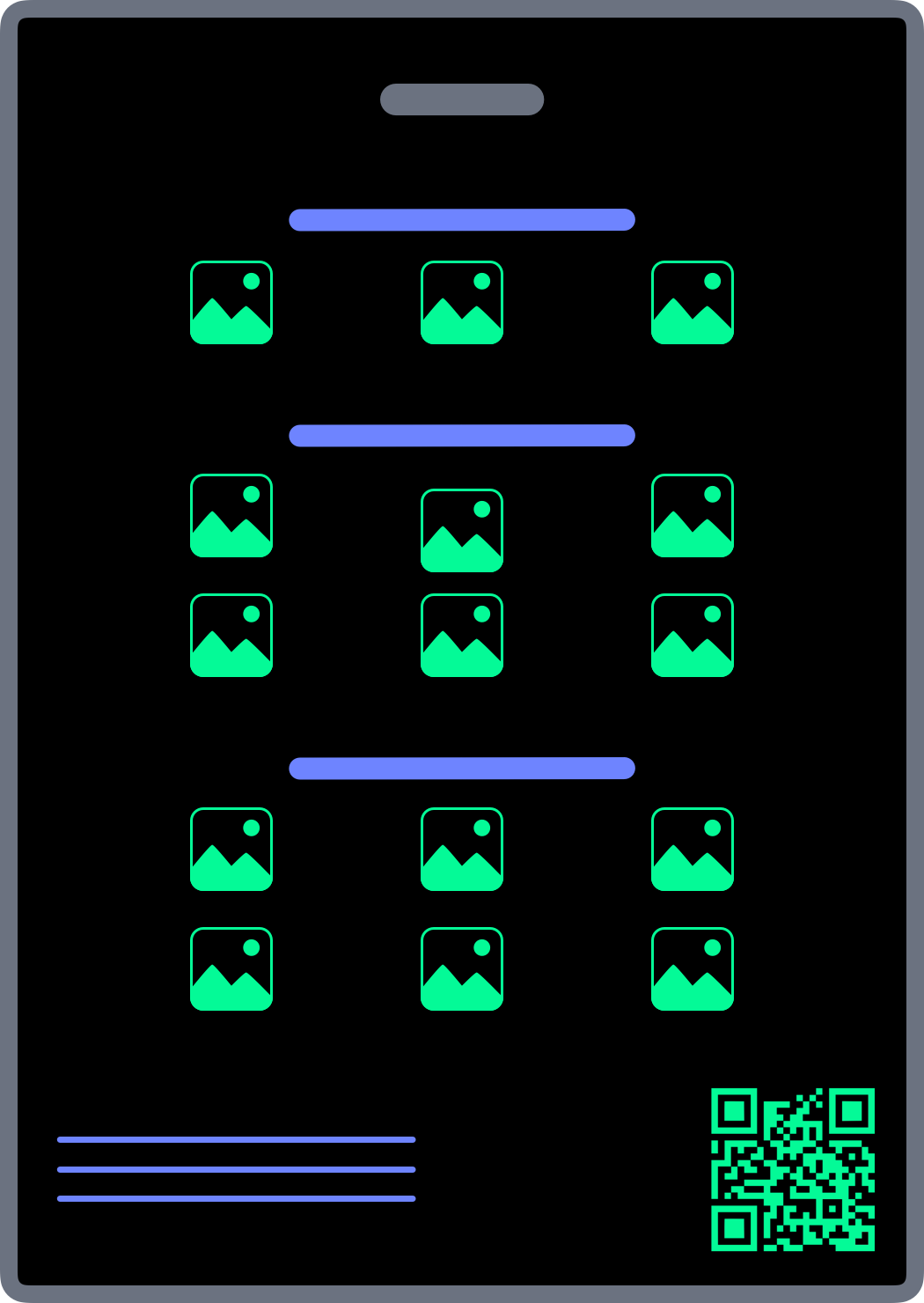
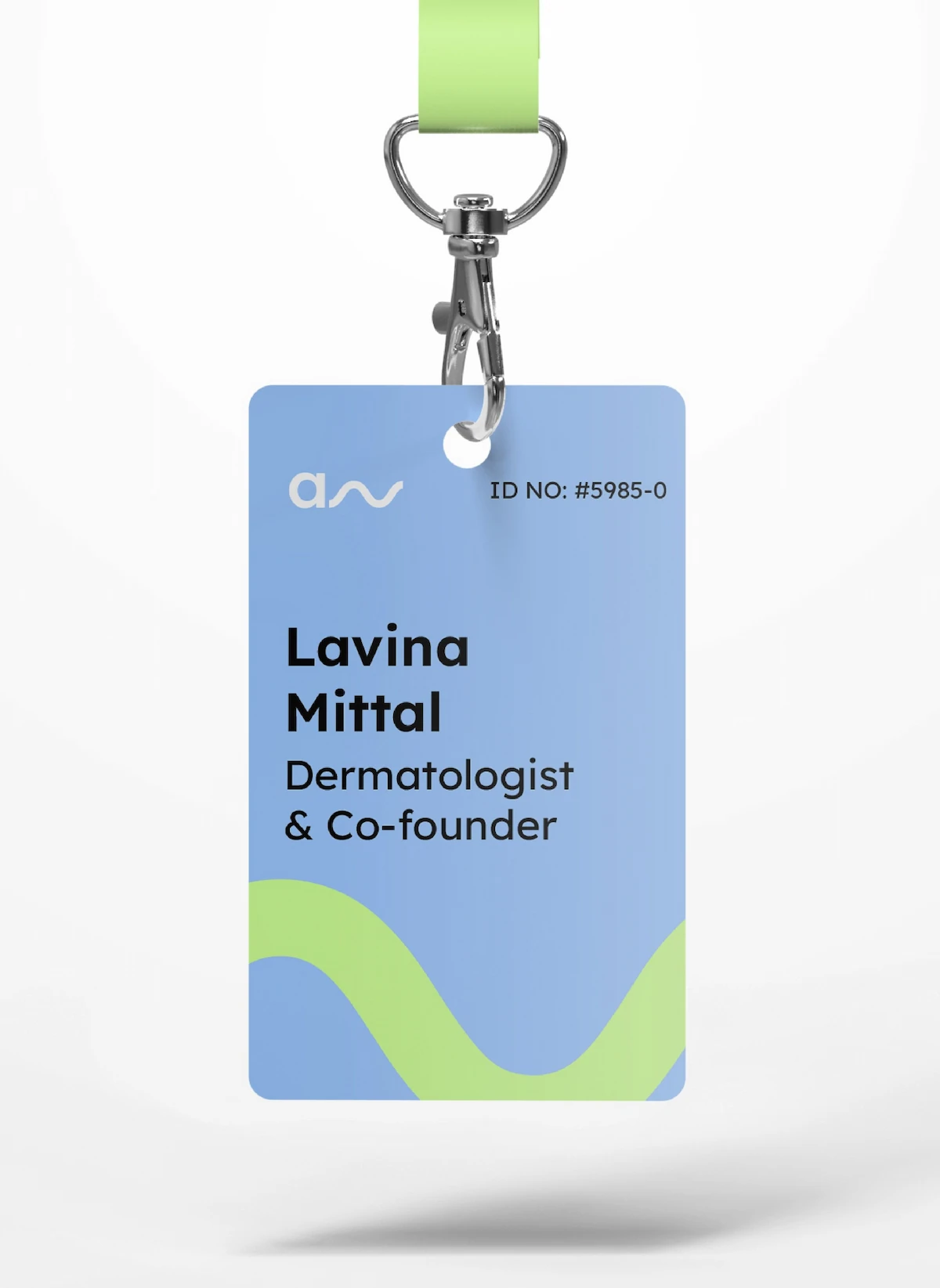
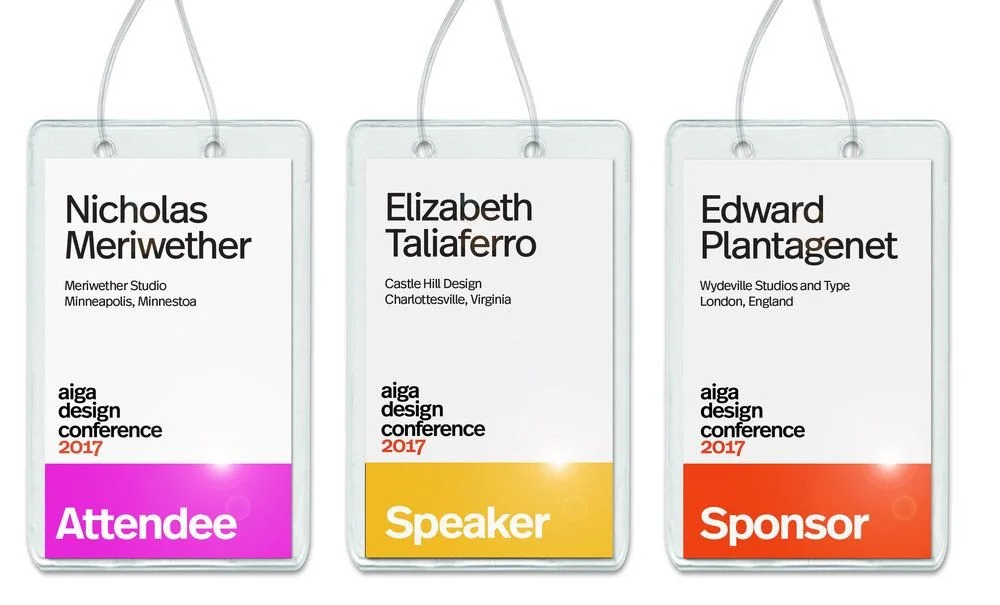
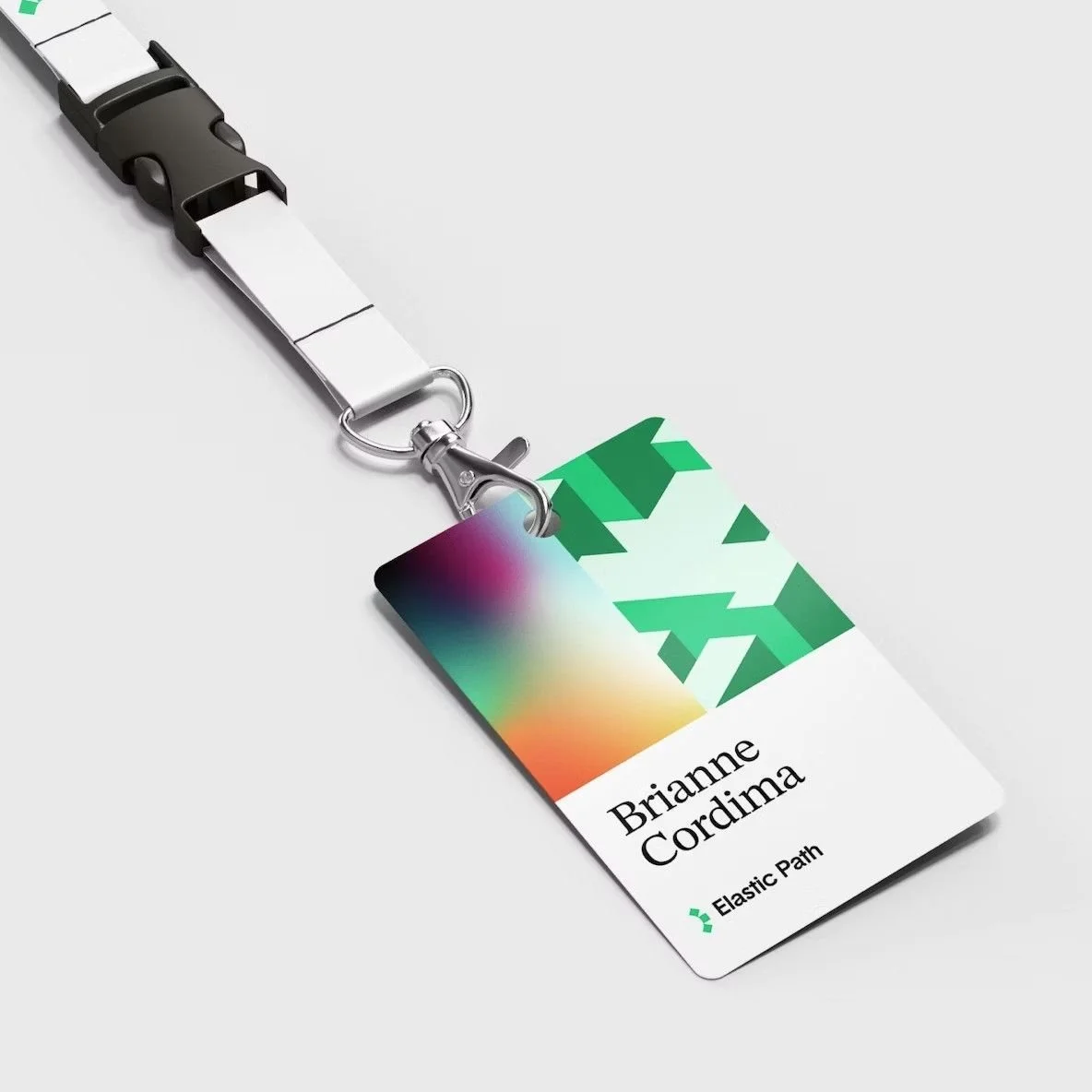
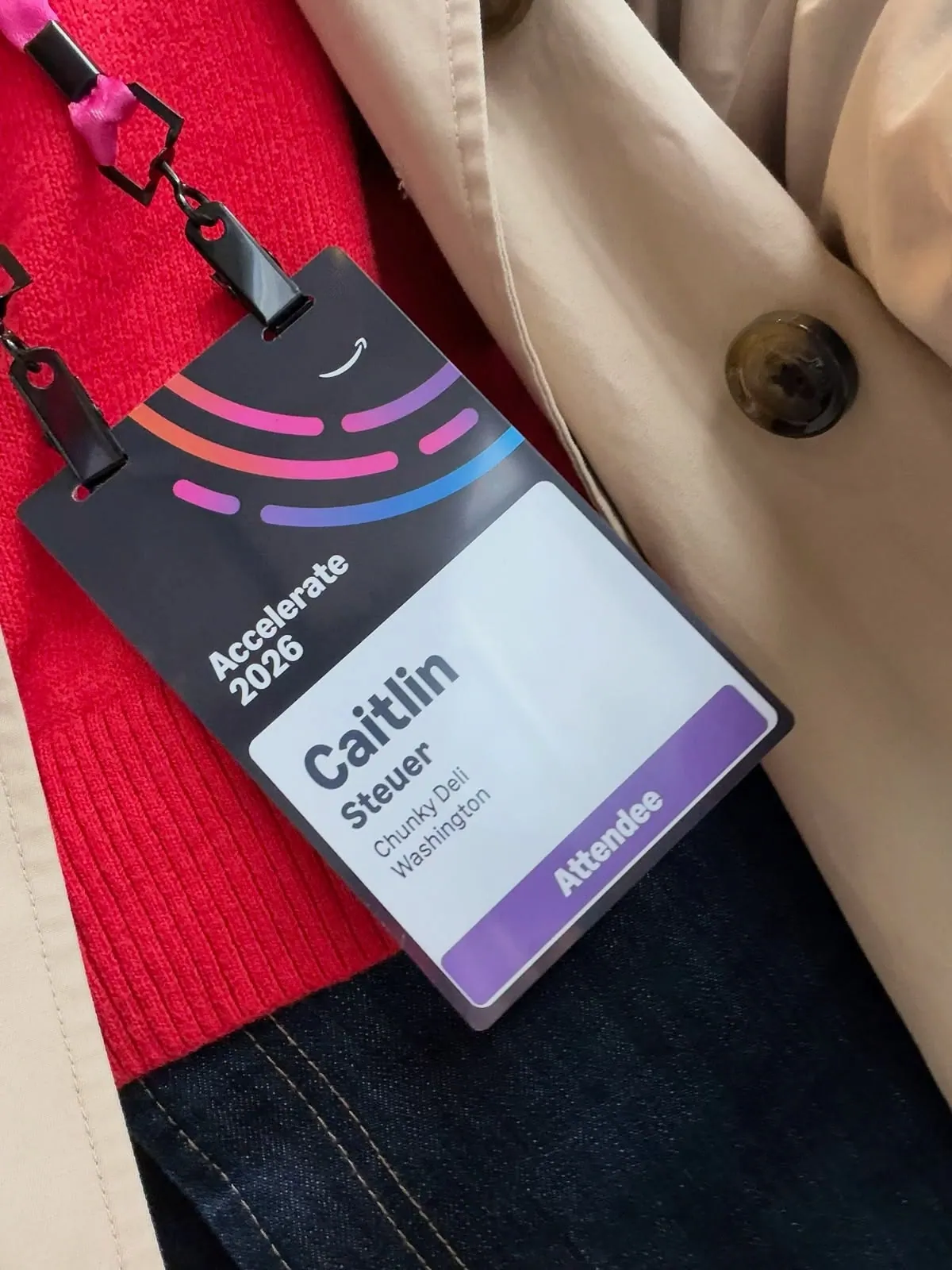
Conference badge design examples: five proven layouts
Choose a layout for what the front needs to carry, not for looks. All five apply the same badge design best practices: the name first, everything else in support.
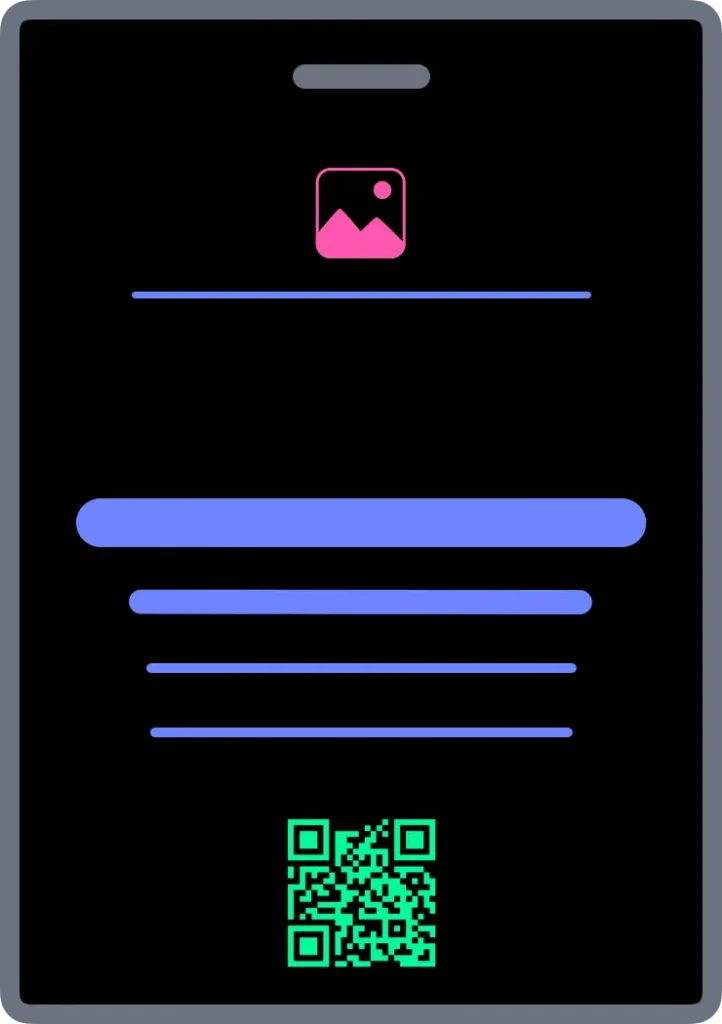
Centre Aligned
A clean, balanced layout that works for most events.
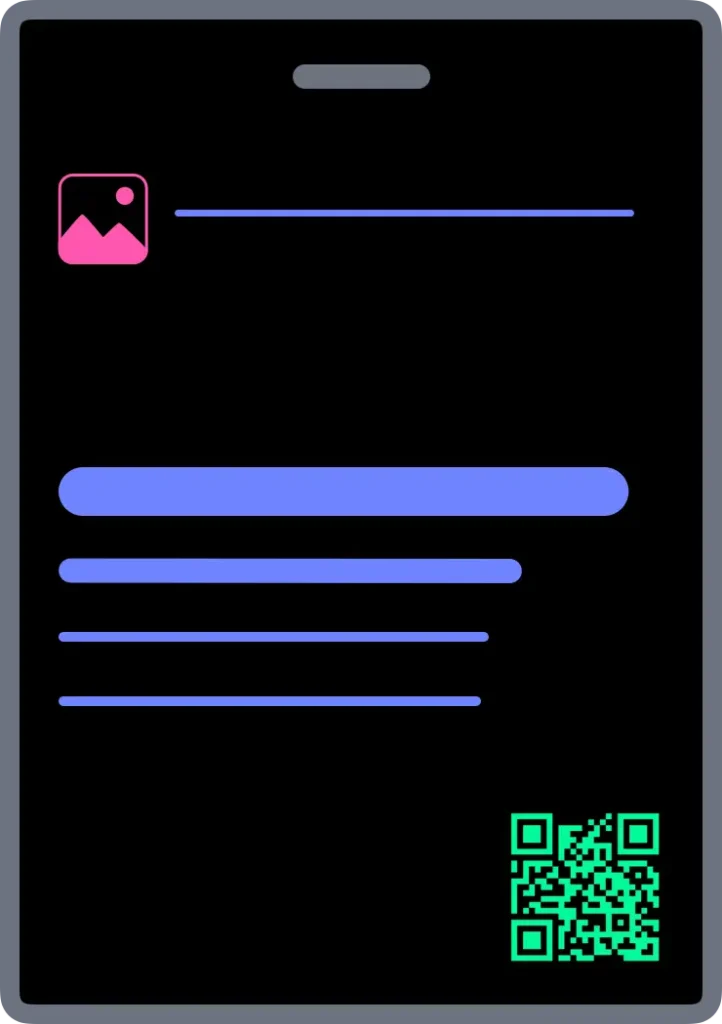
Left Aligned
Keeps names, roles and organisations of different lengths tidy.
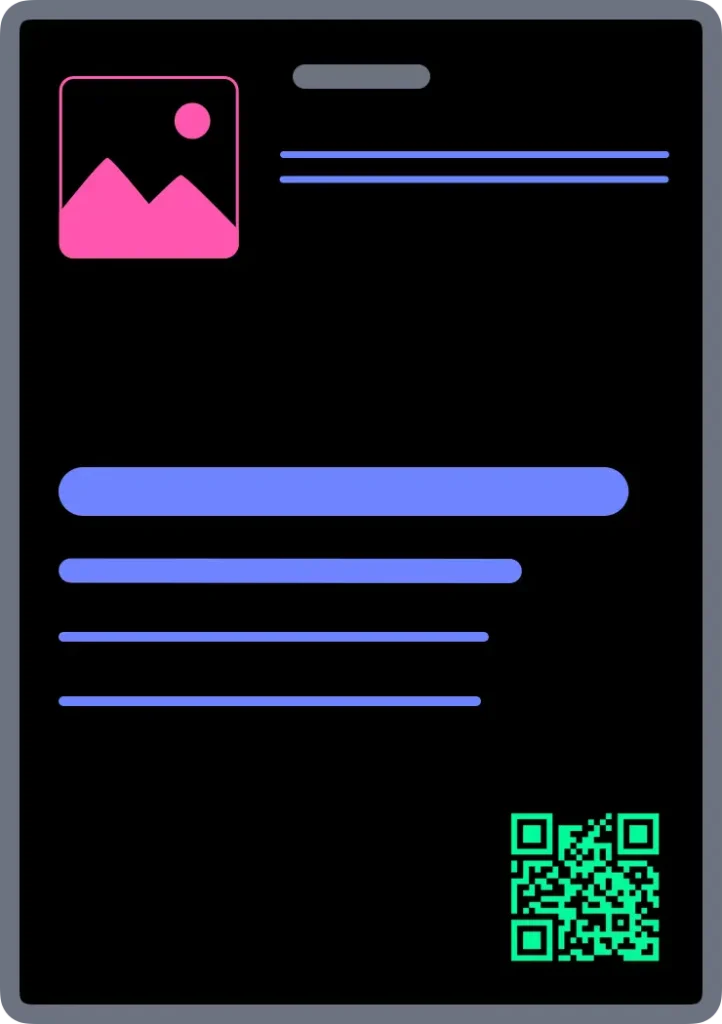
Brand Header
Lets event or sponsor branding lead without competing with the name.
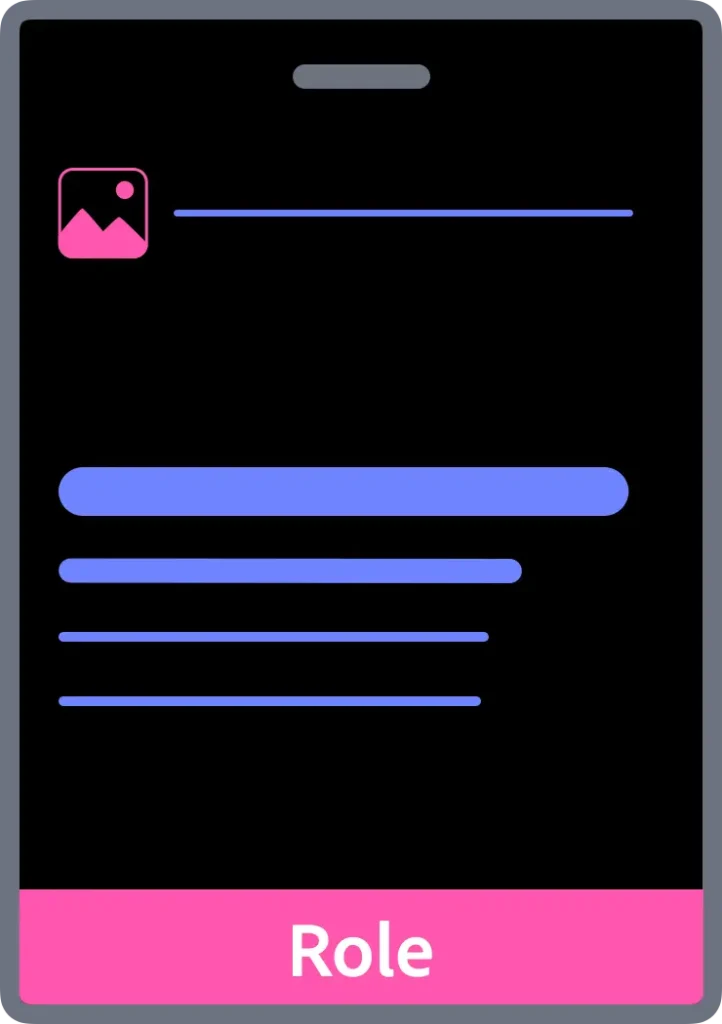
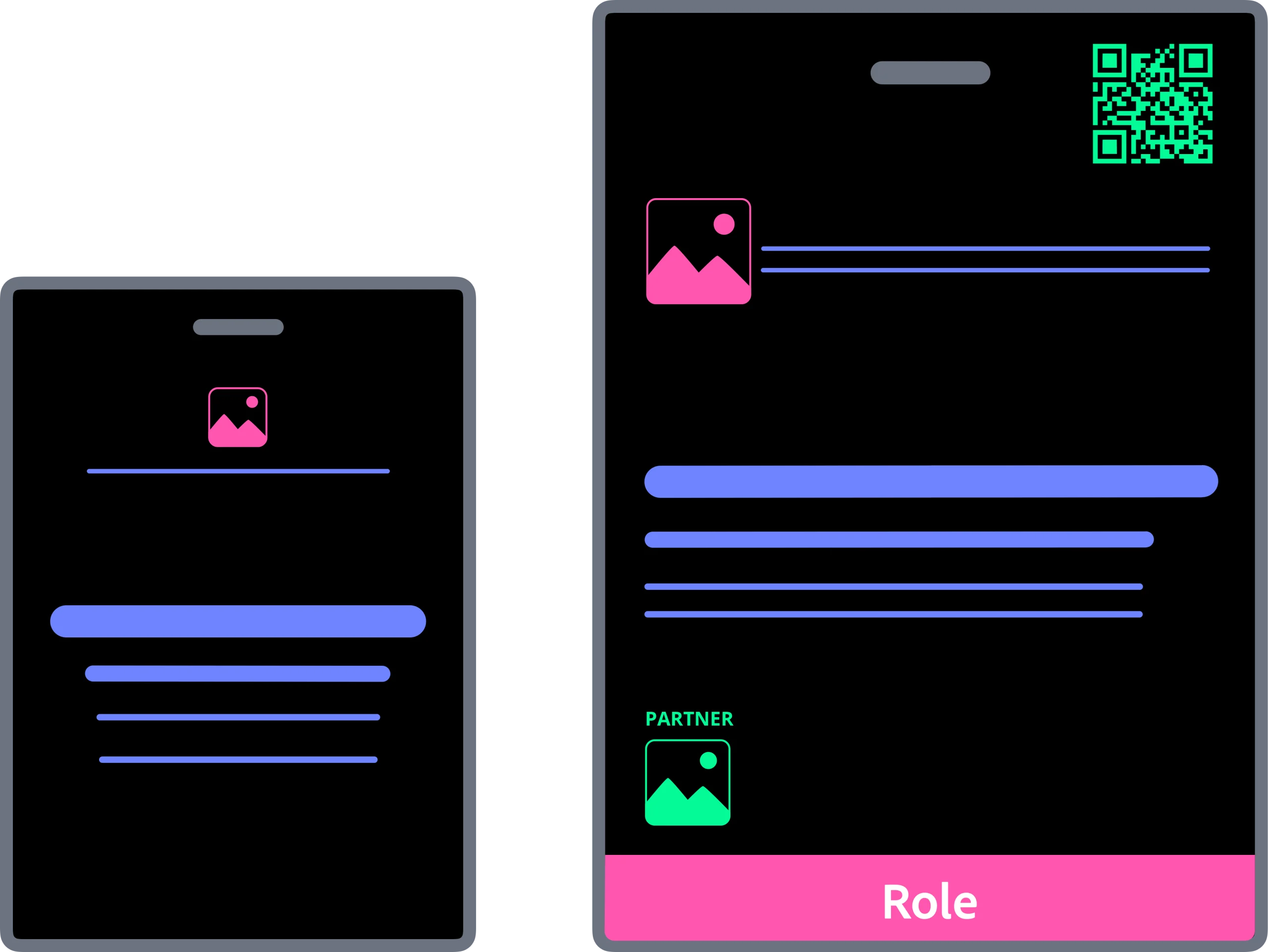
Role Band
Makes each attendee’s role visible at a glance.
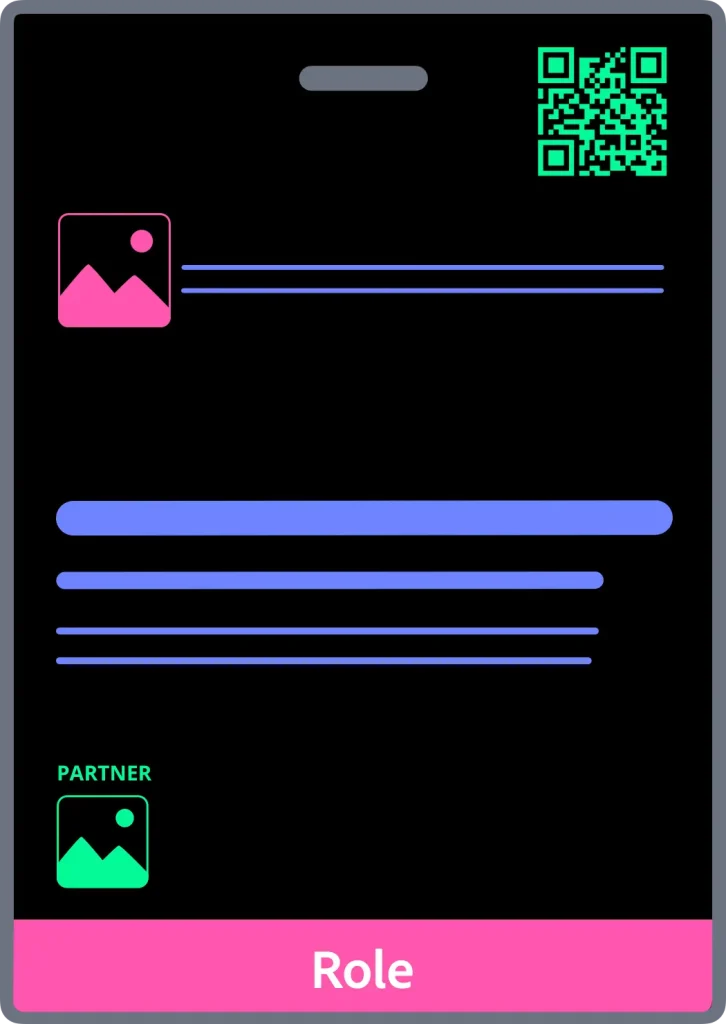
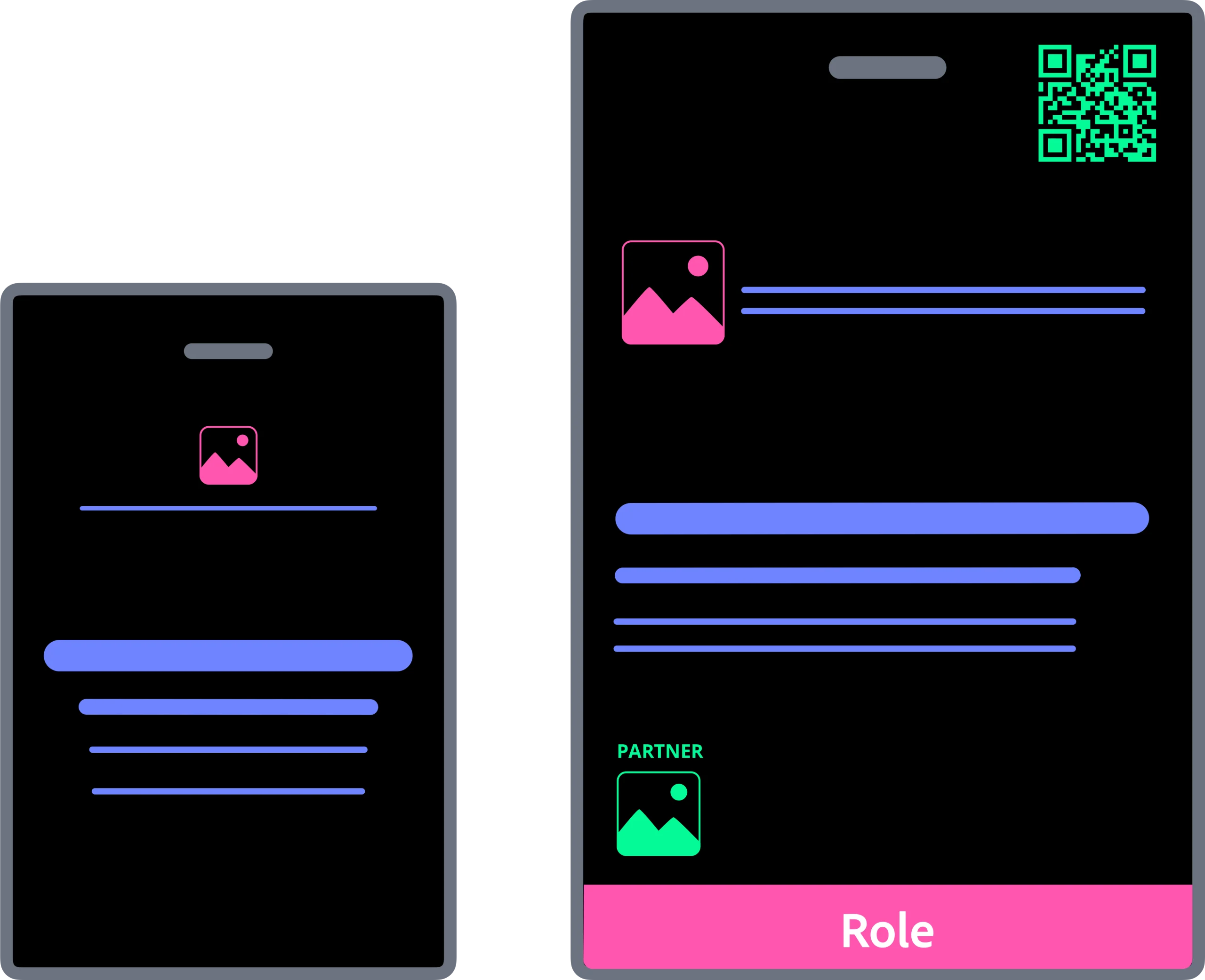
Large
Adds room for QR codes, longer details or more logos.
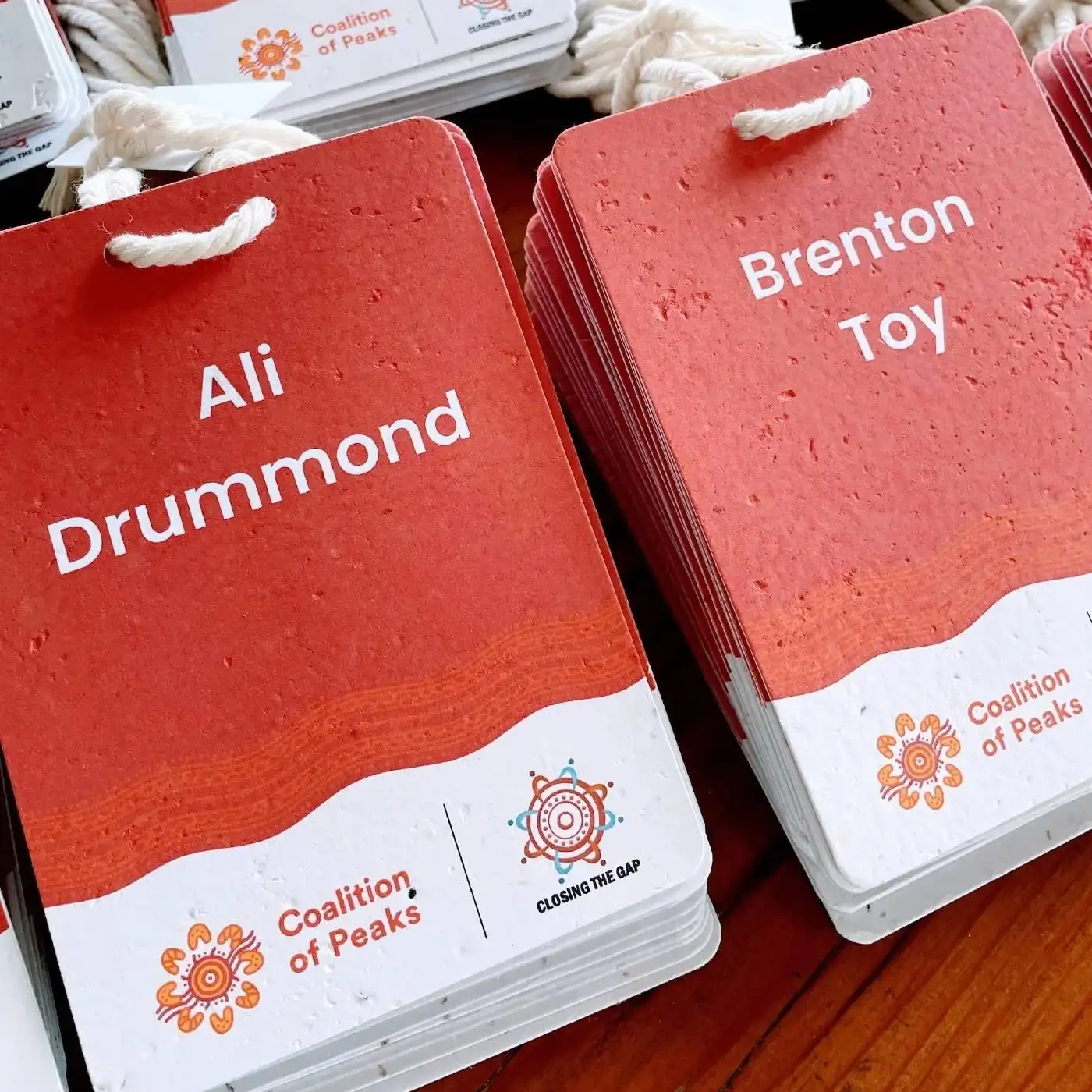
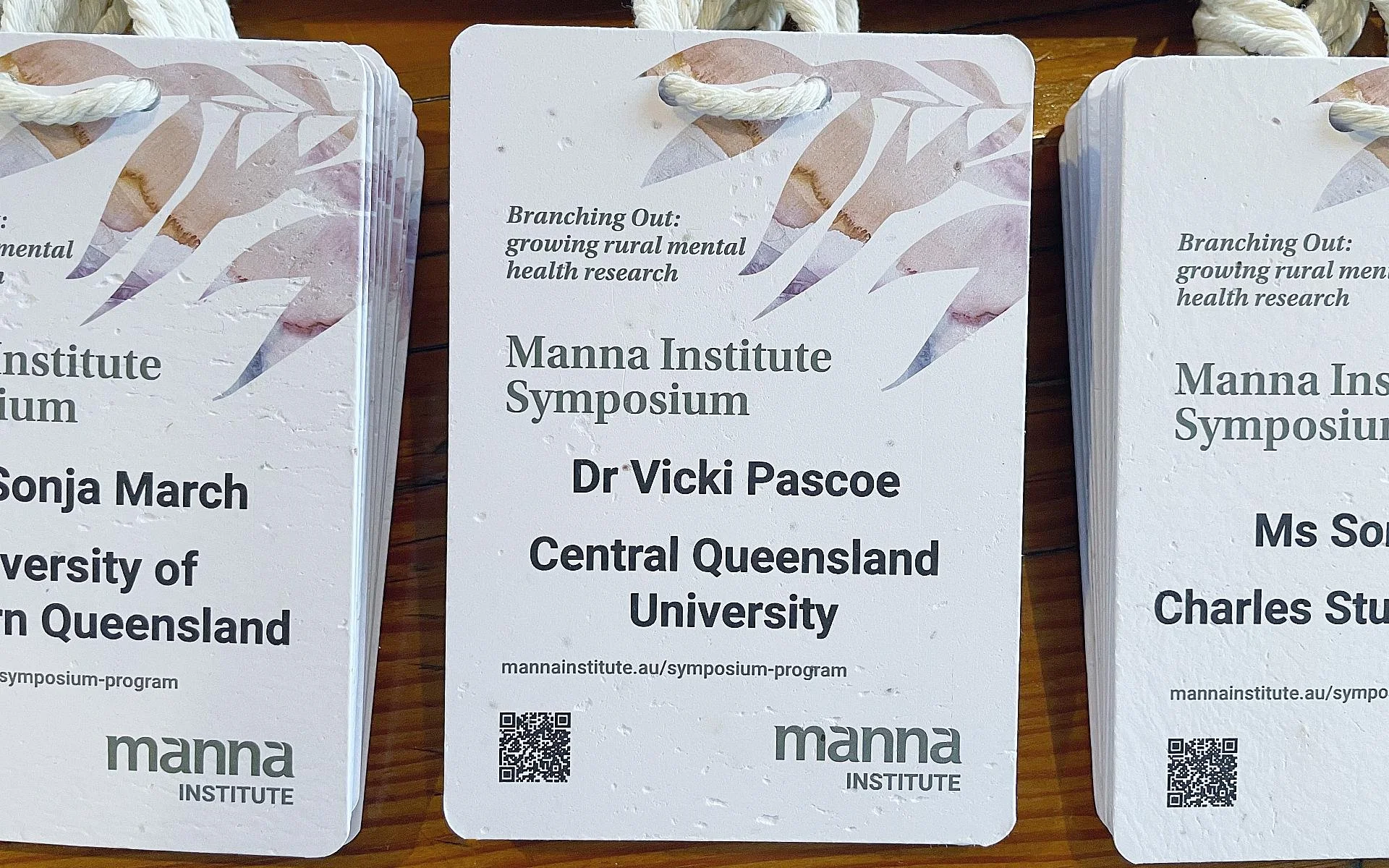
Examples of each layout
Resources
Don’t rely on colour alone. About 1 in 12 men have some form of colour blindness. If a colour shows a role, add a word too. Test your design with a free tool like Coblis before you print.
For more inspiration, see event name tag ideas. All five layouts come as ready-made templates for PowerPoint and Google Slides in the Conference Name Badge Design Kit.
Conference badge design checklist
Check one badge before you print the full run. Across more than 130,000 badges, the most common regret after printing is “I wish I’d made the first name bigger.”
The recognition test
- 01Print one badge at actual size.
- 02Tape it to a wall.
- 03Step back 3 metres.
- 04If the first name doesn’t read instantly, make it bigger, remove what competes with it, or improve the contrast. Then test again.


Then check
Name
- Is the first name the biggest thing on the badge?
- Can you read it from 3 metres?
- Does everything else support it?
Layers
- Is branding clear of the name?
- Are job title and organisation smaller?
- Is there clear space around the name?
Size
- Does everything fit comfortably at this size?
- Does the back carry what the front can’t?
- Have you designed around the lanyard position?
- Has the badge passed the recognition test?
If any answer is no, fix it before you print.
From one design to a badge for every guest
Design is step two. Production is the problem. Designing one badge is easy. Producing hundreds without mistakes, under deadline, is where events run into trouble: guest list data, long names, late registrations, front and back layouts and reprints.
When to use a free template, and when to use the kit
- ✦A free template suits fewer than 20 badges, where you type each name by hand.
- ✦The Design Kit suits events with a guest list, events that need print-ready layouts, and events you’ll run again.
Printing in-house or at a print shop
- ✦Print in-house when you have a colour laser or inkjet printer and fewer than 200 badges.
- ✦Use a print shop for heavier card, the best finish or a high-stakes event.
Conference Name Badge Design Kit
Design one badge. Get one for every guest.
The Conference Name Badge Design Kit is built on this design system. Choose a template, make it yours in PowerPoint or Google Slides, and add your guest list. Every name is fitted, and the front and back pages are ready to print.
$79 AUD
Pay once, use it for every event.
Get the kitConference name tag design FAQs
What is a conference name tag design system?
A set of rules for arranging badge content so a first name can be read instantly, at a distance. It decides what goes on the front, in what order and at what size. The Recognition First Badge Design SystemTM is Terra Tag’s free version.
What should a conference badge include?
First name, last name, job title and organisation, plus the event name, date and host logo. Add QR codes or sponsor logos only if there’s room. The first name always stays the biggest thing on the badge.
What is the easiest way to make conference badges for 200 people?
Use a badge template and an automated merge. Add your guest list, and every guest gets a badge, ready to print. The Conference Name Badge Design Kit does this for up to 300 guests at a time.
Can I make conference badges in PowerPoint or Google Slides?
Yes. Design in either. If you use Google Slides, download your design as a PowerPoint file, then upload it with your guest list to the Conference Name Badge Design Kit. Every guest gets a badge, ready to print.
How do I merge a guest list into conference badges?
Save your guest list as a CSV, with a column for each detail on the badge. Upload it with your badge design to the Conference Name Badge Design Kit. It creates a badge for every guest and flags any that need a second look.
What is the Conference Name Badge Design Kit?
A conference badge template kit for PowerPoint and Google Slides. It turns one badge design and your guest list into print-ready front and back pages for every guest. It costs $79 AUD, paid once.
How can I make conference badges without paying per badge?
Choose a tool you pay for once, not per badge. The Conference Name Badge Design Kit costs $79 AUD, paid once. There is no subscription and no per-badge fee.
About Terra Tag
Terra Tag is an Australian event products company. We make sustainable name badges and lanyards for conferences and events, from recycled paper, seed paper and biodegradable materials. We make badges every day, and have produced more than 130,000 for corporate, government, university, research and not-for-profit events.
The Recognition First Badge Design SystemTM is our free method for designing conference badges. It comes from that production work and from analysing 170+ professional badge designs.
The Conference Name Badge Design Kit is our conference badge production system. It applies the design system through templates for PowerPoint and Google Slides and an online production guide.
130,000+
badges produced for real events
170+
professional badge designs analysed
Every day
we make badges for every type of event
