
Recognition First Badge Design SystemTM Starter Pack
Free Conference Name Tag Templates for Canva
Create readable conference name tags and event badges in Canva, with layouts built to keep attendee names clear, visible and easy to scan.
Opens in Canva. Free account required. No email signup.
130k+
Badges
Produced
Trusted by event teams. Backed by analysis of more than 130,000 real badges.





Free conference name tag templates for readable event badges
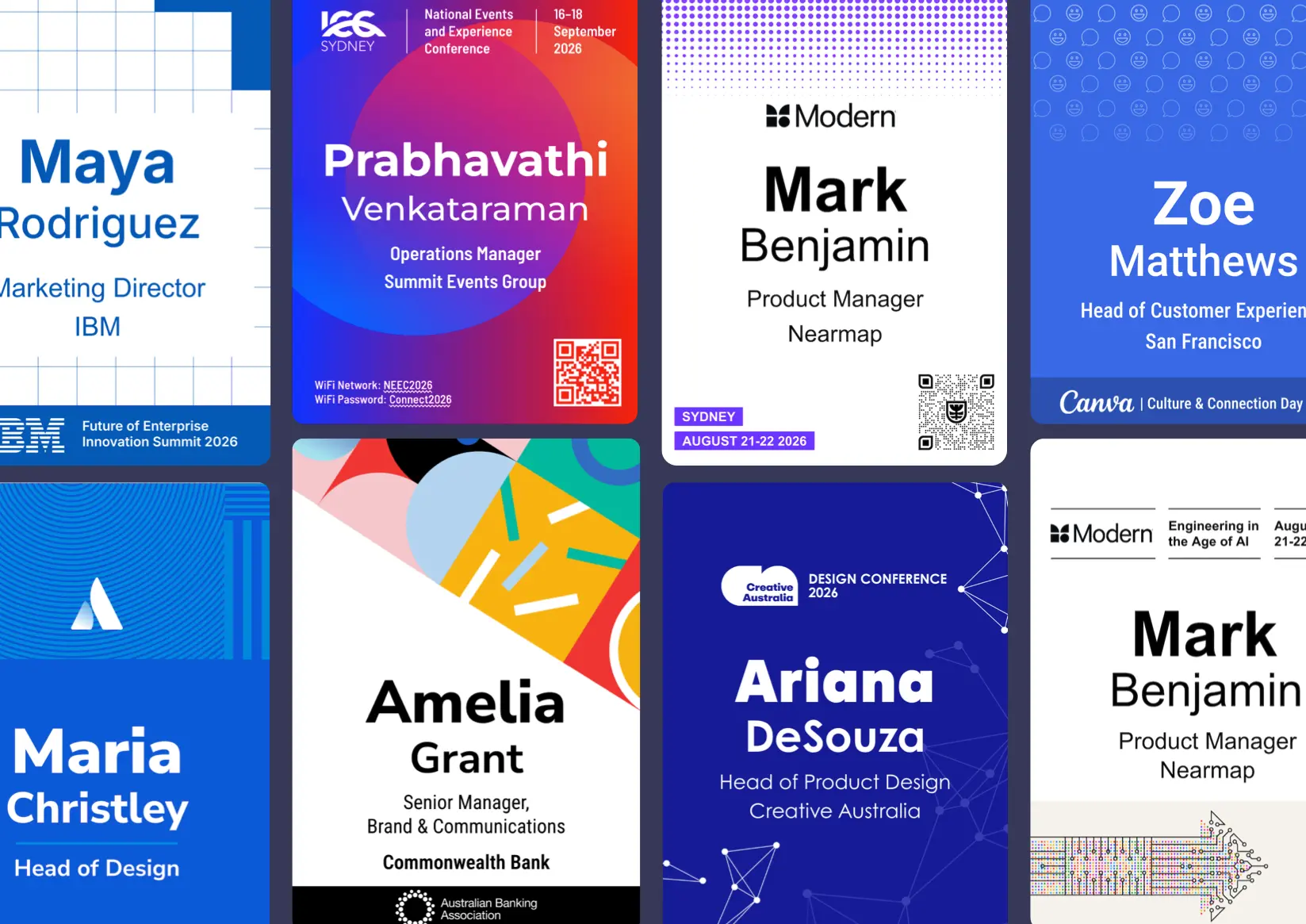
These templates are built from Terra Tag’s Recognition First Badge Design SystemTM, which is based on analysis of more than 130,000 real conference and event badges.
Use them to avoid tiny names, crowded layouts and branding that overwhelms the badge. The aim is simple: a name tag people can read quickly in the room.
These are not generic name tag templates
They are conference badge templates built around recognition, hierarchy and readability in a real room.
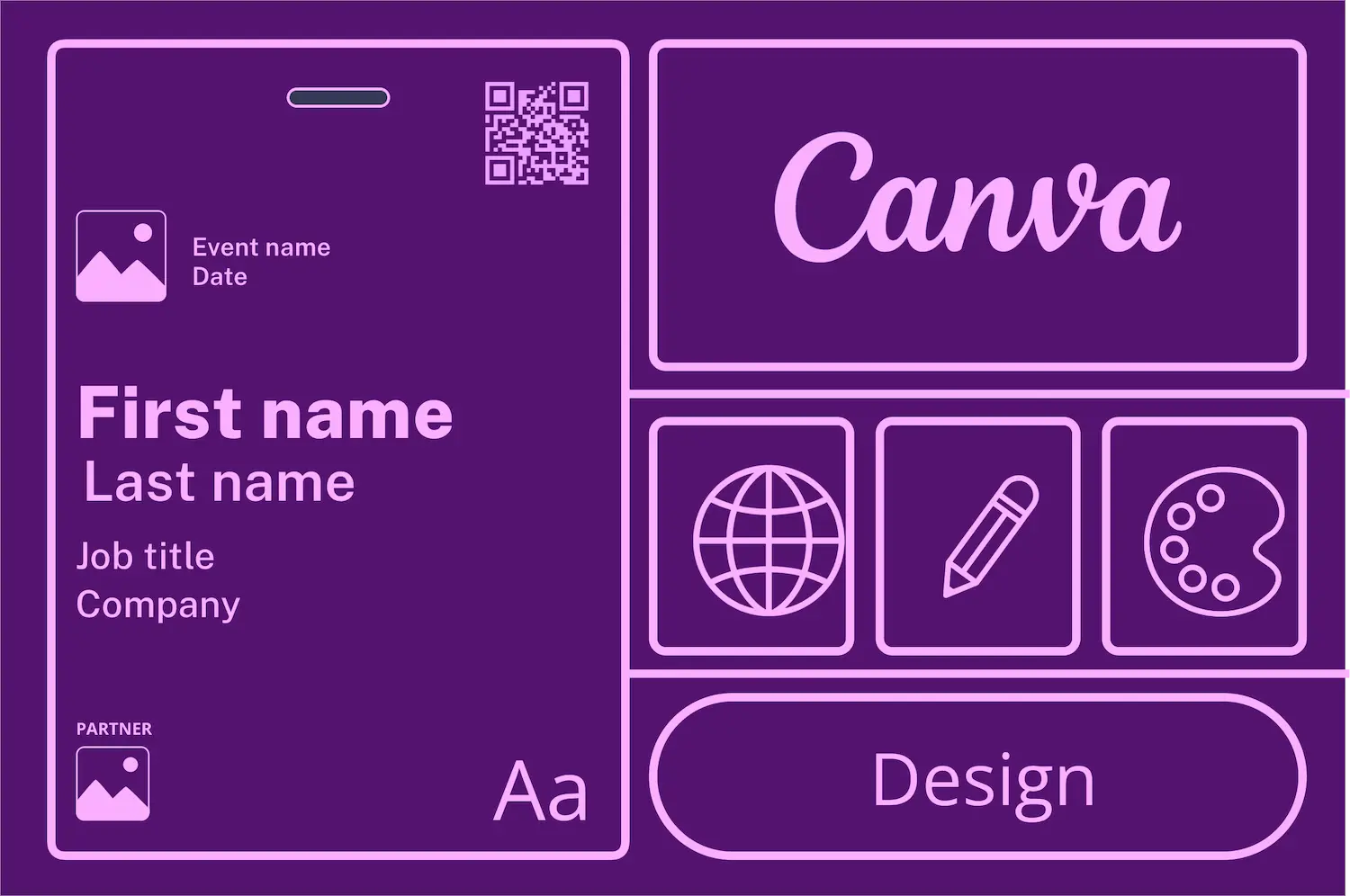
Easy to customise
Choose your badge size, then update the logo, colours, fonts and event details in Canva.
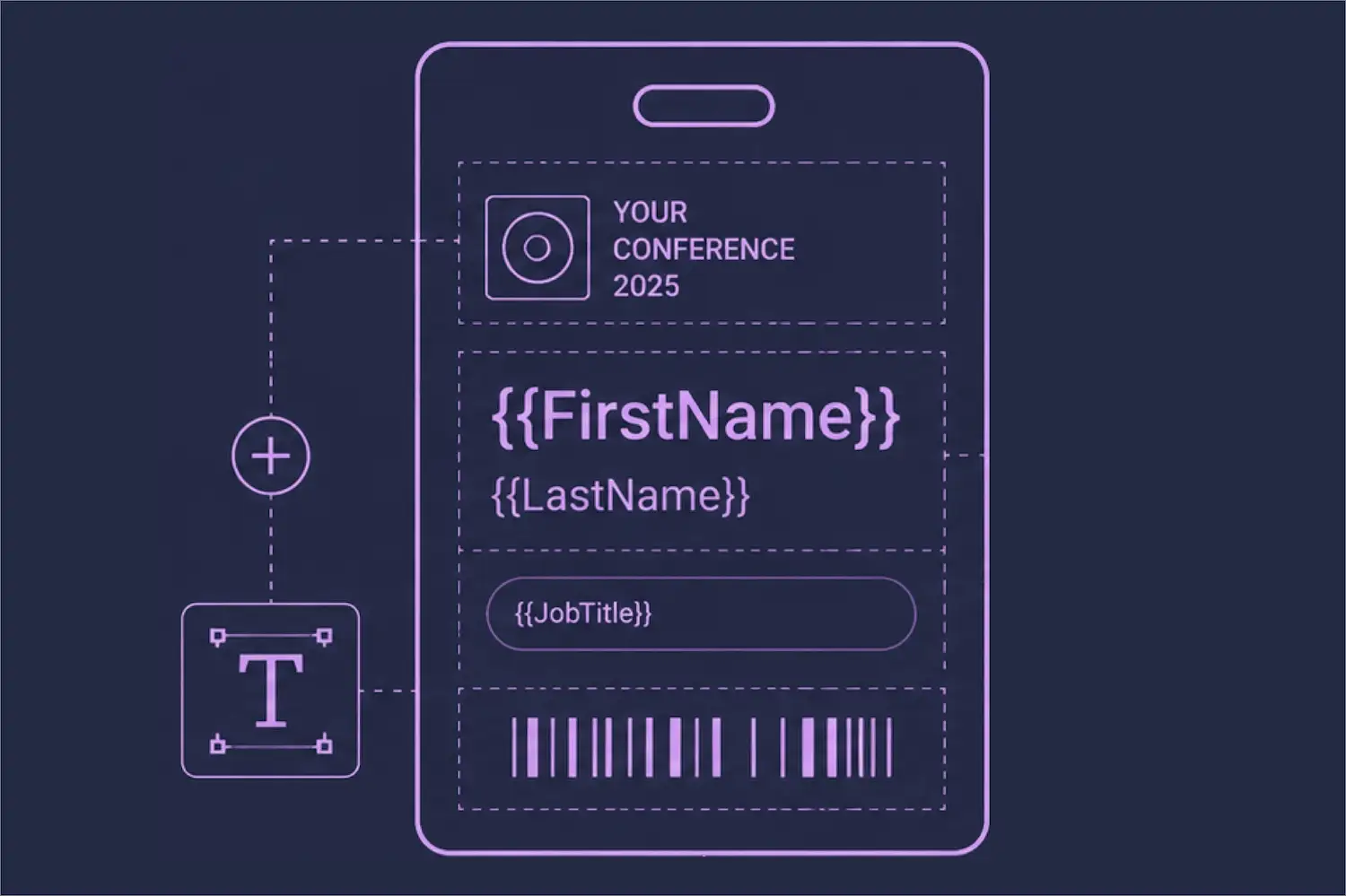
Built for recognition
Name size, hierarchy and spacing are preset so attendee names stay easy to read.
Designed for real events
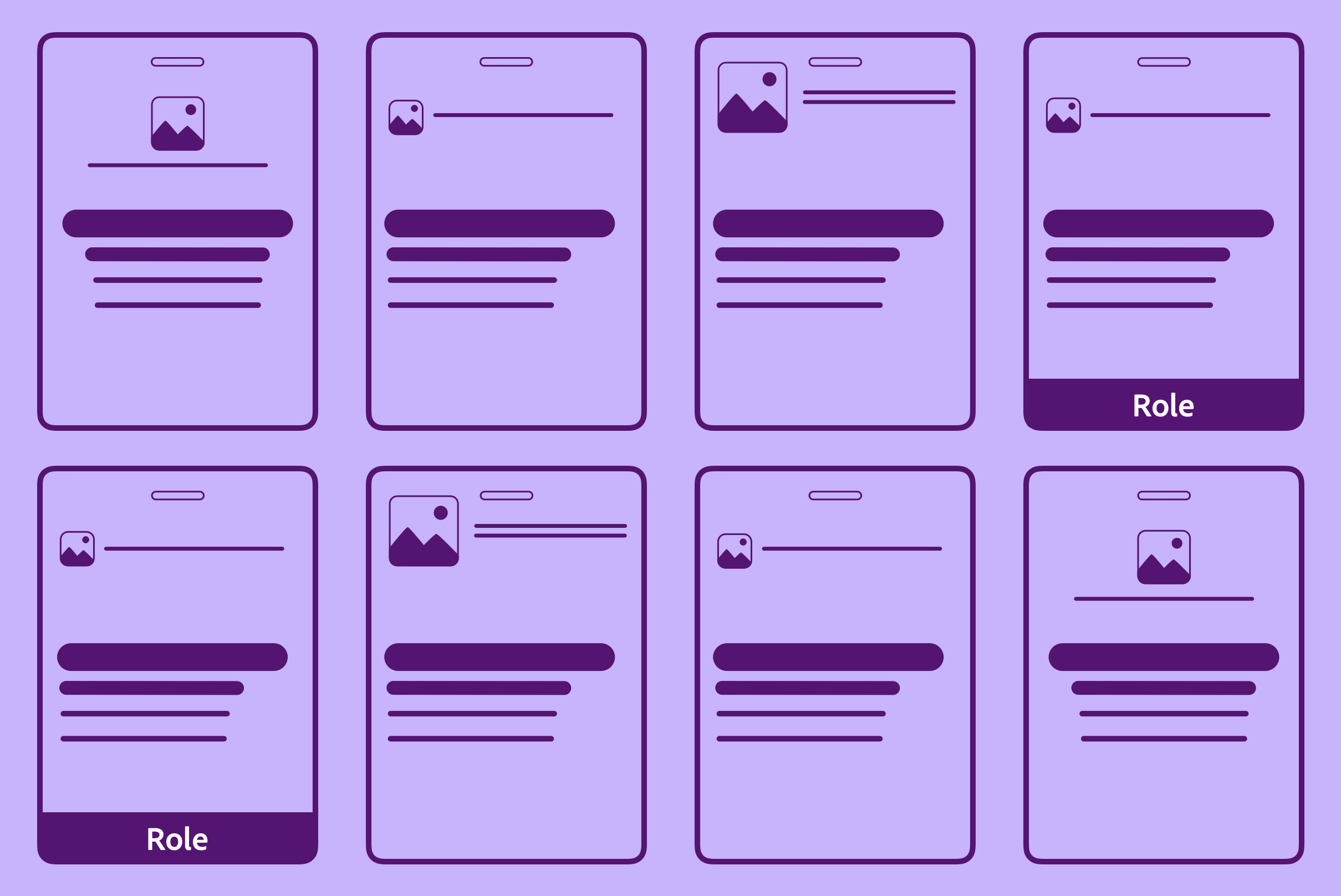
Four portrait badge layouts cover conferences, workshops, networking events and professional gatherings.
What’s inside each Canva name tag template
Each Canva file includes four portrait conference badge layouts in your chosen size. Each layout solves a different badge design problem. Choose the size first, then the layout that best fits your event content.
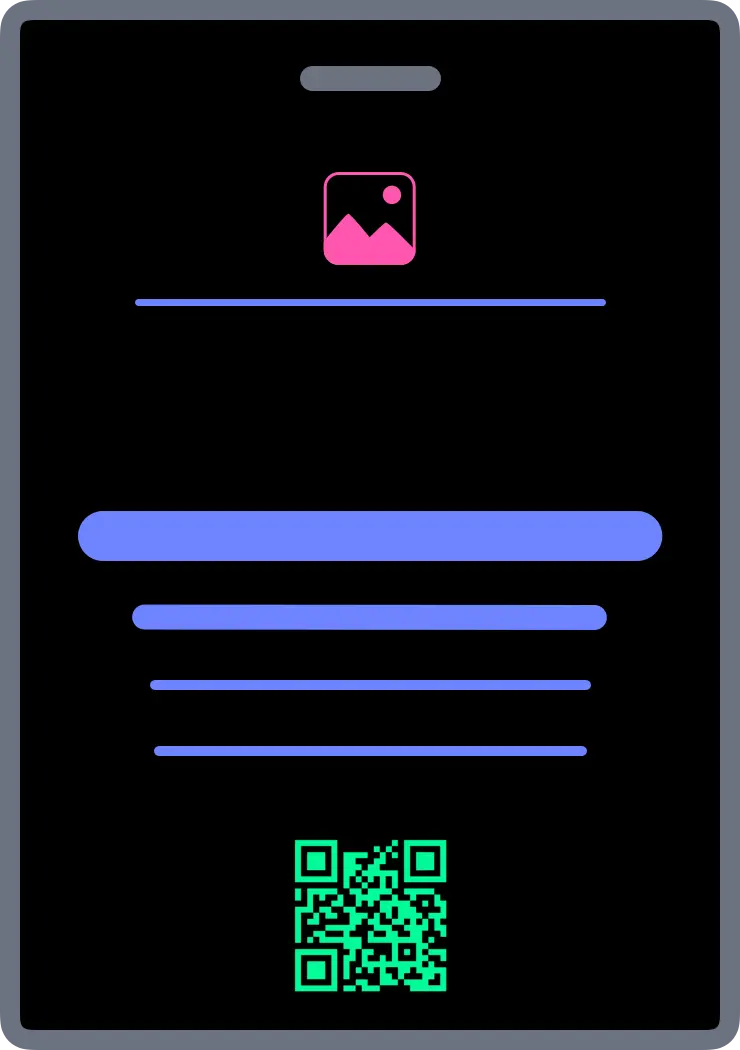
Centre Aligned
The attendee name leads from the centre.
Best for: Majority of conferences, workshops and networking events.
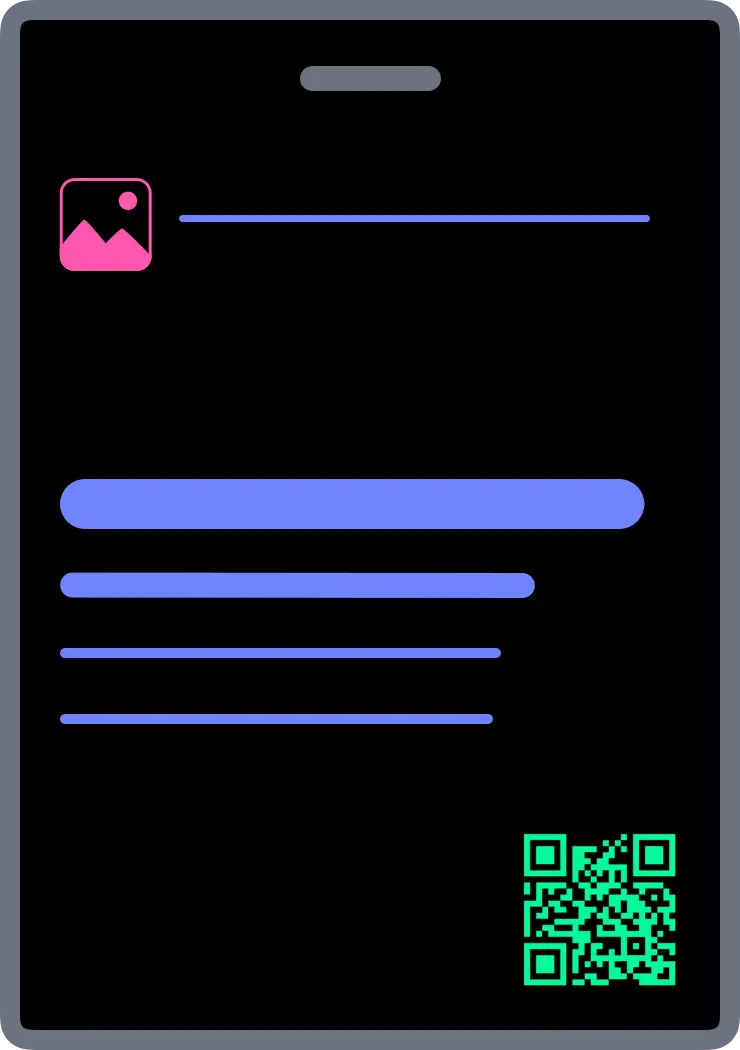
Left Aligned
Structured, tidy and easy to scan.
Best for: Varied name lengths, job titles and organisations.
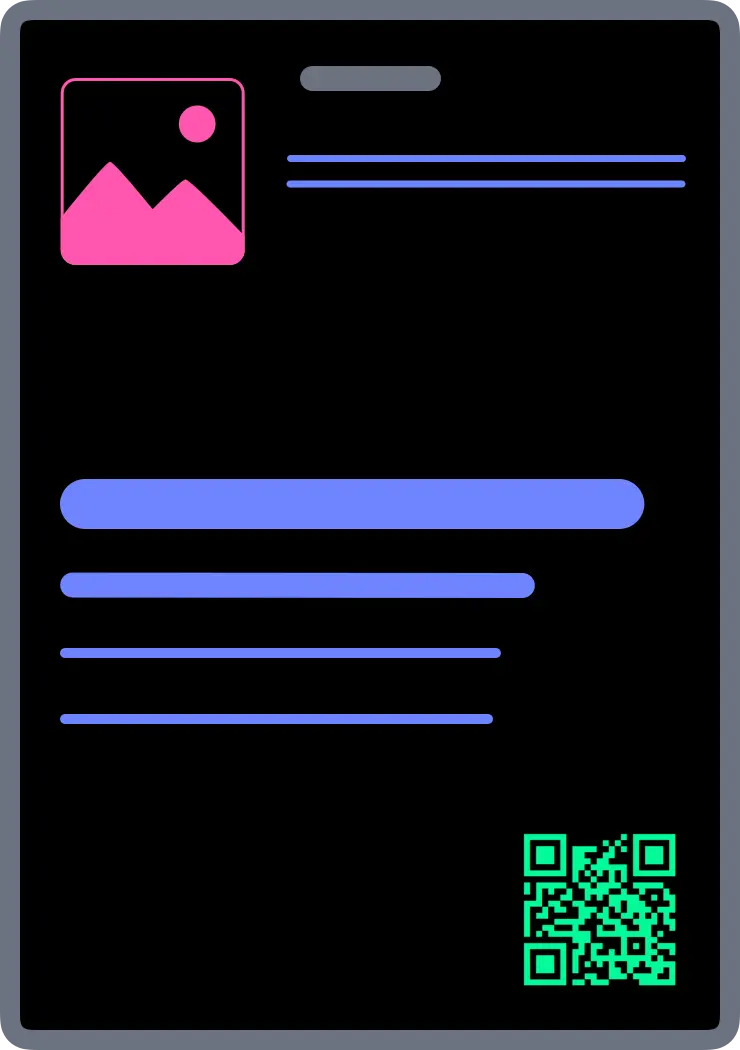
Brand Header
The brand frames the badge without taking over.
Best for: When event branding is a priority.
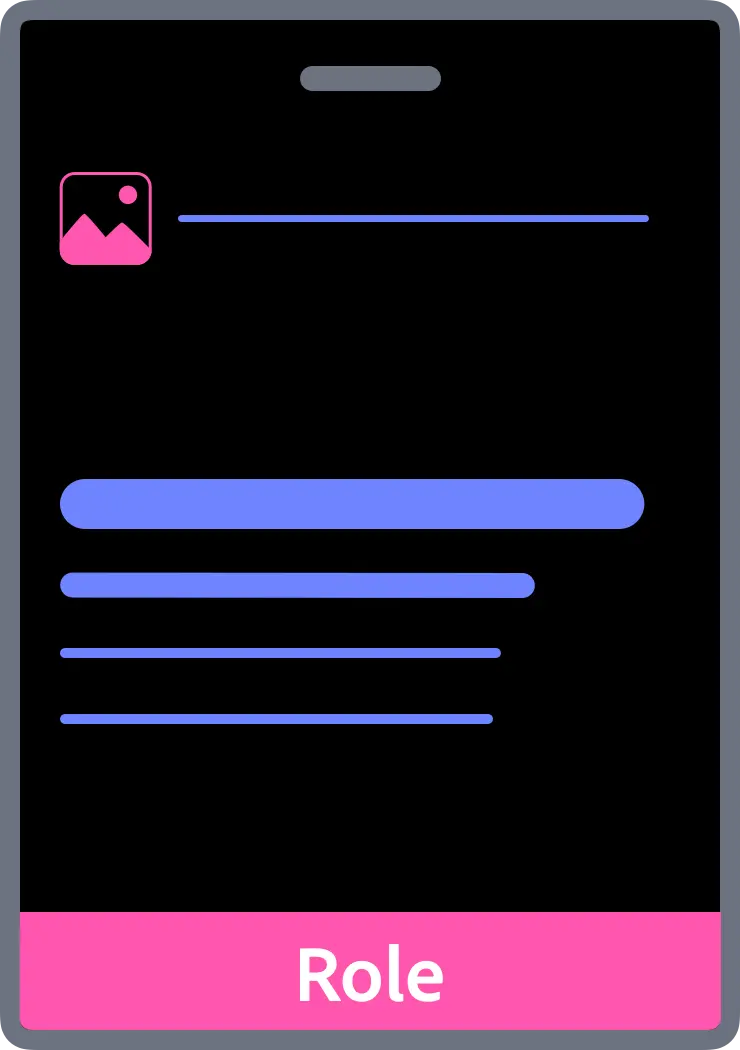
Role
Event roles are visible, but the name still leads.
Best for: Speakers, sponsors, staff, volunteers.
How to use the conference name tag templates
Start with the size, then customise the layout in Canva.

Step 1
Choose your badge size
Choose a compact size for most events, or a larger size for longer names, extra roles, organisation names or stronger visibility.
Step 2
Open the Canva file
Open the Canva file for your chosen size. Each file includes all four layouts.

Step 3
Customise your badge
You can customise badge designs in Canva by editing text, colours, fonts, and layout to match your event branding.

Step 4
Check before you print
Print one badge at actual size. Step back three metres. If the first name is not easy to read, make it bigger or choose a larger size.
The front is for recognition. Everything else has to earn its space.
Choose your free Canva template size
Each Canva file includes all four portrait layouts in your chosen size. Open the template, copy it into your own Canva account and customise it for your event.
Compact formats for most events
| Preview | Template size | Best for | Open template |
|---|---|---|---|
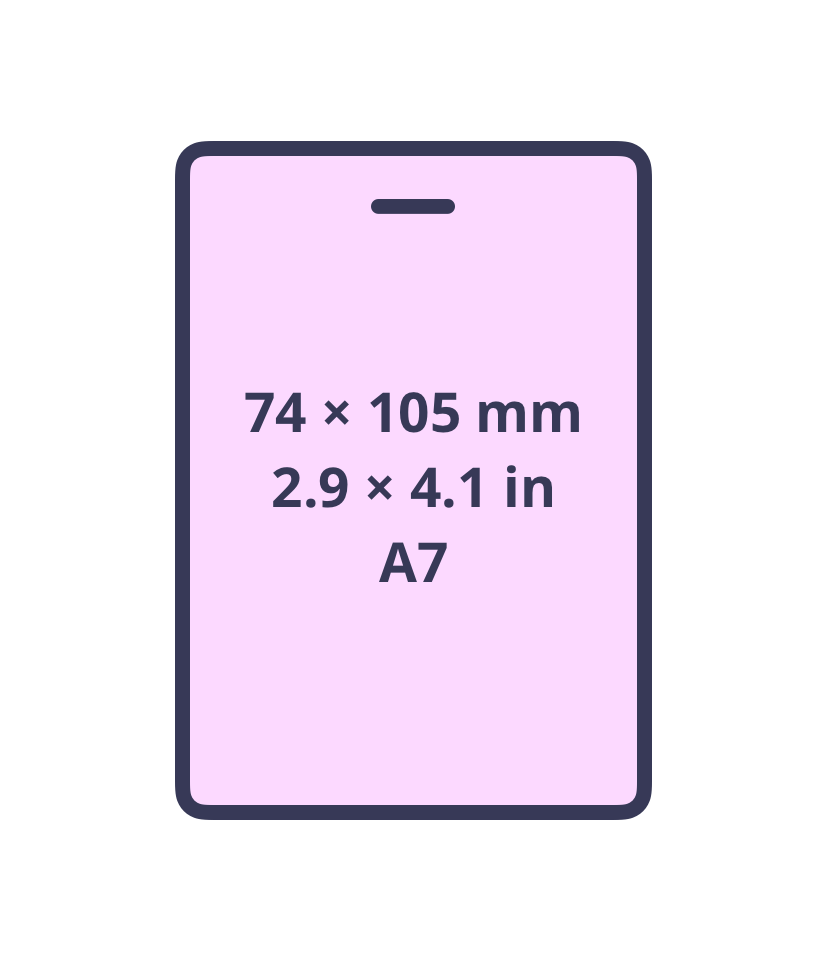 |
A7 conference name tag template for Canva | Compact ISO size for most conferences, workshops and networking events. | Open A7 Canva template |
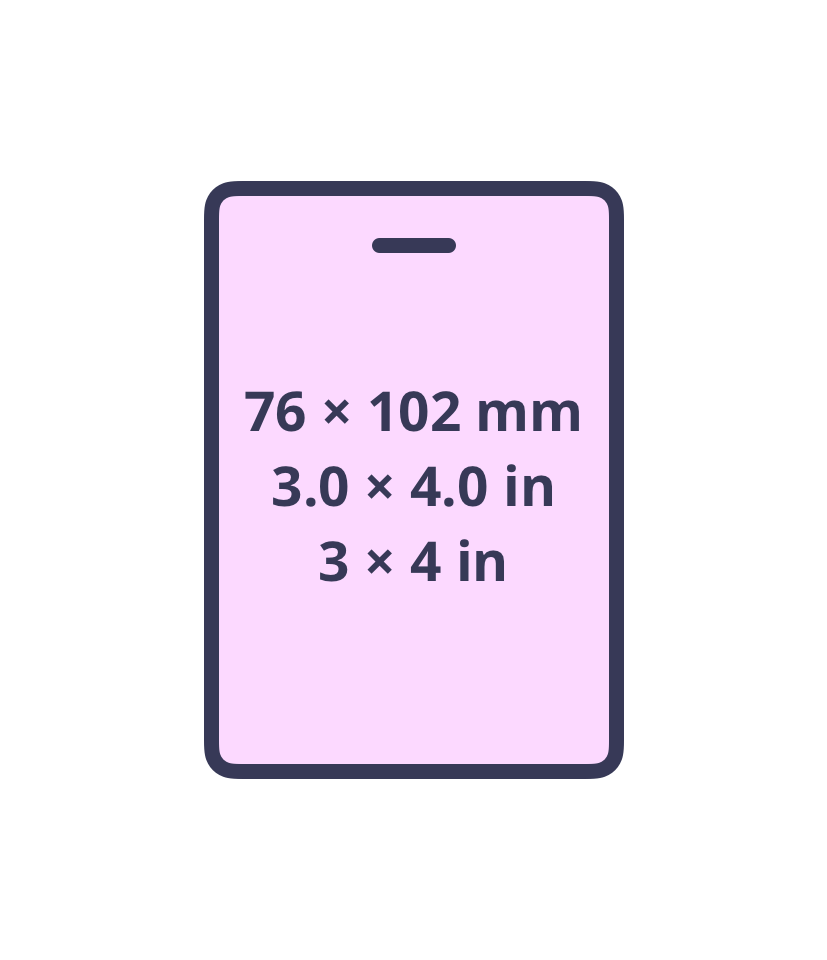 |
3 × 4 inch conference name tag template for Canva | Compact North American size for standard badge holders. | Open 3 × 4 inch Canva template |
Larger formats for more content
| Preview | Template size | Best for | Open template |
|---|---|---|---|
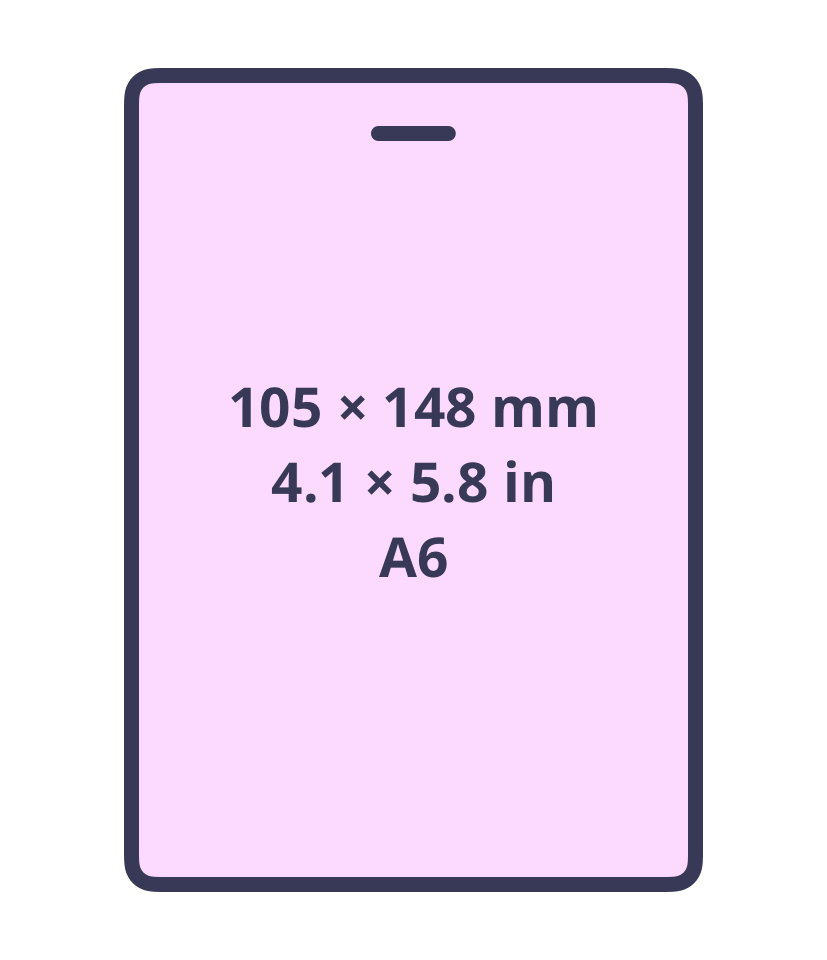 |
A6 conference name tag template for Canva | Larger ISO size for longer names, roles, organisations or stronger visual presence. | Open A6 Canva template |
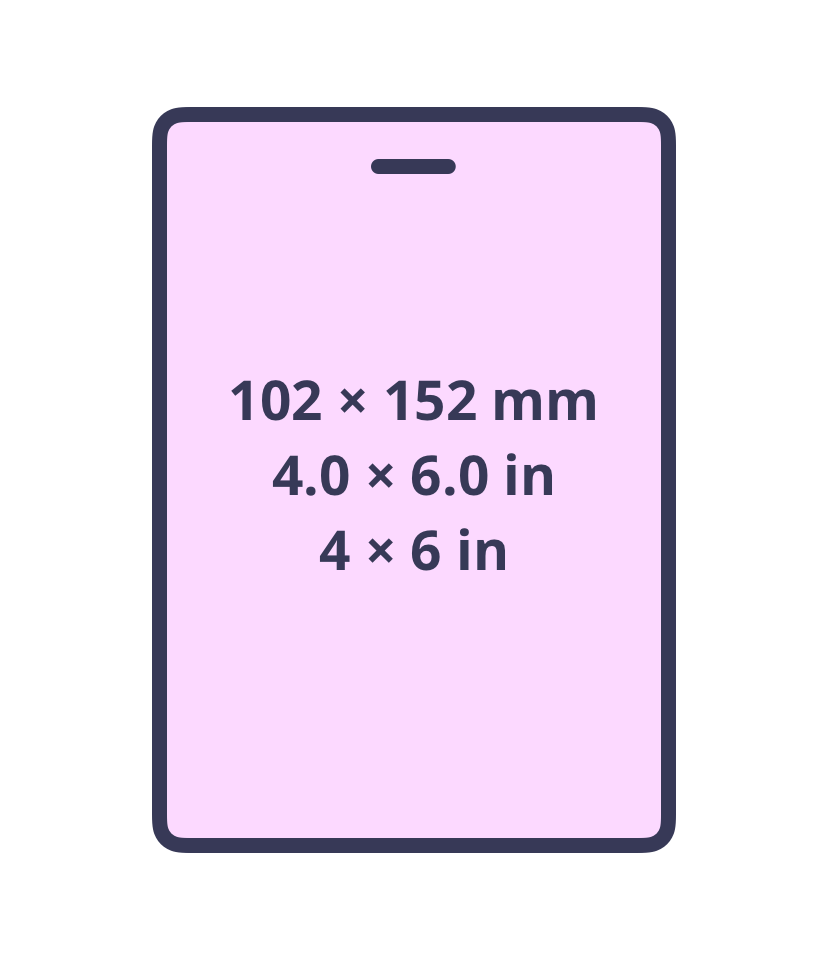 |
4 × 6 inch conference name tag template for Canva | Large format size for events that need more room, clearer roles or extra content. | Open 4 × 6 inch Canva template |
Read the Conference Name Badge Design SystemTM and design name tags like a Pro.
Need to produce the full conference badge set?
The free Canva Starter Pack helps you create a readable badge design. You can customise badges manually in Canva or use Canva Bulk Create if you are comfortable setting up your own guest data merge.
The Conference Name Badge Design Kit is Terra Tag’s paid production system for creating a full set of conference name badges. It is built around the Recognition First conference name tag design standard, then adds the tools to merge guest data, create front and back badge files, and prepare print ready sheets.
Use the Kit when you need to:
- Start with professional conference name tag designs, not generic clip art
- Customise a ready made design or build your own from a structured template
- Add your guest list and create one finished badge for each attendee
- Make long names, job titles and organisations fit without fixing every badge by hand
- Place finished badges onto print ready sheets automatically
- Create back of badge layouts for QR codes, agendas, maps or event information
- Print in house or send the files to a professional printer
- Pay once and reuse the same templates and workflow for future events
One badge is easy. Hundreds of badges, changing guest lists and print layouts are where the risk shows up.
Get the Conference Name Badge Design Kit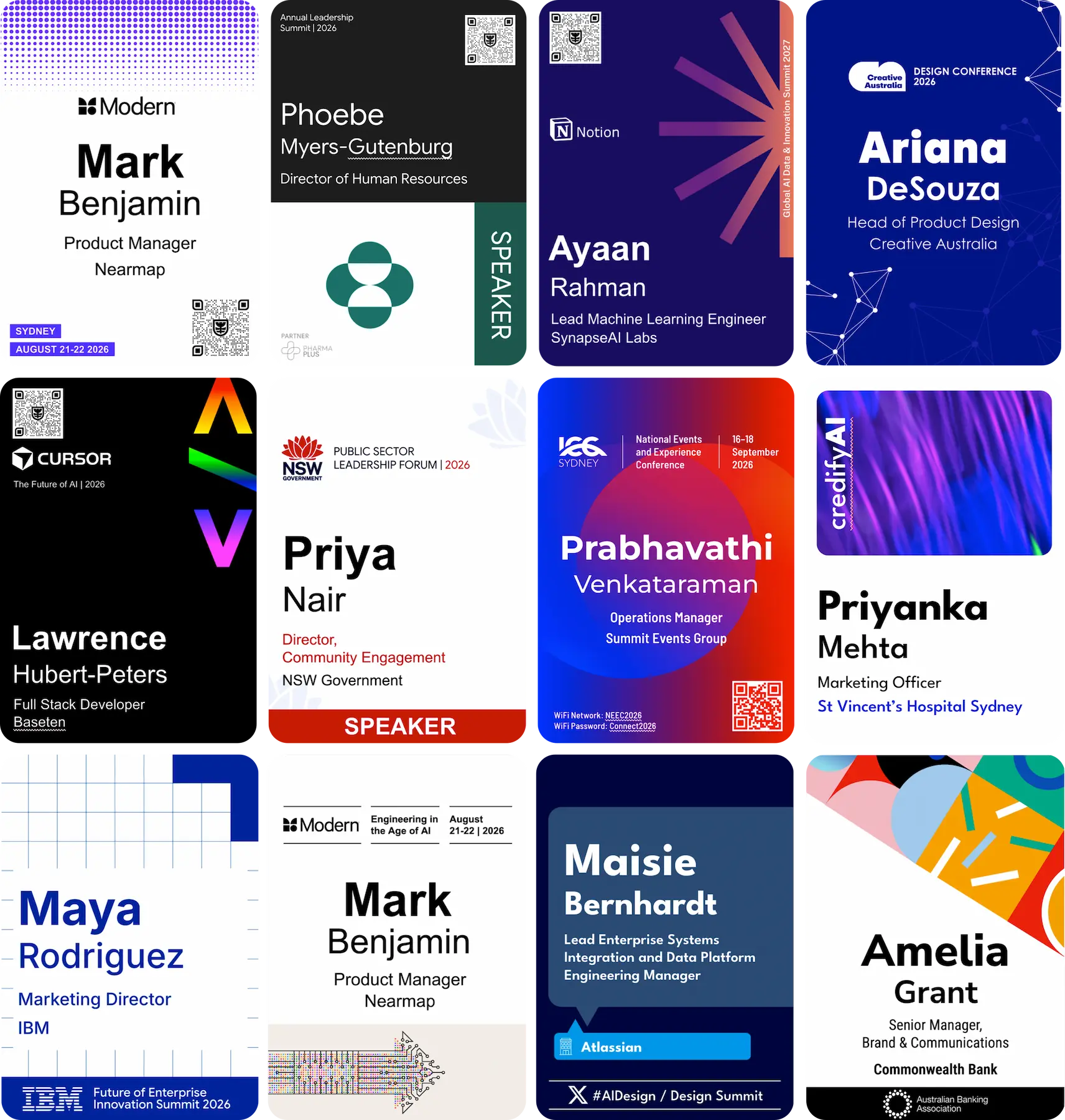
Looking for sustainable conference name badges in Australia?
Terra Tag also makes sustainable conference name badges and biodegradable lanyards for events in Australia. If you need printed badges supplied, assembled and packed in guest list order, explore Terra Tag’s physical conference name badges.
Free conference name tag template FAQs
Are these conference name tag templates free?
Yes. The Canva templates are free to open and copy into your own Canva account.
Do I need Canva Pro to use the templates?
No. The templates are designed to work with a free Canva account.
Do I need to give Terra Tag my email address?
No. No Terra Tag email signup is required. Open the Canva template link, copy the file into your Canva account and customise your version.
What is included in the free Canva Starter Pack?
The Starter Pack includes A7, A6, 3 × 4 inch and 4 × 6 inch Canva template files. Each size includes four portrait layouts: Centre Aligned, Left Aligned, Brand Header and Role Band.
What size should a conference name tag be?
A7 and 3 × 4 inch suit most events. A6 and 4 × 6 inch are better when you need longer names, roles, organisations or stronger visibility.
Will these templates fit standard badge holders?
Choose the size that matches your badge holder. The Starter Pack includes A7, A6, 3 × 4 inch and 4 × 6 inch templates.
Can I print these conference name badges from Canva?
Yes. Print one badge at actual size first, then check the first name from three metres away before printing the full set.
Can I create conference name badges in bulk with these Canva templates?
Yes. You can use Canva Bulk Create if you are comfortable preparing your own guest data and mapping it into the template. For a more structured workflow with guest list merge, front and back print layouts, and repeatable production steps, use the Conference Name Badge Design Kit.
What is the difference between the free Canva templates and the Conference Name Badge Design Kit?
The free Canva templates help you create editable badge designs in Canva. The paid Conference Name Badge Design Kit helps you design, merge and prepare a full badge set, with guest list merge, front and back badge files, print ready sheets and a repeatable production workflow.
Do the free Canva templates include printed badges or lanyards?
No. The free Canva templates are digital files only. If you need printed conference name badges with biodegradable lanyards, Terra Tag supplies physical badges for events in Australia.
Can Terra Tag print sustainable conference name badges for my event?
Yes, if your event is in Australia. Terra Tag produces sustainable conference name badges and biodegradable lanyards, supplied assembled and packed in guest list order.