
Conference badge template kit Design one badge. Create print-ready badges for every guest
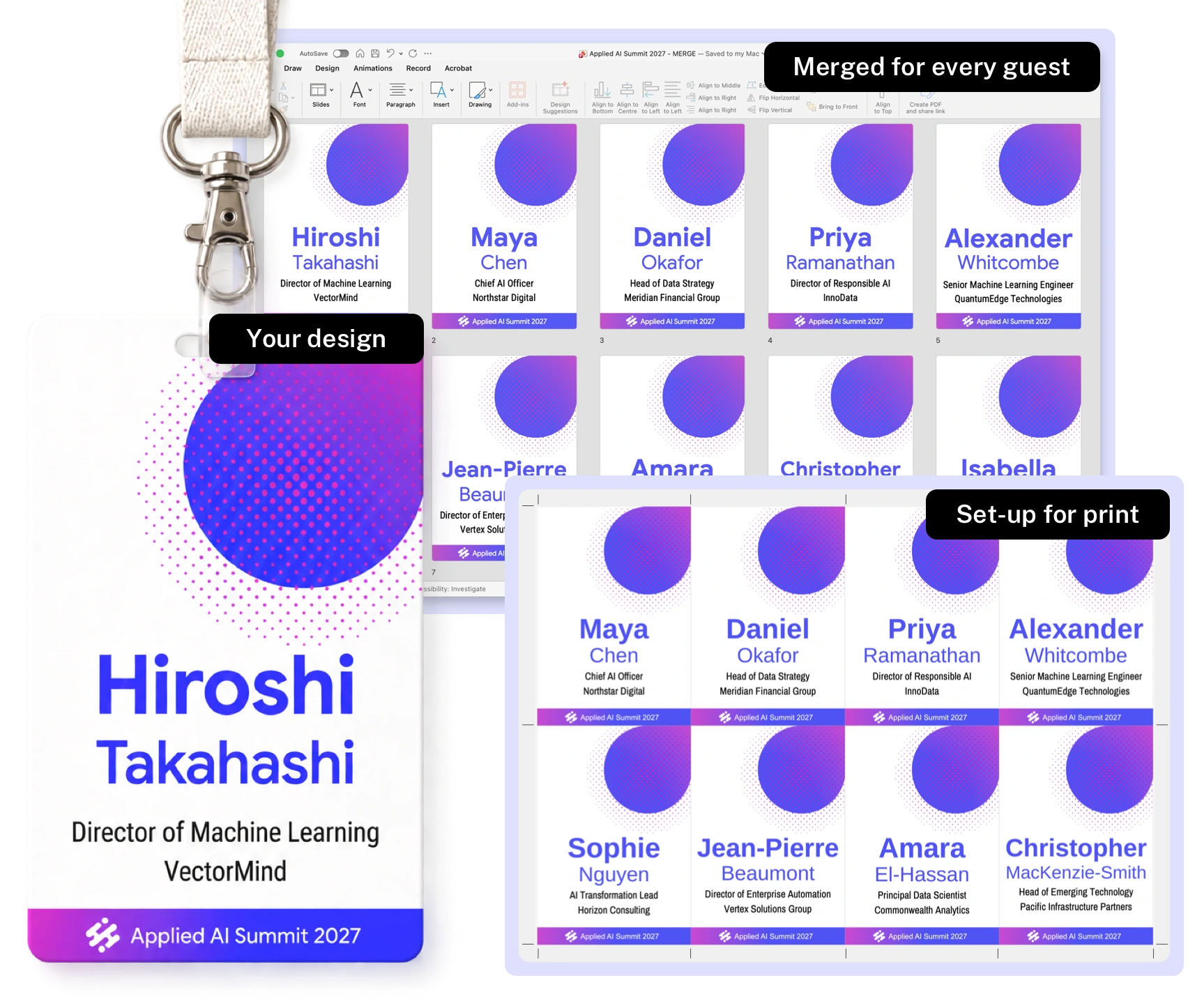
Professionally designed conference name badge templates for PowerPoint and Google Slides. Design your own badges, add your guest list and get print-ready PDFs for DIY printing or a send to a print shop.
Pay once. Use it for every event.
TRUSTED BY EVENT TEAMS WORLDWIDE






A badge template is only the beginning
When every guest wears it, the details matter.
Most badge templates help you design one badge. This kit turns it into a complete badge run.
Start with a professionally designed template. Make the design yours in PowerPoint or Google Slides. Upload it with your guest list to our online production guide. We’ll merge and fit the details, then prepare everything for print.
Fast to produce. Less room for production mistakes. Ready to review and print.
What you get in the kit
Design
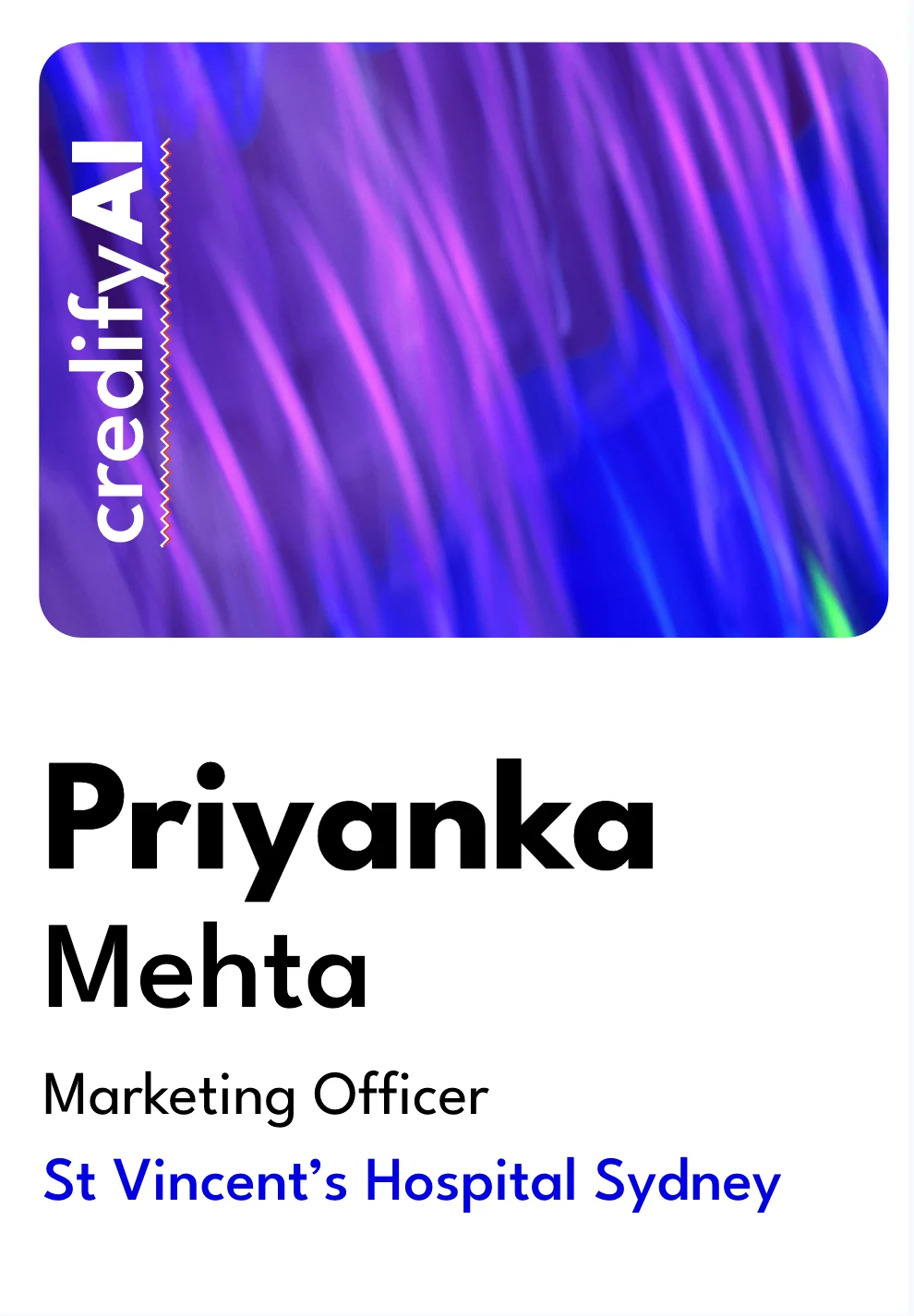
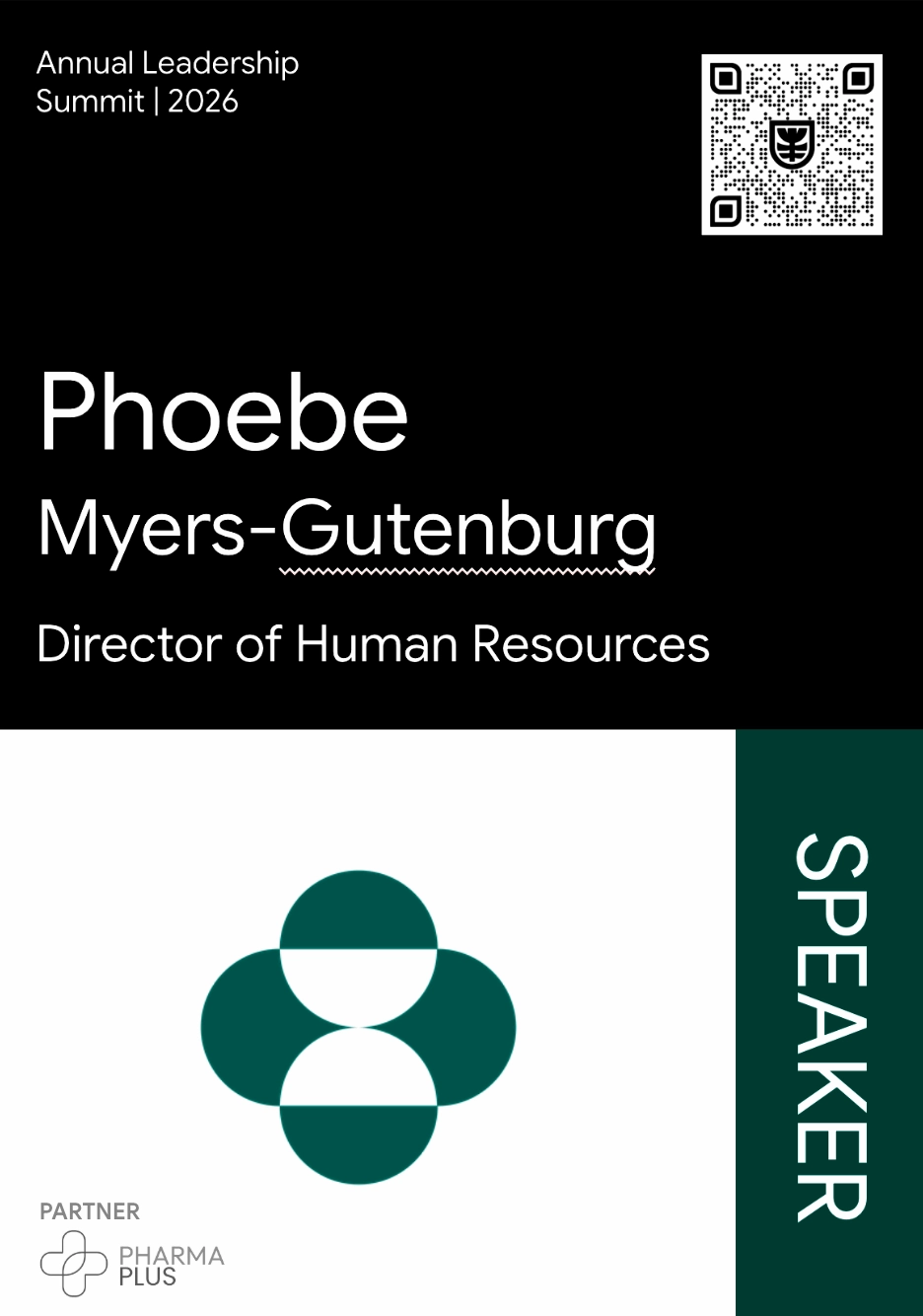
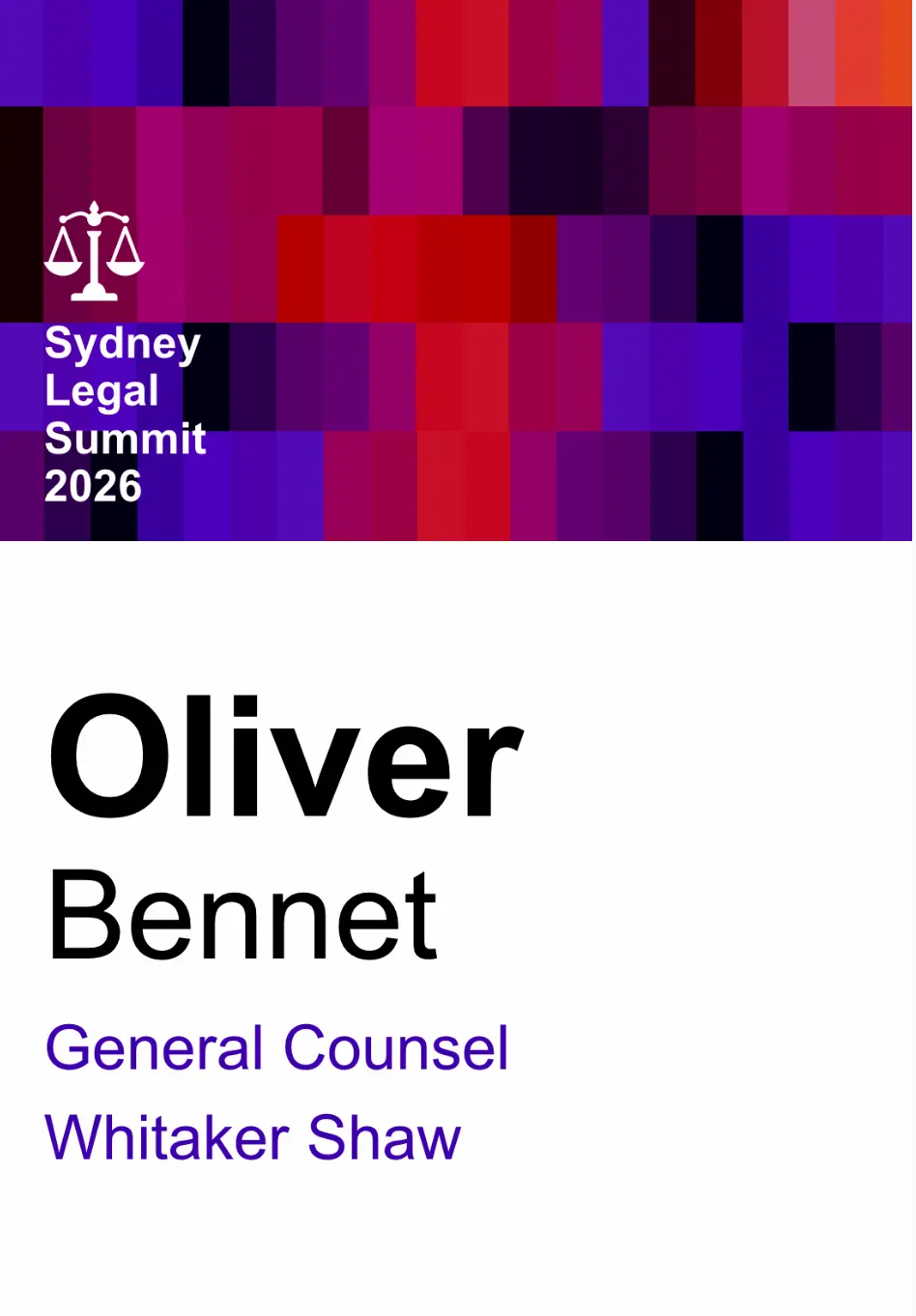
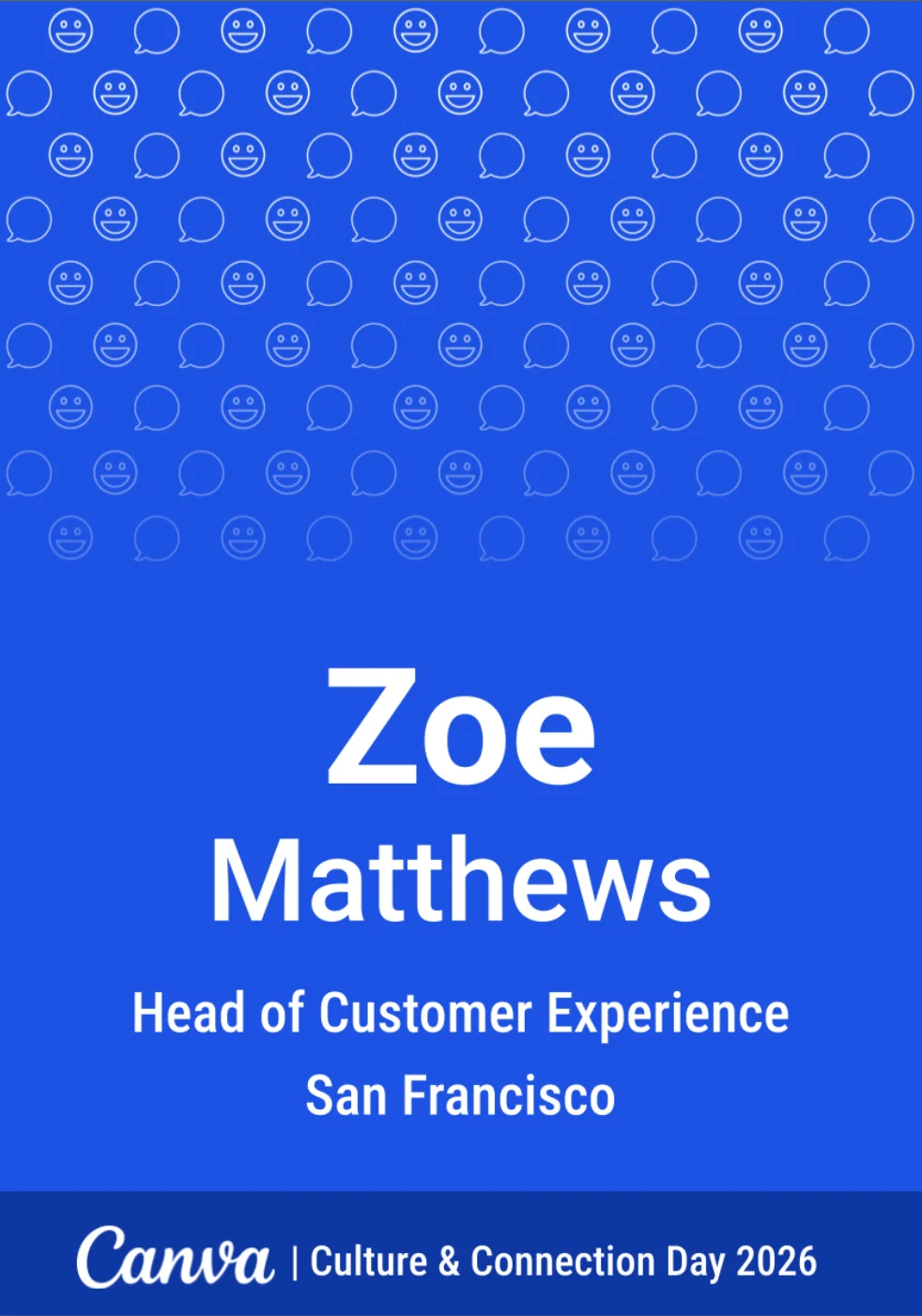
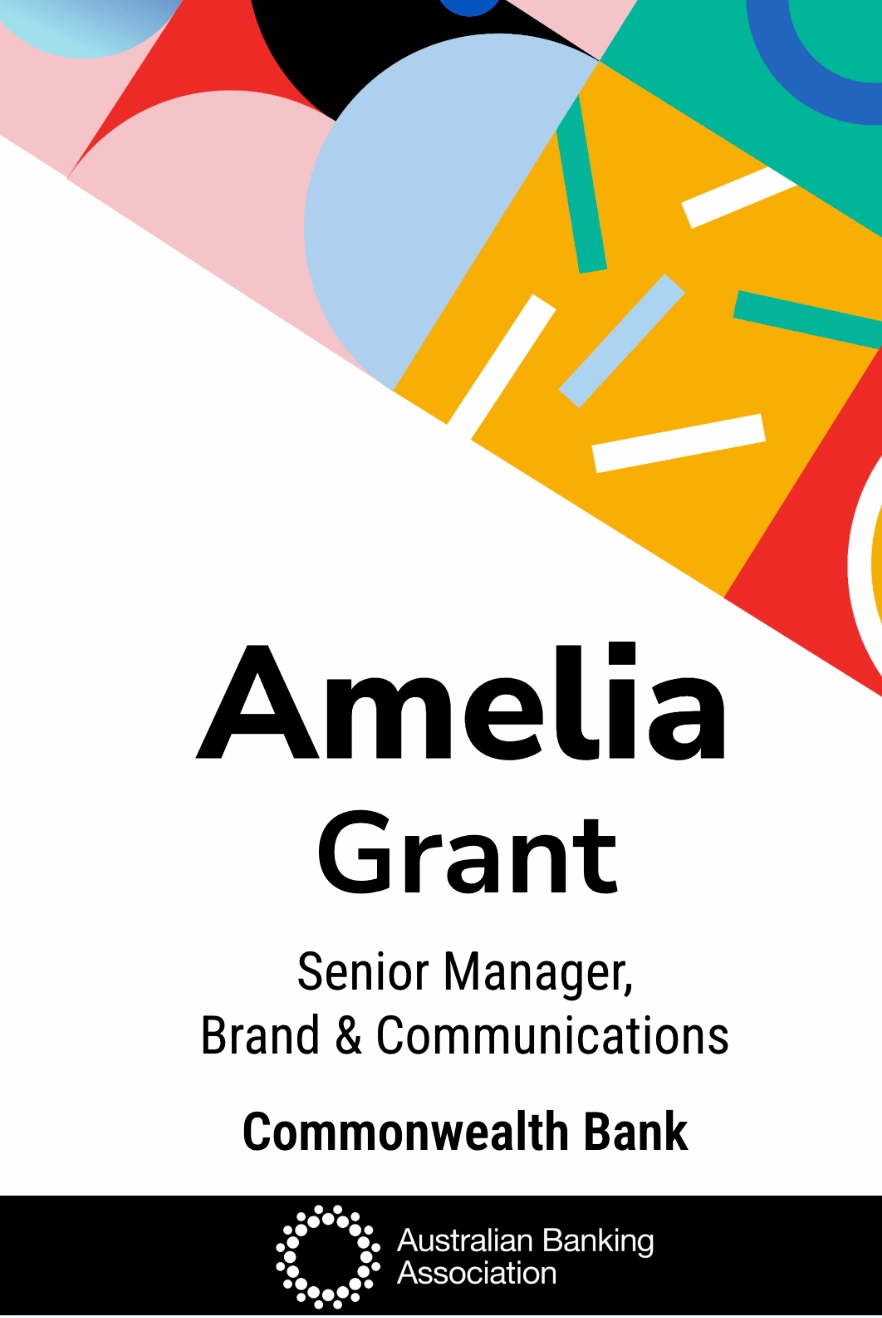
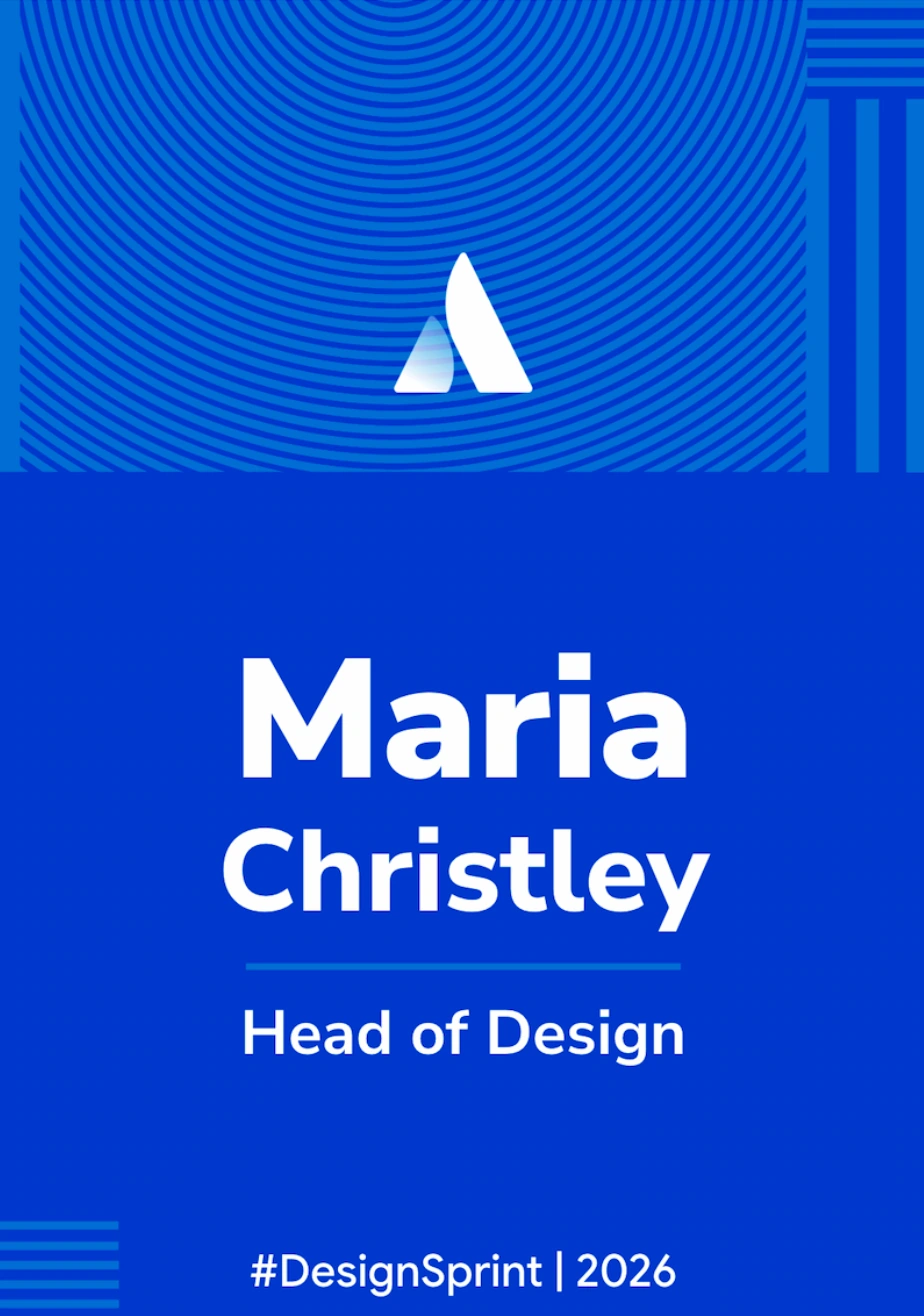
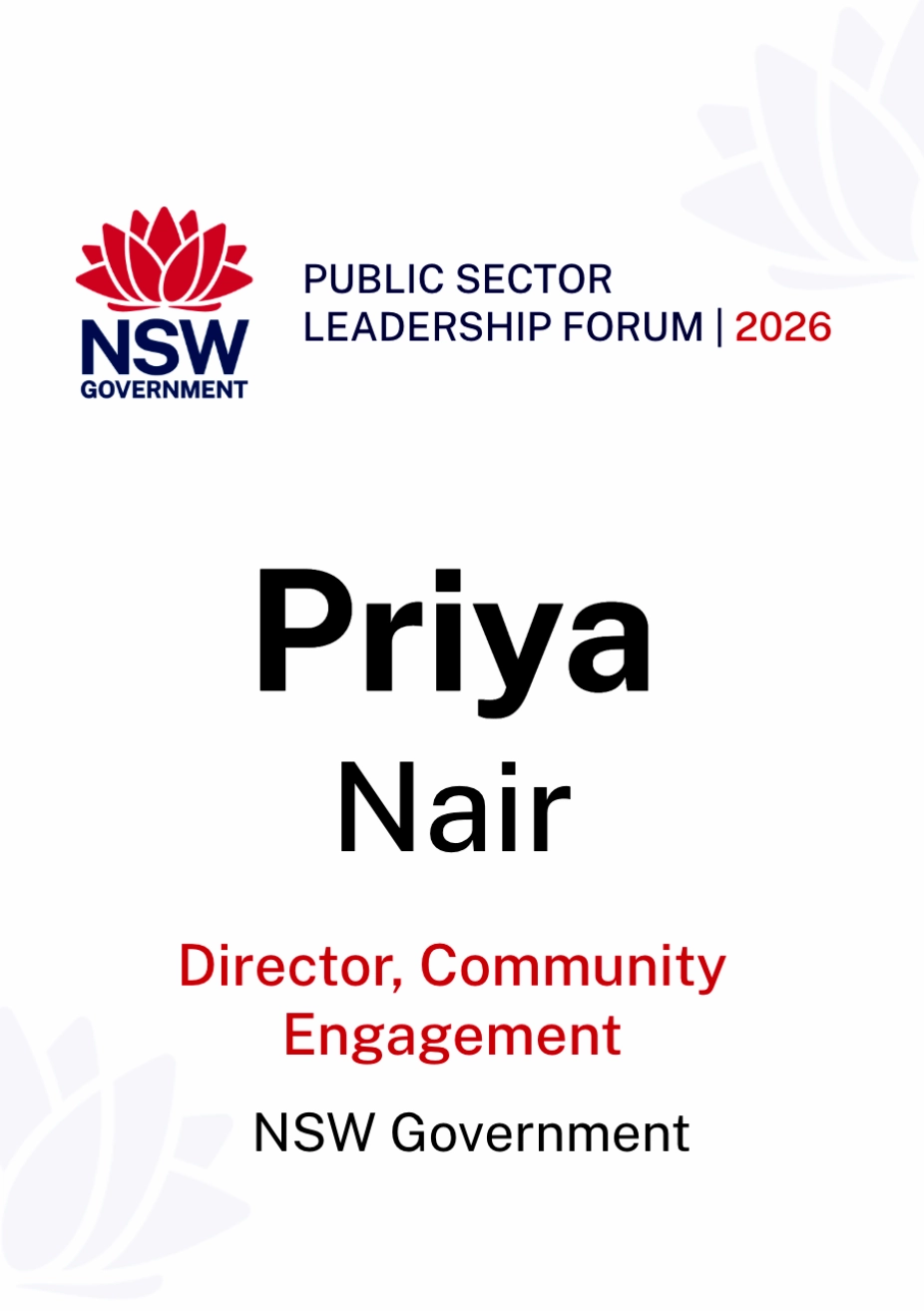
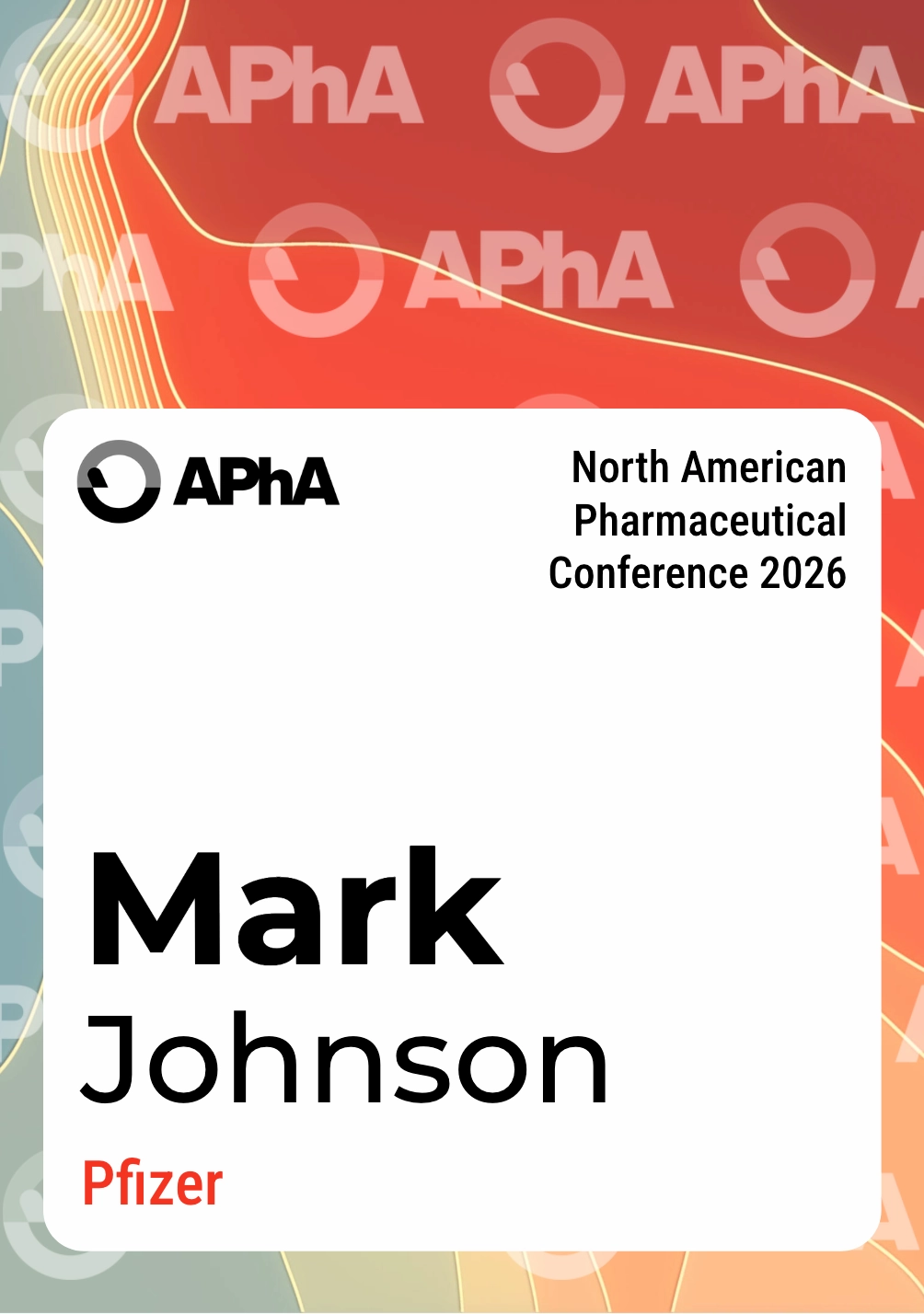
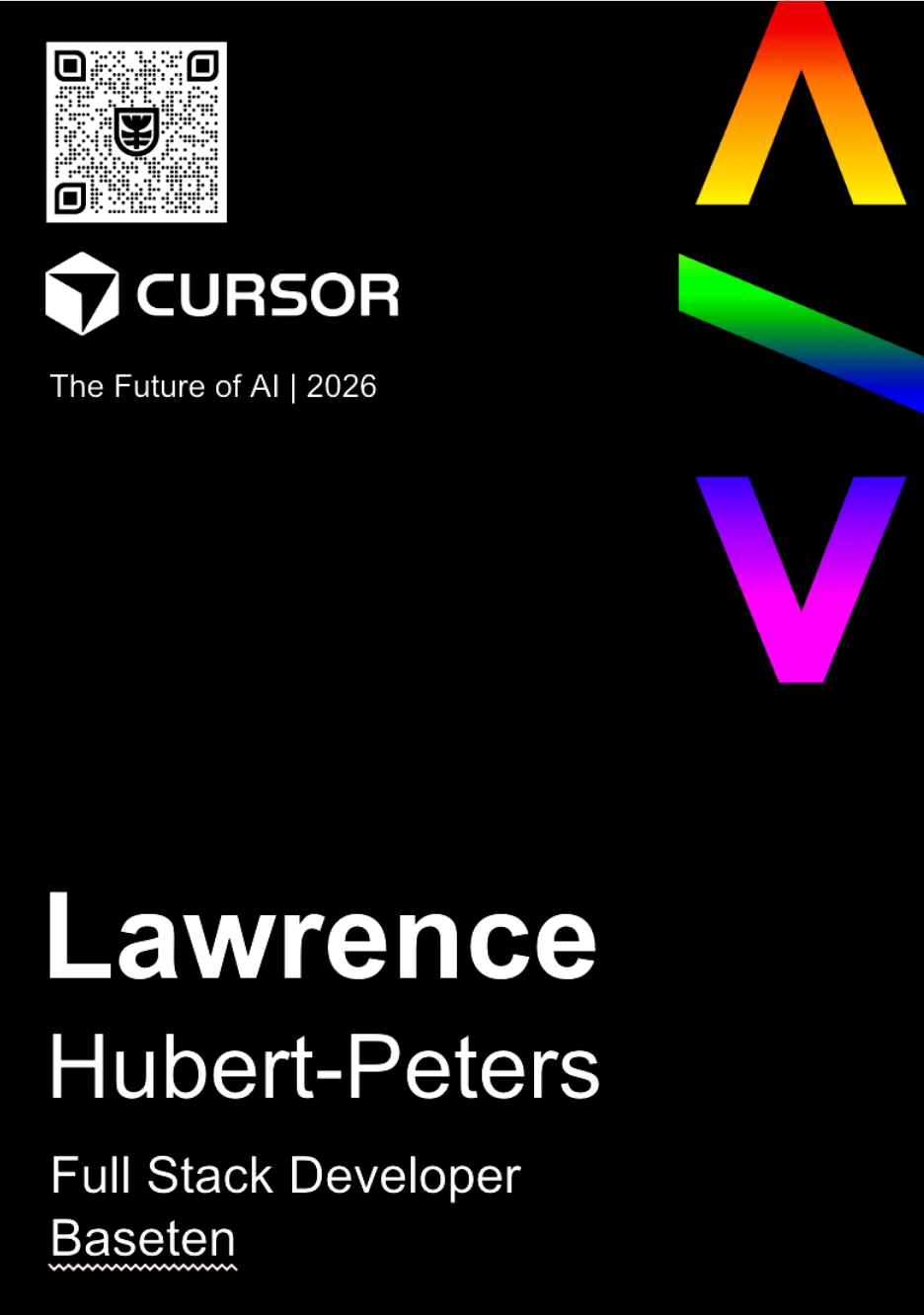

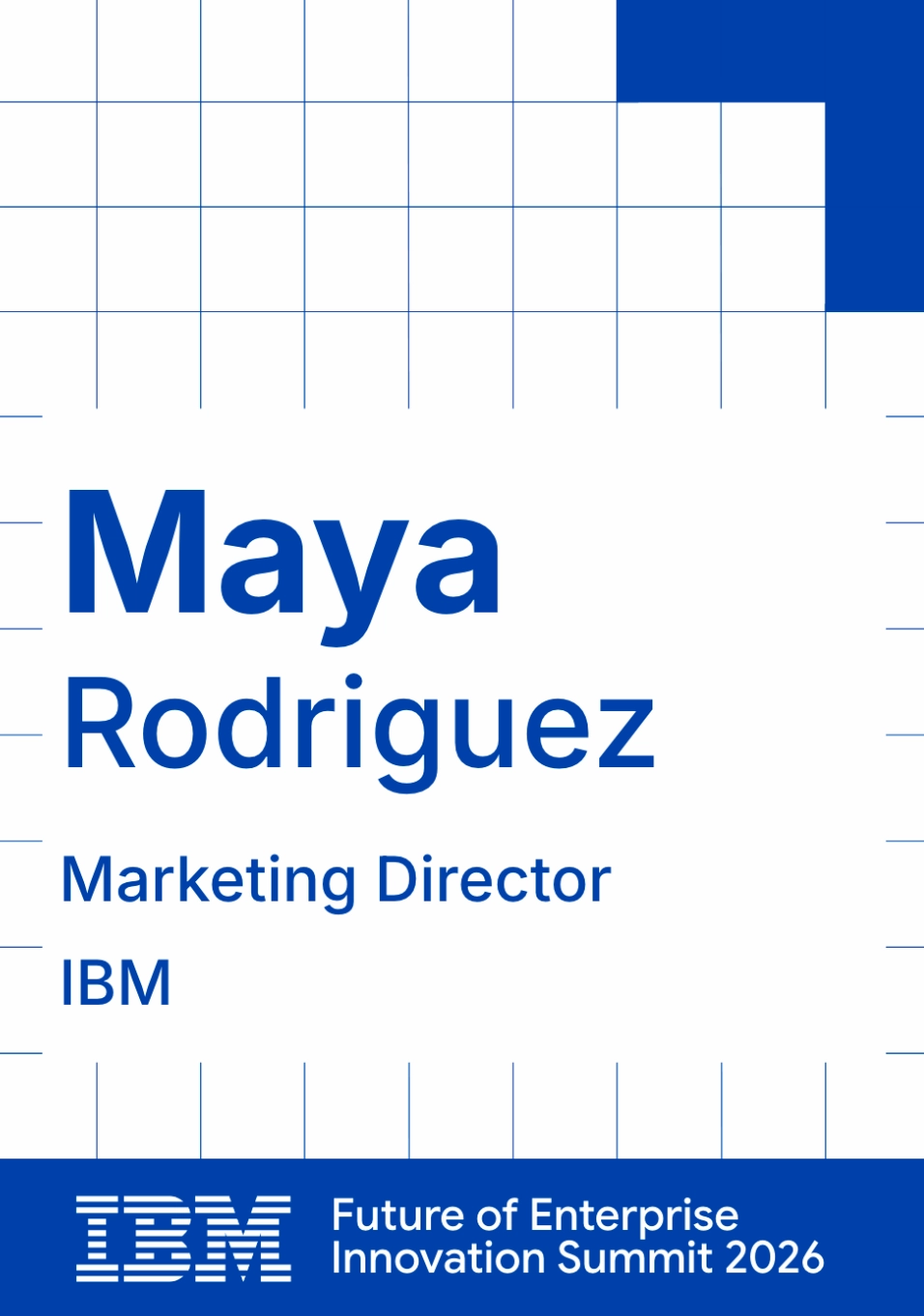
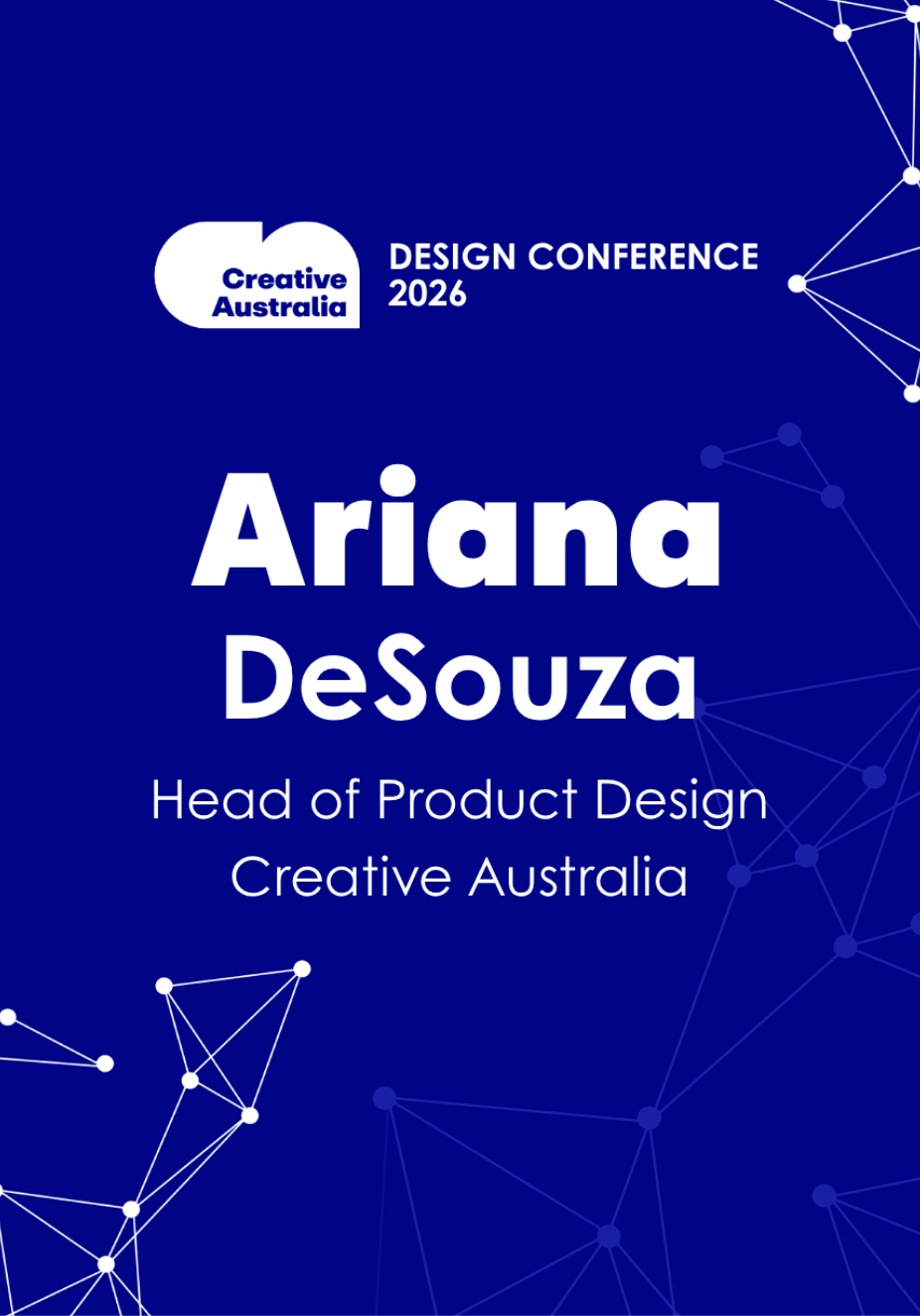
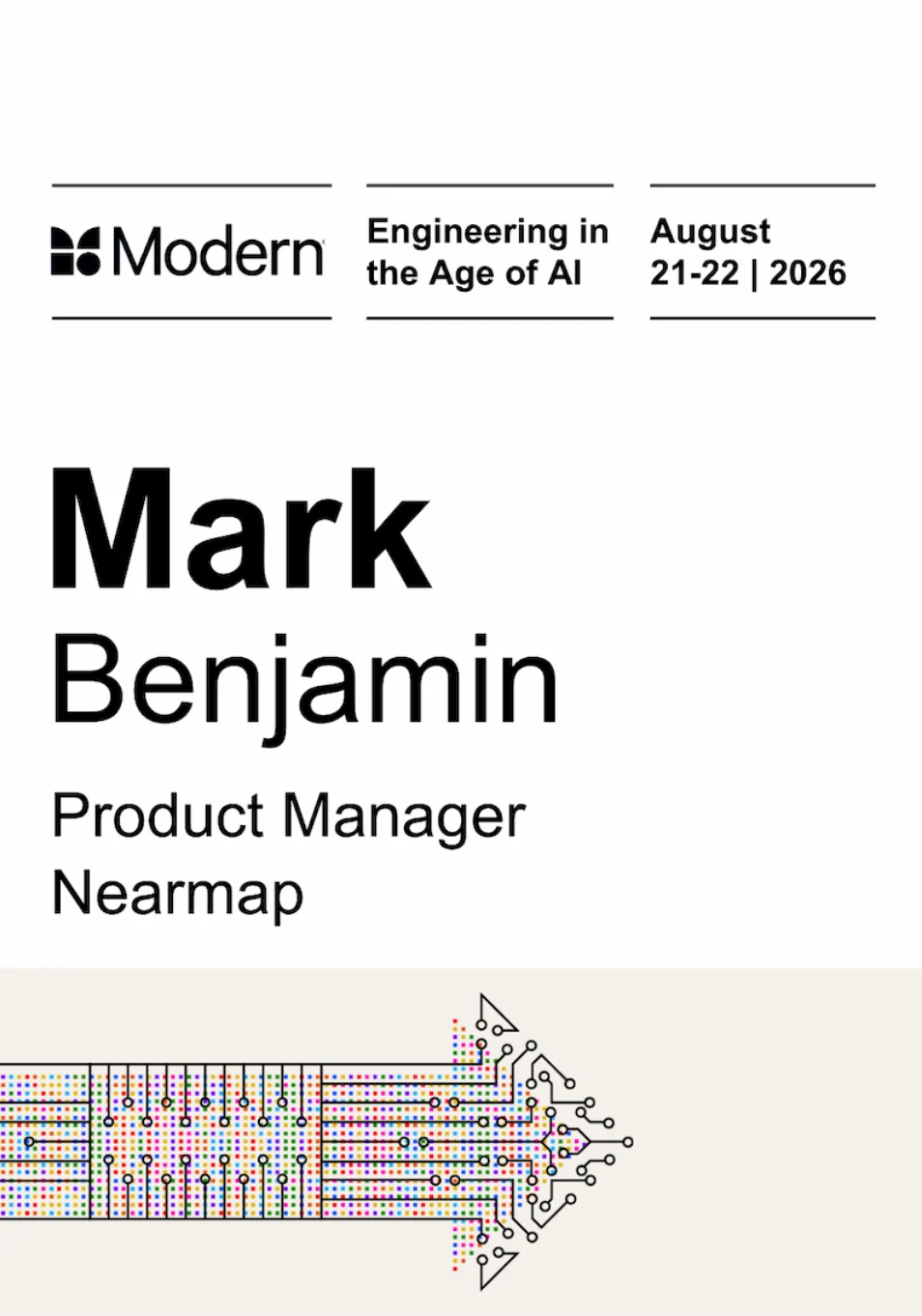
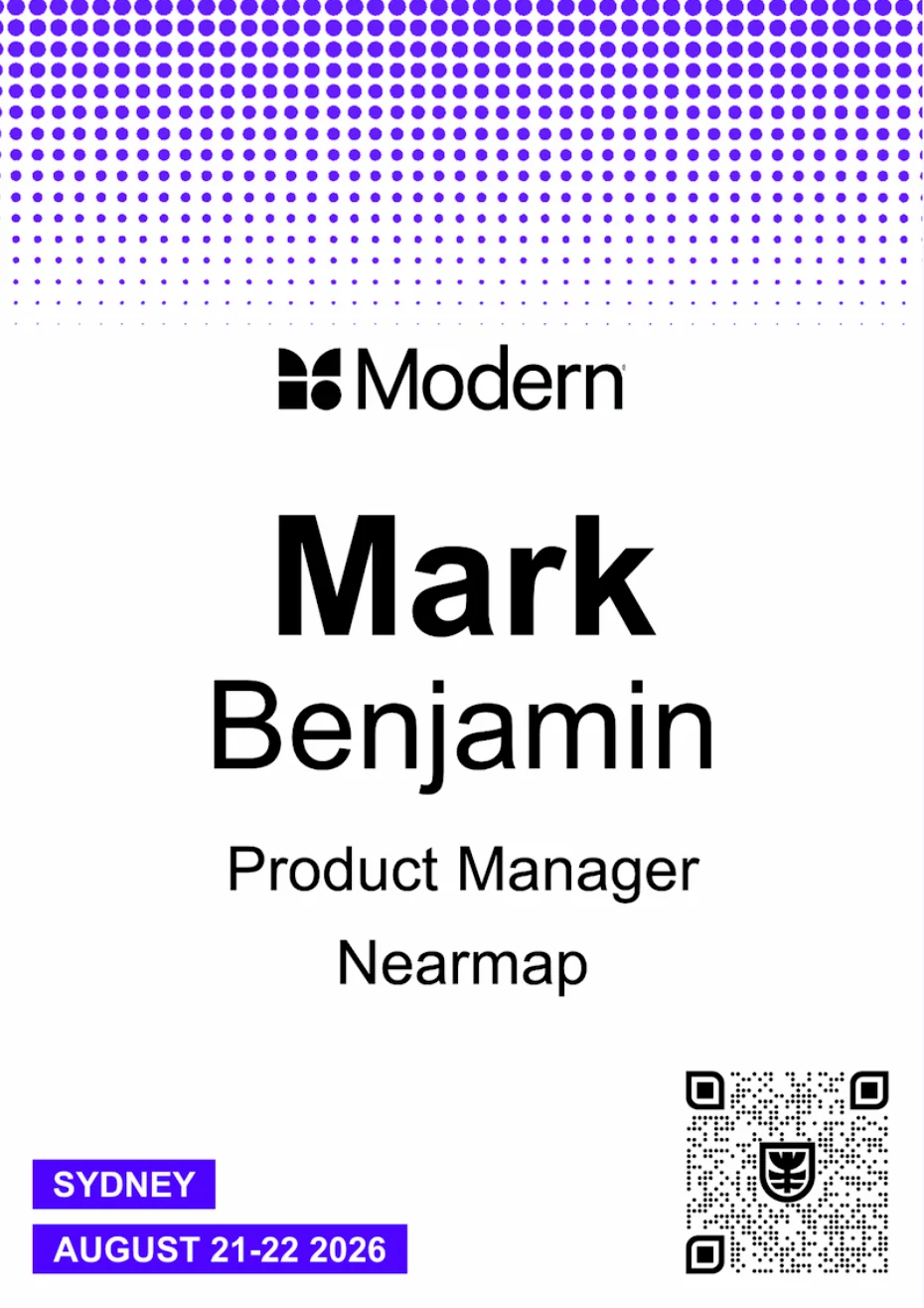
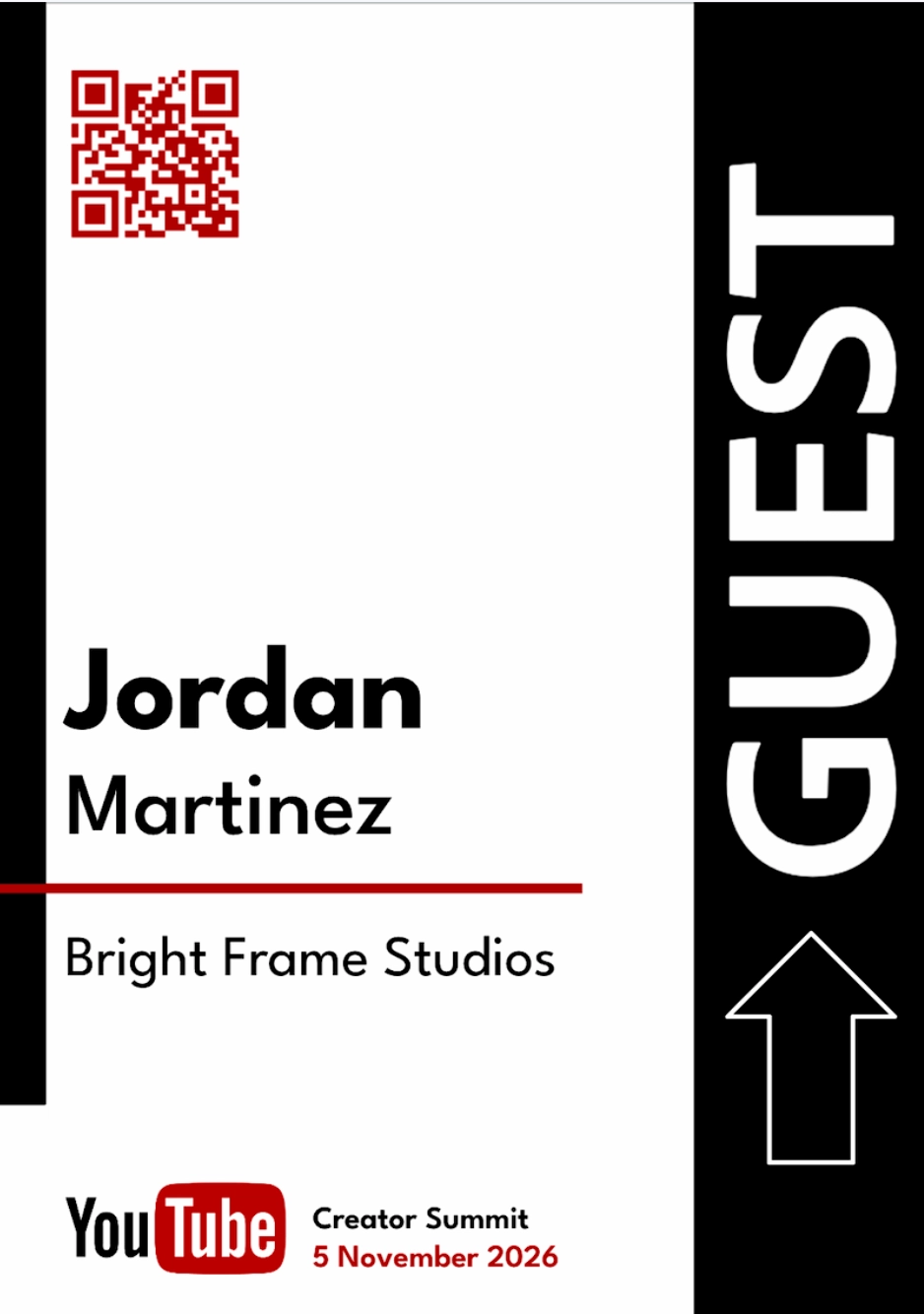
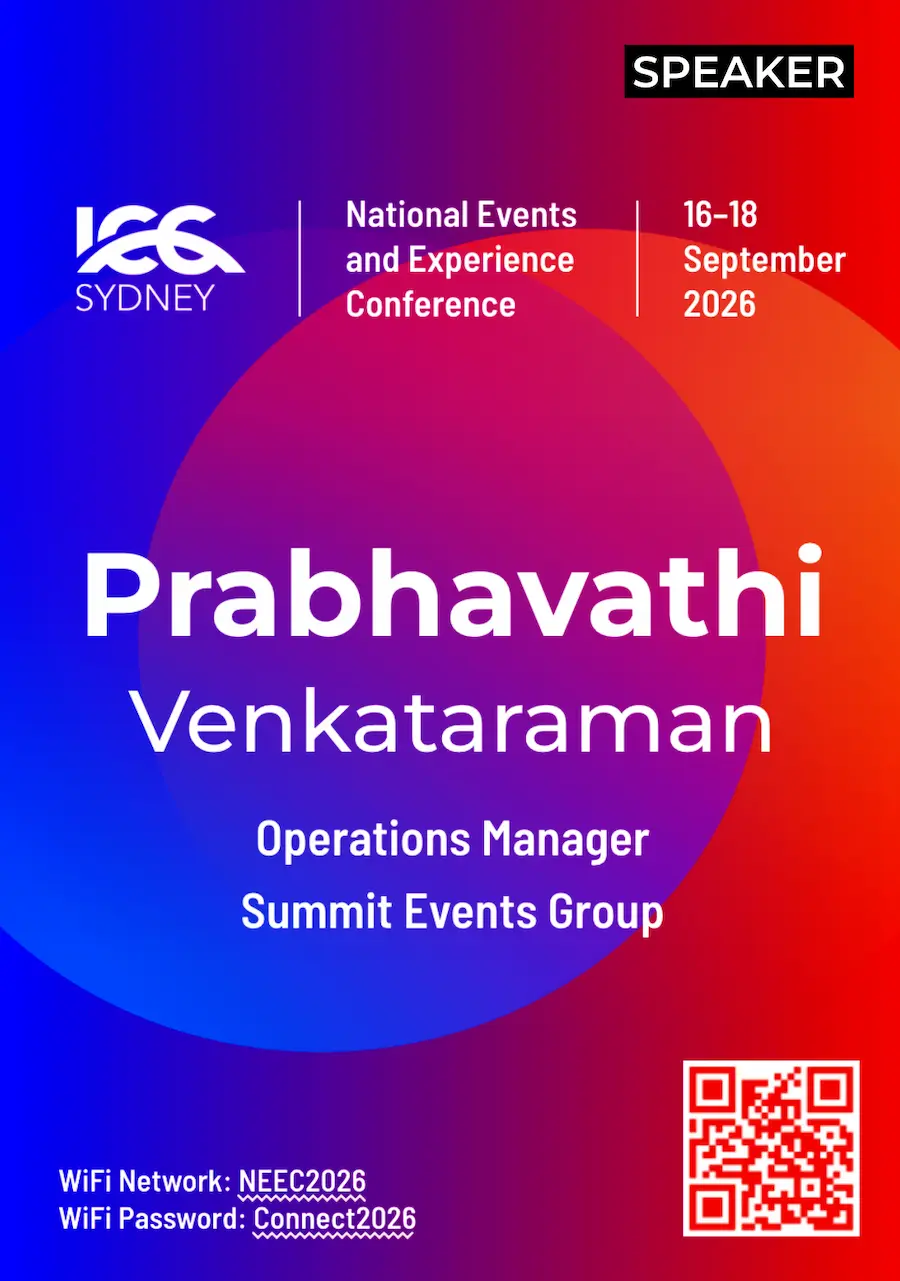
- 5 proven layouts Based on 170+ professional designs
- Professionally designed templates Add your branding or build your own
- Built for readability Made for better networking
Create
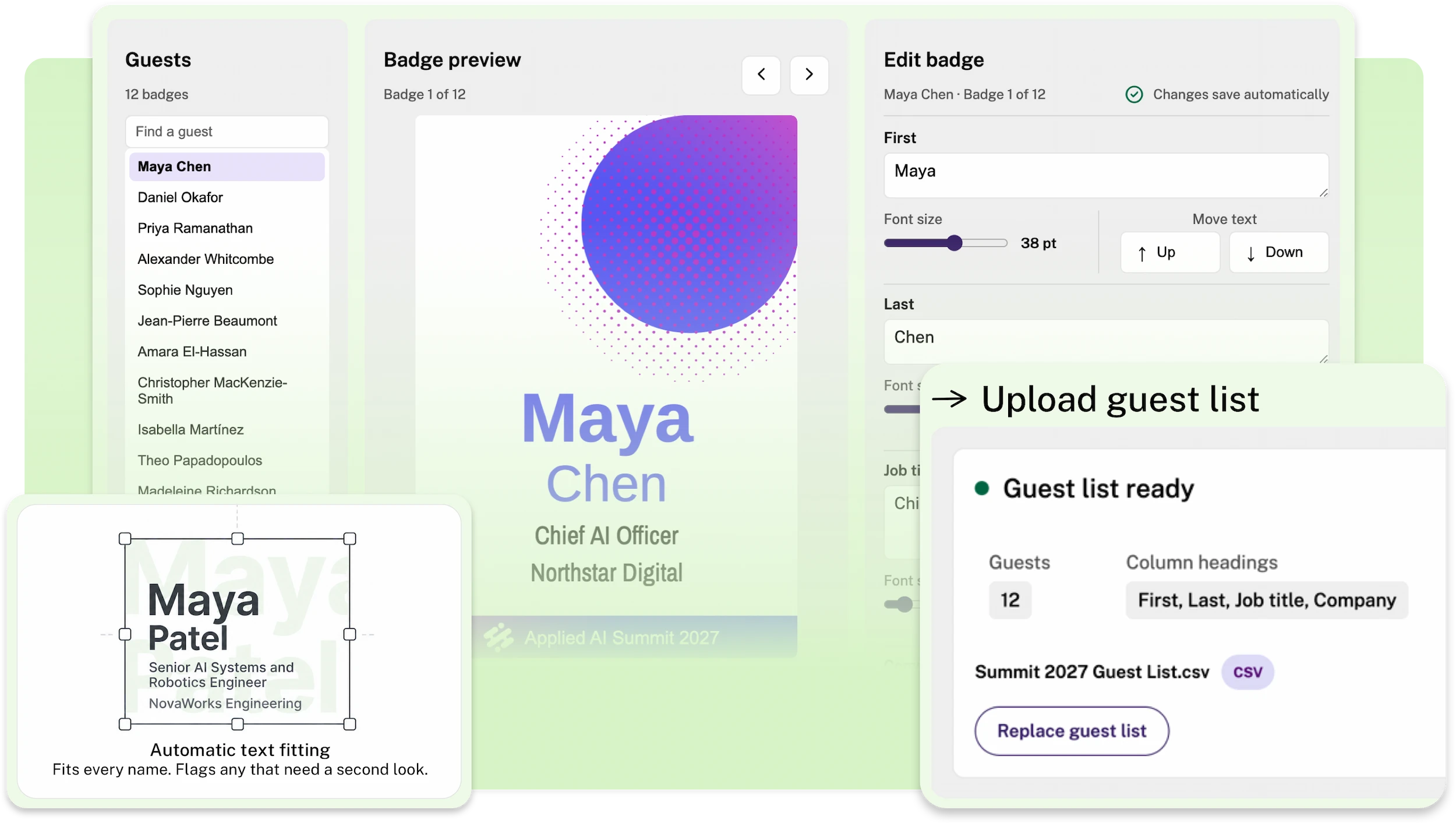
- Add your guest list One badge for each guest. Up to 300 per run
- Checks before it creates Problems show up before any badge is made
- You have the final say Review and edit each badge
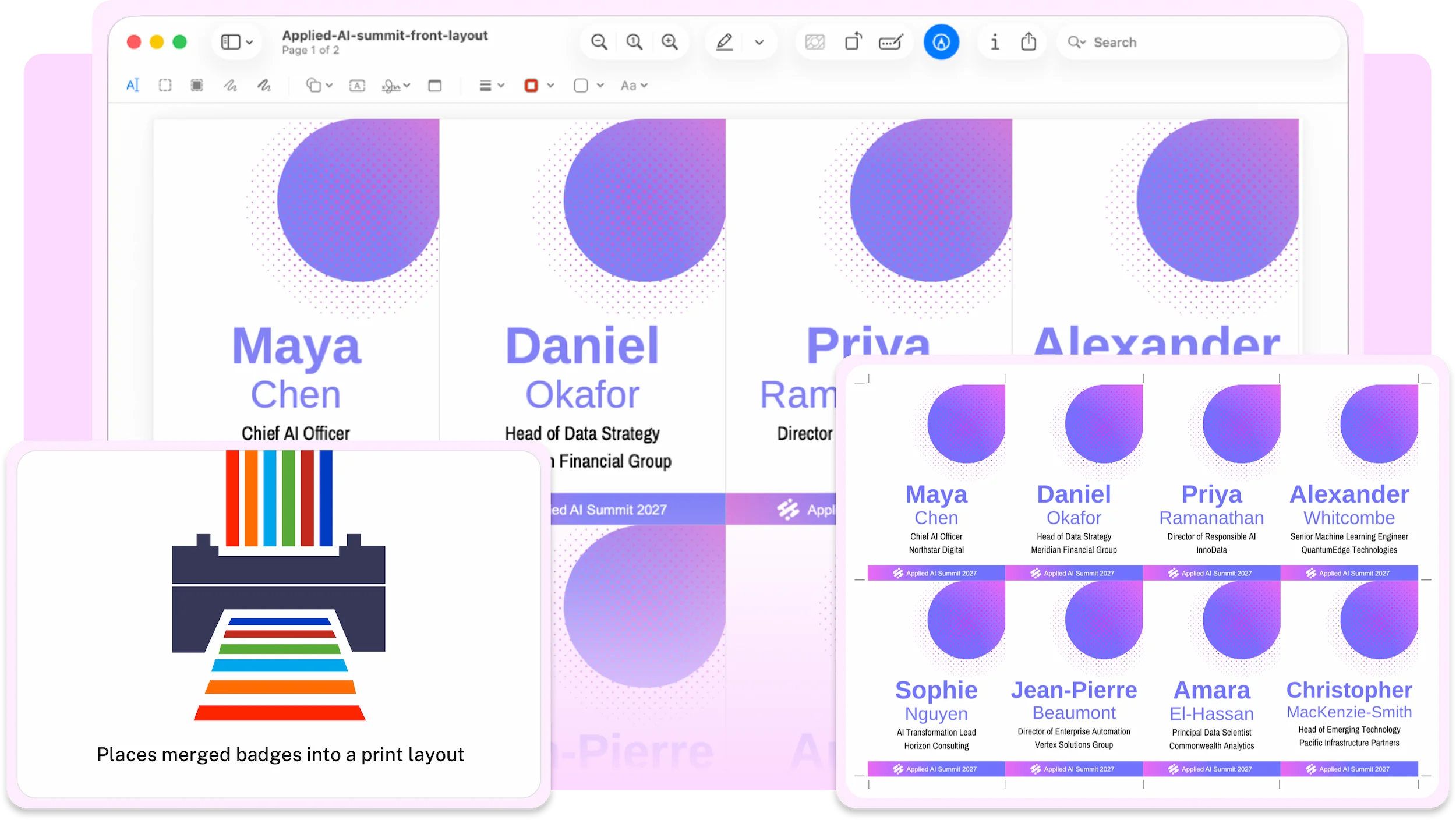
- Print-ready layouts Badges arranged onto printable sheets
- Add a back design Sponsors, agenda, WiFi, map or QR code
- DIY or professional printing Print at home, in the office or through a print shop.
Finish
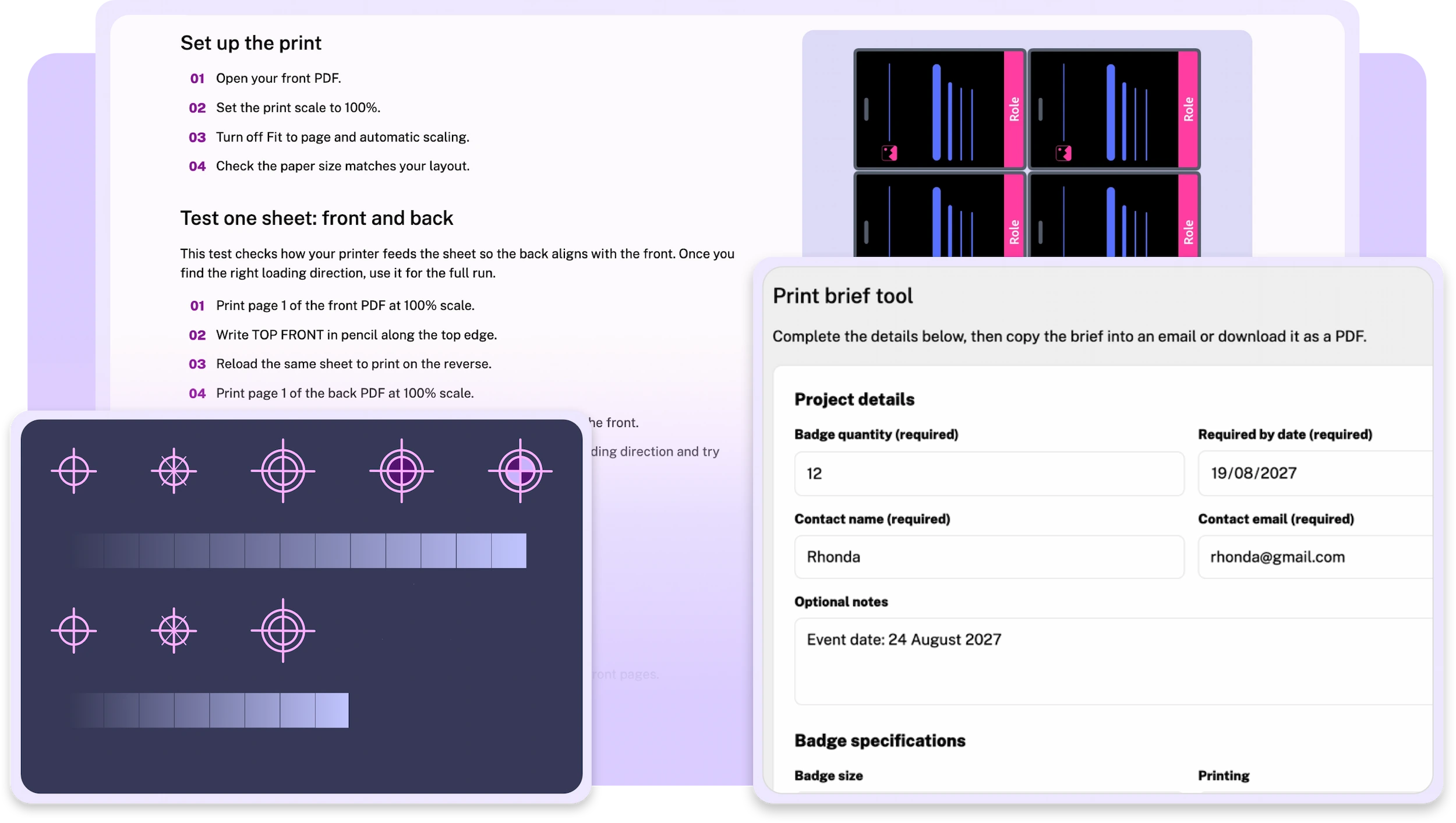
- Guided print setup Prints at true size, every time
- Front and back line up One test sheet shows how to load your paper
- Print brief included All the information your print shop needs
Support
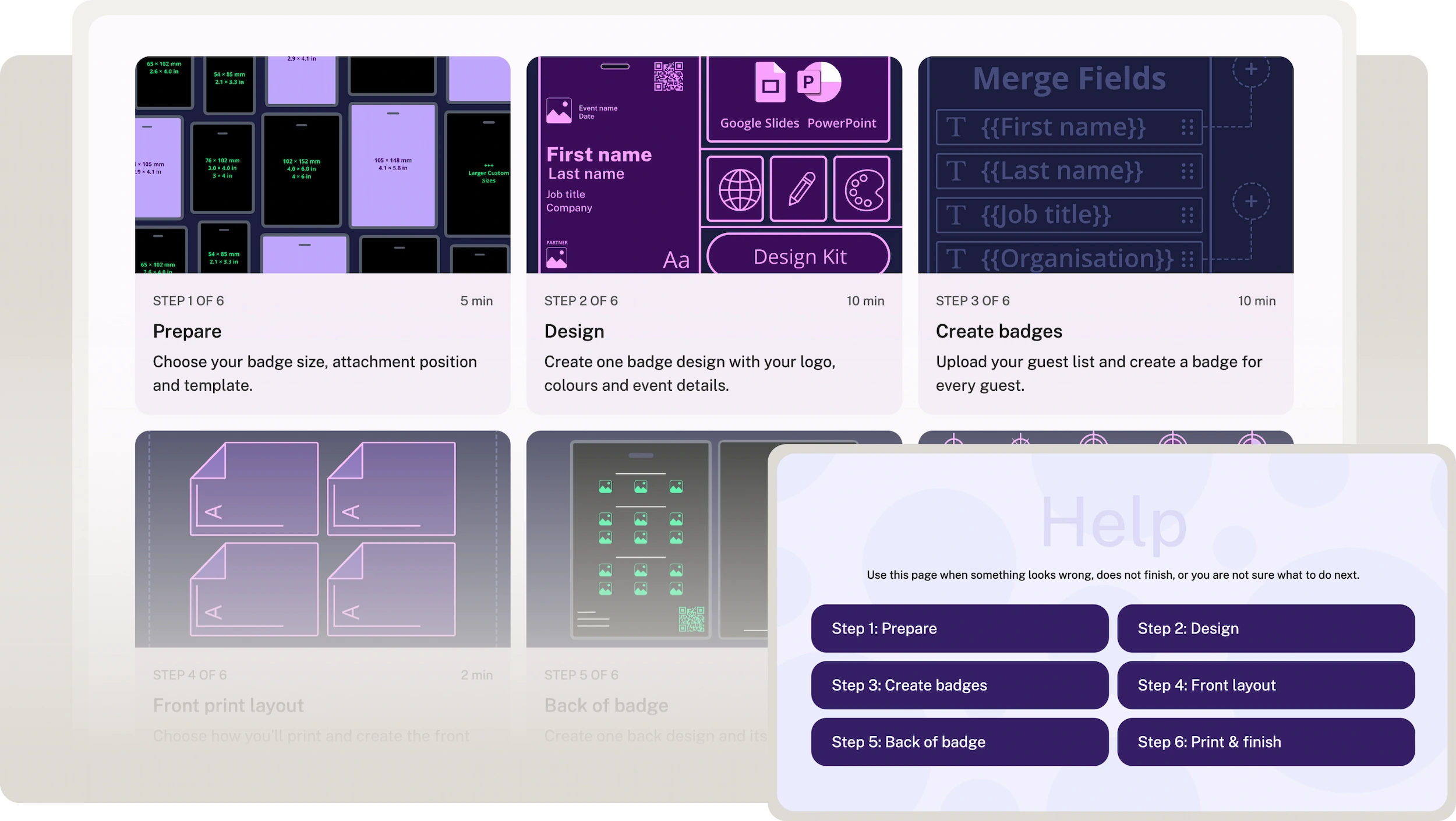
- Six-step guide From setup to finished badges
- Help when you need it Answers for every step
- Stuck? Email support included
- Built-in lanyard hole guide
- Create unlimited badges
- Desktop or laptop
Conference badge templates for PowerPoint and Google Slides
Design in either. Export as PowerPoint when you’re ready.
Five proven conference badge layouts. Make one yours or build your own
Each layout includes professionally designed badge options you can tailor with your colours, logo and event details. Want more control? Start with a Build Your Own file.
Every layout is built on Terra Tag’s Recognition First Badge Design System™.
Developed from analysis of 170+ professional badge designs and informed by the production of more than 130,000 badges, it puts the attendee’s name first. It keeps the hierarchy clear when logos, titles and extra information enter the design.
The result: badges people can recognise in a real room, not just designs that look right on screen.
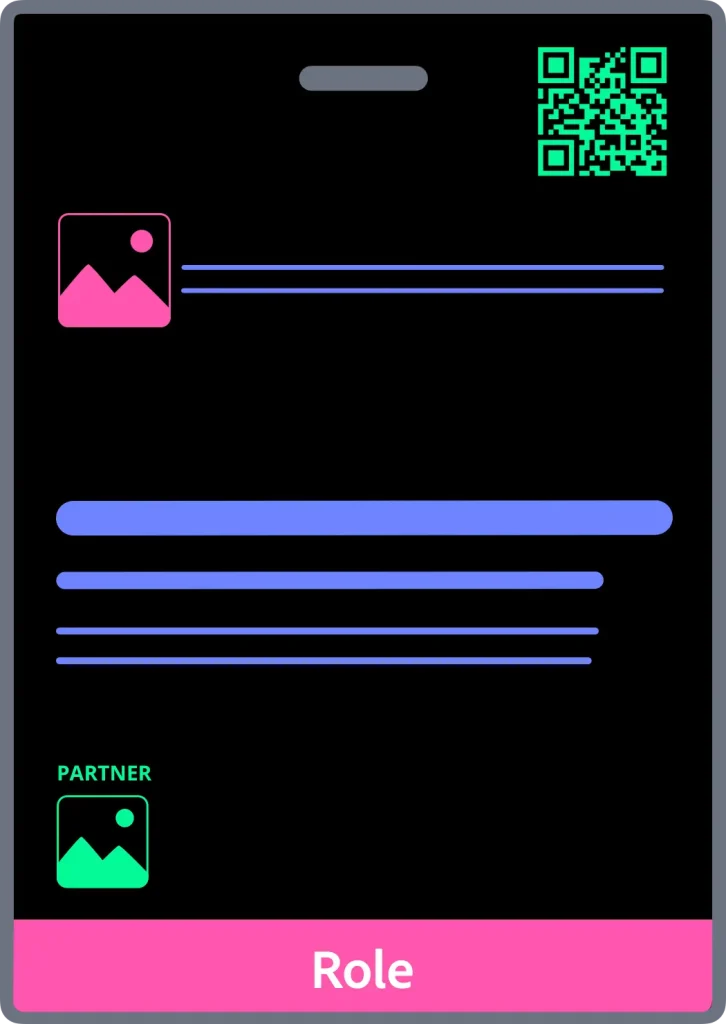
Large
For multiple logos, QR codes or more content.
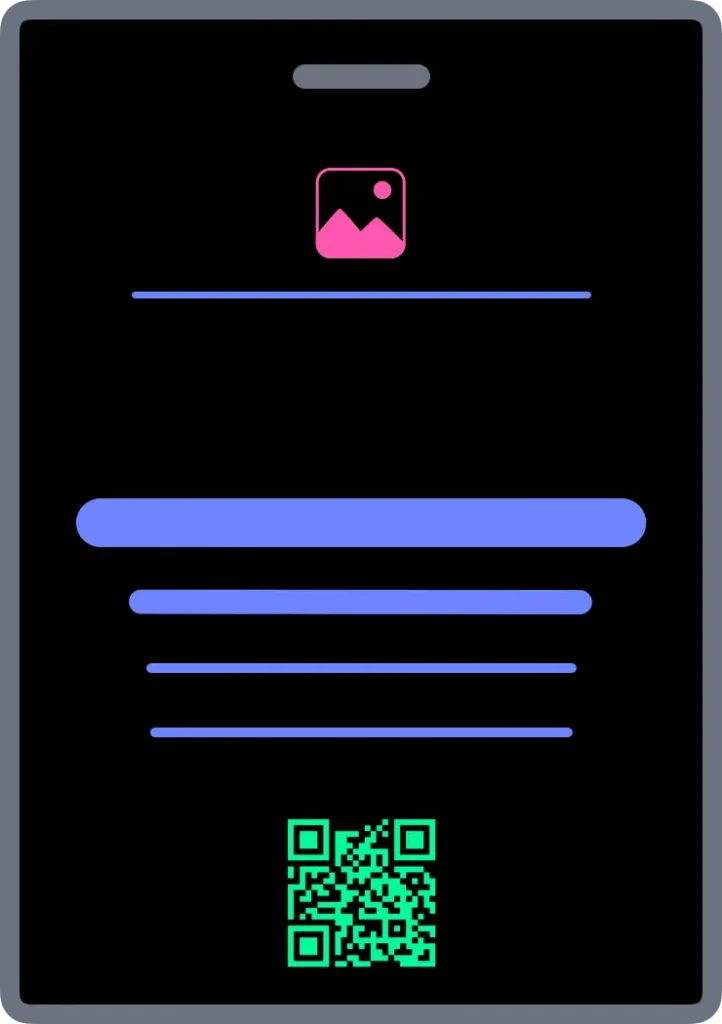
Centre Aligned
For a clean, balanced layout.
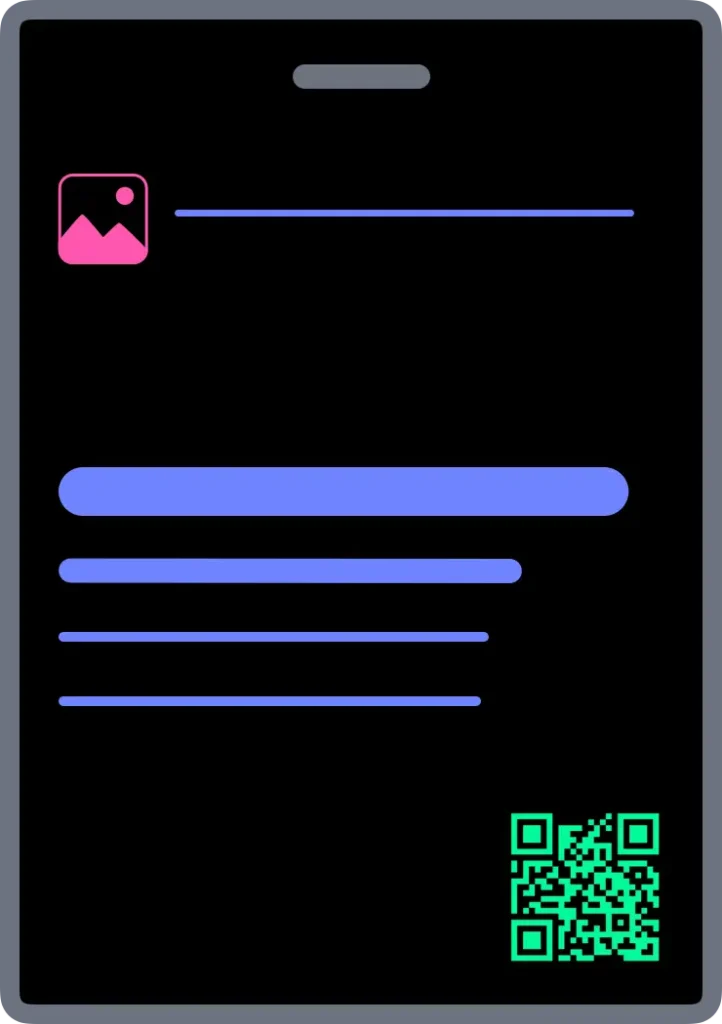
Left Aligned
For varied name, role and organisation lengths.
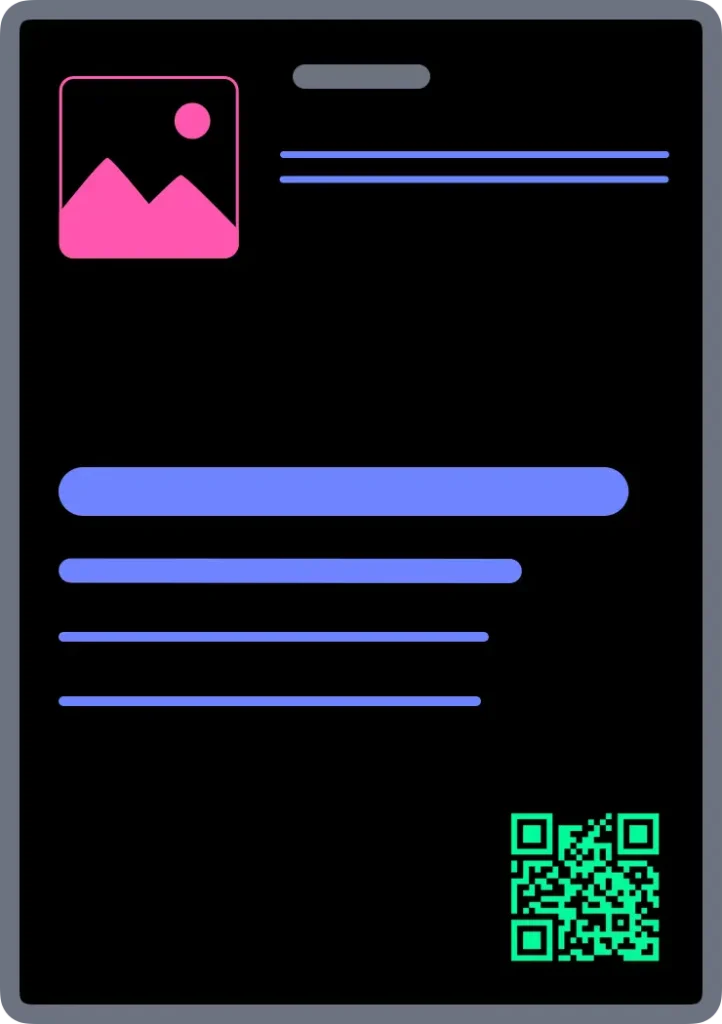
Brand Header
Gives event identity more prominence.
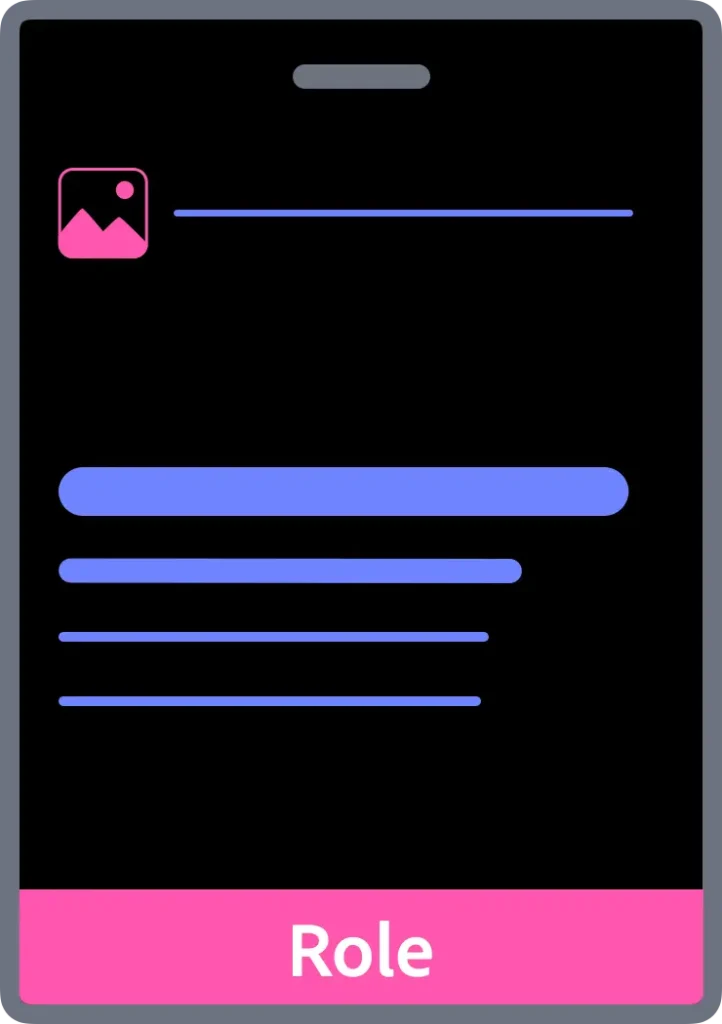
Role Band
For making attendee roles easy to spot.
Recognition First Badge Design System™ Readability built into every template
Room for your brand Your colours, logo and event details
Everything the kit does
From one design to print-ready badges for every guest. Fast, and checked along the way.
Design
- Professionally designed templates Customise one or build your own
- Five proven layouts Centre Aligned, Left Aligned, Brand Header, Role Band and Large
- Built for readability Made for better networking
- Your event branding Logo, details and brand colours
- Four badge sizes A7, A6, 3 x 4 in and 4 x 6 in
- Lanyard hole guide Dead Zone overlay shows what to keep clear
Create
- Checks before it creates Problems show up early
- One badge for every guest Up to 300 per run
- Create your own merge fields Beyond name, title and organisation
- Automatic text fitting Fits every name. Flags any that need a second look
- You have the final say Review and edit each badge
- Saves as you go Return within 48 hours
- Front and back layouts On printable sheets, trim marks included
- Five back designs Sponsors, agenda, WiFi, venue map or QR code
- Front only or both sides Choose what suits your event
- Home, office or print shop Layouts made for how you print
- Print-ready PDFs Download and print
Finish
- Test one badge first Actual size, checked from three metres
- Trim, sort and finish From sheets to finished badges
- Print brief included Stock, finish, corners and hole punching
Support
- Six-step guide Setup to finished badges
- Help at every step Answers to common issues
- Email support Technical help when you’re stuck
You’ll need
- Guest list as a CSV
- Logo, event info, brand colours
- Printer or print shop
- PowerPoint or Google Slides

- Sizes:
- A7, A6, 3 x 4 in, 4 x 6 in
- Per run:
- 300, unlimited runs
- Works on:
- Laptop and desktop
You decide how the badges look. The kit prepares them for print
You decide
- How the badge looks
- Badge size and lanyard position
- Branding, colours and event details
- Which guest details appear
- Whether to add a shared back design
- How you want to print
- Final approval before print
The kit does
- Creates one badge for every guest
- Fits names, titles and organisations
- Prepares the front layout for your print method
- Creates the matching back layout
- Adds trim marks for printing and finishing
- Prepares your print-ready PDFs and print brief
Why free conference badge templates stop short
A free template feels like a quick win. You design the badge, and it looks great. Then the real questions start. How do I add every guest’s name? What happens to the long ones? How do I print this? That’s when one badge becomes hours of manual work.
Scroll sideways to see every column
| This kit | Free templates | Design tools | |
|---|---|---|---|
| Guest list merge | Built in AUTOMATED | Manual | Manual setup |
| Automatic text fitting | Built in AUTOMATED | Manual | Manual setup |
| Flags badges that need review | Built in AUTOMATED | No | No |
| Front and back print layouts | Built in AUTOMATED | Manual | Manual setup |
| Print brief and printing guidance | Built in AUTOMATED | No | No |
| Readability rules built in | Built in AUTOMATED | No | No |
$79 AUD once. Use it again for future events
One payment. No subscription.
$79 AUD
Includes:
- Professionally designed front and back badge templates
- Design in PowerPoint or Google Slides
- Guest list merge, text fitting and badge review
- Home, office and print shop layouts with trim marks
- Print-ready PDFs and a downloadable print brief
- Six-step guide and technical email support
What happens after purchase?
Create your account at checkout. Once payment is confirmed, open the Design Kit straight away. We’ll also email you a link to it.
Questions, answered
What is the Conference Name Badge Design Kit?
A conference badge template kit for PowerPoint and Google Slides. It turns one badge design and your guest list into print-ready front and back pages for every guest.
Is this just a badge template pack?
More than that. It starts with professionally designed badge templates, then turns your guest list into a full badge set, with text fitting and print-ready front and back layouts.
Do I need PowerPoint?
No. Design in PowerPoint or Google Slides. If you use Google Slides, download your design as a PowerPoint file before you upload it.
What do I need to use the kit?
A laptop or desktop computer with an internet connection. Your badge design in PowerPoint or Google Slides, and your guest list as a CSV. A printer, or a print shop, to print your badges.
How many guest badges can I create?
You can create up to 300 guest badges from one guest list. If you have more than 300 guests, split your list and run the remaining guests through again.
Do I need to check every badge?
Yes, before you create the print layout. Any badge that needs a second look is flagged, so you know where to start. You have the final say before anything is printed.
Can I print the badges myself?
Yes. The kit creates layouts for home or office printing, including trim marks. Test one sheet before printing the full run.
What does my print shop receive?
Send your front PDF, back PDF if you created one, and the downloadable print brief. The brief captures the badge size, quantity and finishing details your printer needs.
Can I use the kit again for another event?
Yes. It is a one-time purchase, with no per-event or per-client fees. Use it for your own events, client events or any other event work.
What happens to my guest list and artwork?
Your guest list, artwork and badge files are deleted 48 hours after each PDF is created. Download your PDFs within that time.
What happens if I need help?
The kit includes step-by-step guidance and Help content for common issues. If you still need help with the kit, email support is available.
Do I need design experience?
No. Start with a professionally designed layout and tailor it with your logo, colours and event details. The guided workflow takes you from guest list to print-ready pages.
Can I use my organisation’s font?
Usually. Google Fonts work as designed, and many other fonts work too. If we need to use a close match, we’ll show you first. If we can’t match it, we’ll ask you to choose another font.
Can I use this kit to make DIY conference name badges?
Yes. Design your badges in PowerPoint or Google Slides, upload your guest list and the kit creates a badge for every attendee, with print-ready PDFs and trim marks. Print them yourself or send the files to a professional print shop.